Products


AI Platform


Asana Foundations
Company Type

Visit our pricing page for more information.
Wasting time on busy work? Use automations in Asana to automate your workflows.
Work often includes necessary but repetitive steps. Handoffs to co-workers, approval processes, and triaging requests are all examples of essential but repetitive and time-consuming work. In Asana, you can use automations to automate common steps in your workflows.
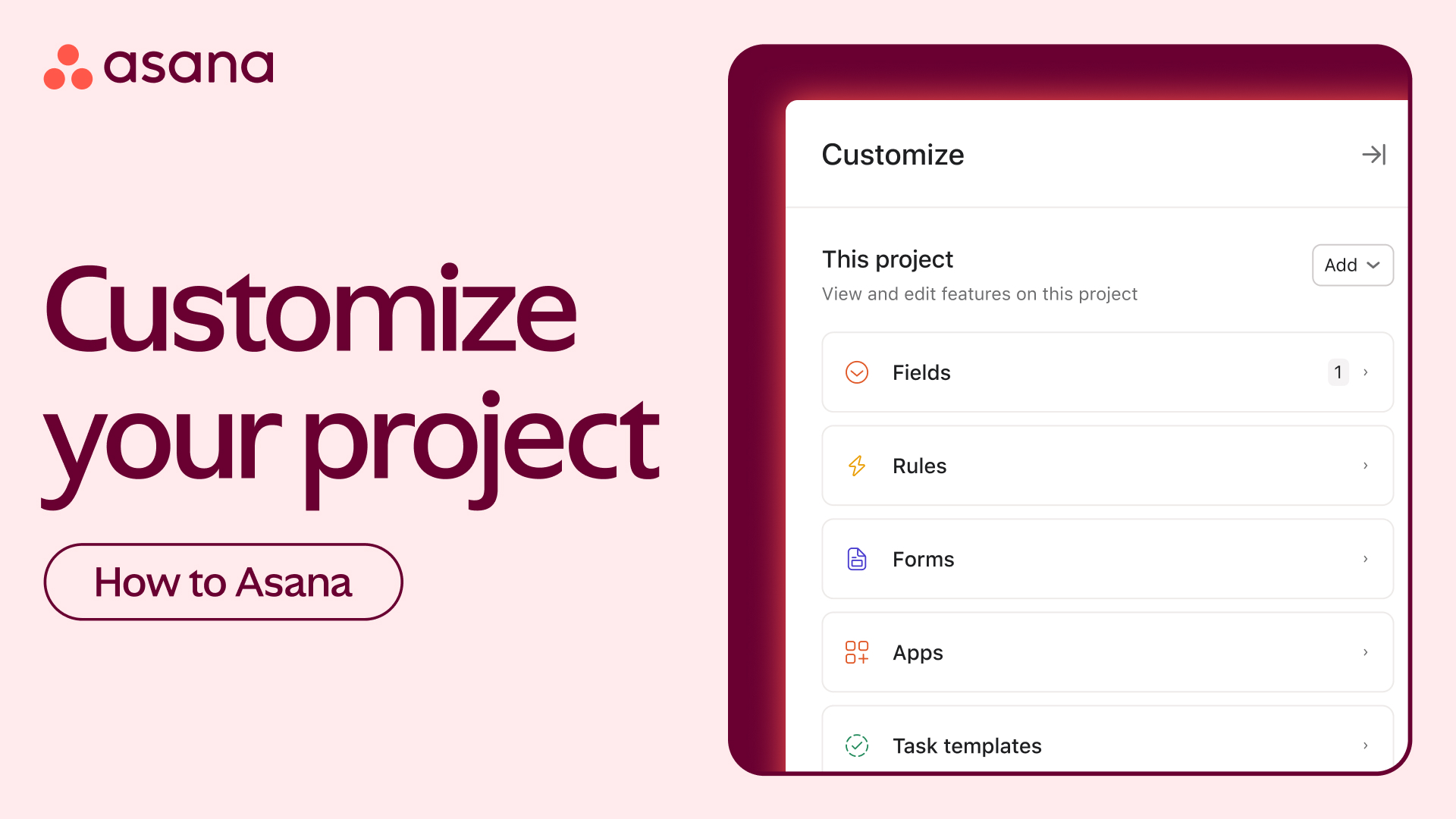
To add automations to your project, head to the customize menu. The automations you create will only apply to this project.
Let's build a few.
Every automation has two components: a trigger and an action—triggers set off your automations. Maybe a task is overdue, or a custom field has changed. Once an automation is triggered, an action takes place. For example, an overdue task may trigger a comment to be added as a reminder.
Your automation will be active as soon as you create it. But you can always pause an automation while you're building it.
An automation can have multiple triggers or actions. In this creative requests project, custom fields are used to denote the stage of each request. When the custom field is changed, multiple actions need to happen. Rather than doing each step manually, you can create a single automation to move the task to a new section, add collaborators, and create subtasks for approvals.
You can also use automations to integrate your team's other tools into your work in Asana.
Finally, you can add automations to your My Tasks to streamline daily task management.
Need some automation inspiration? Get started with a suggestion from the automations gallery. Say bye-bye to busy work with automations in Asana.
Stuck on automations automation? Ask the Community!