Loading

How to use the customize menu

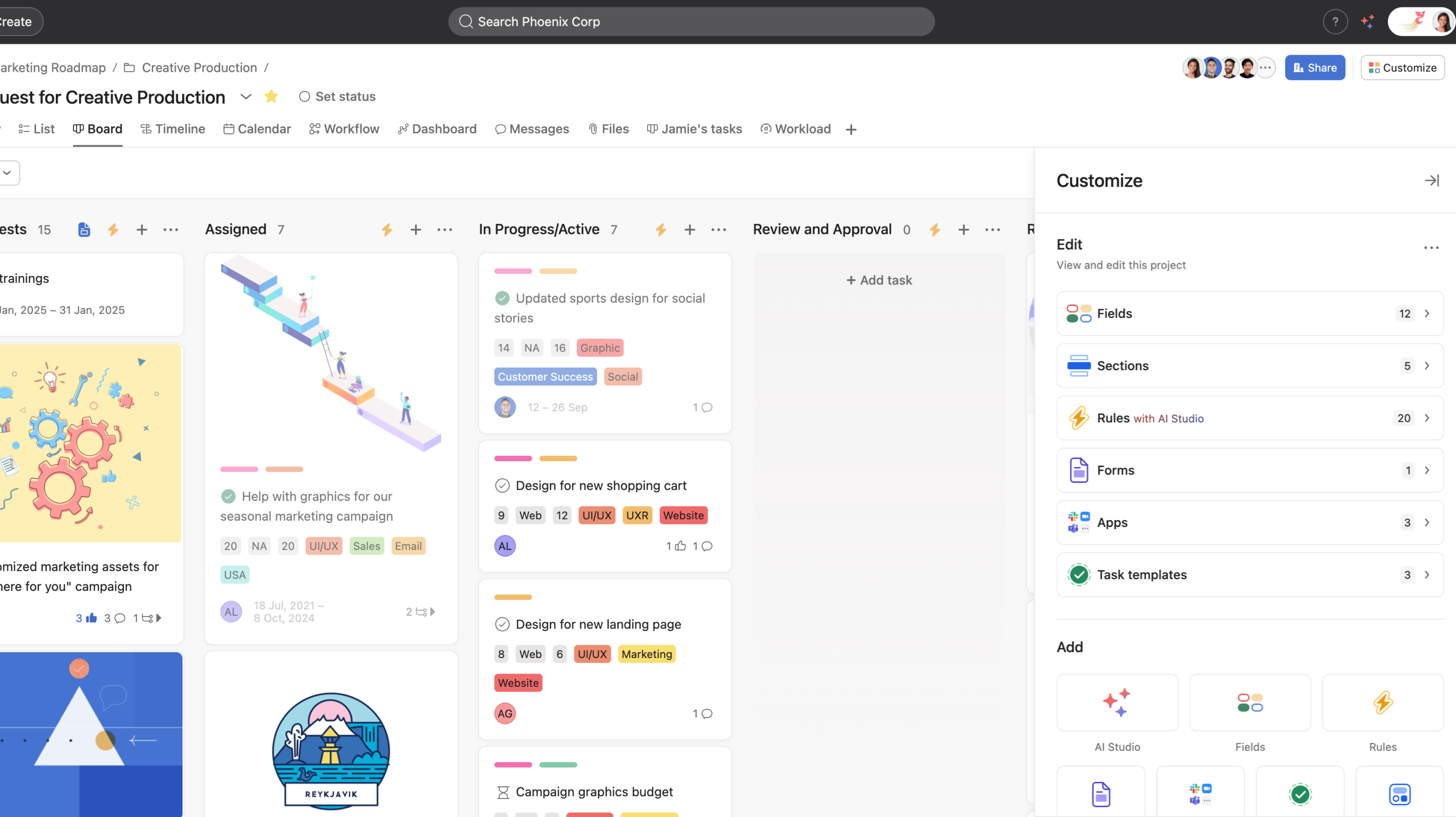
In this video, we’ll show you how to use the customize menu to tailor your Asana projects, making them more efficient and aligned with your team's needs.
Who can use this feature?
StarterAdvancedEnterpriseEnterprise+PremiumBusinessLegacy Enterprise

Visit our pricing page for more information.

Key steps covered:

  • Accessing the customize menu
  • Adding custom fields and rules
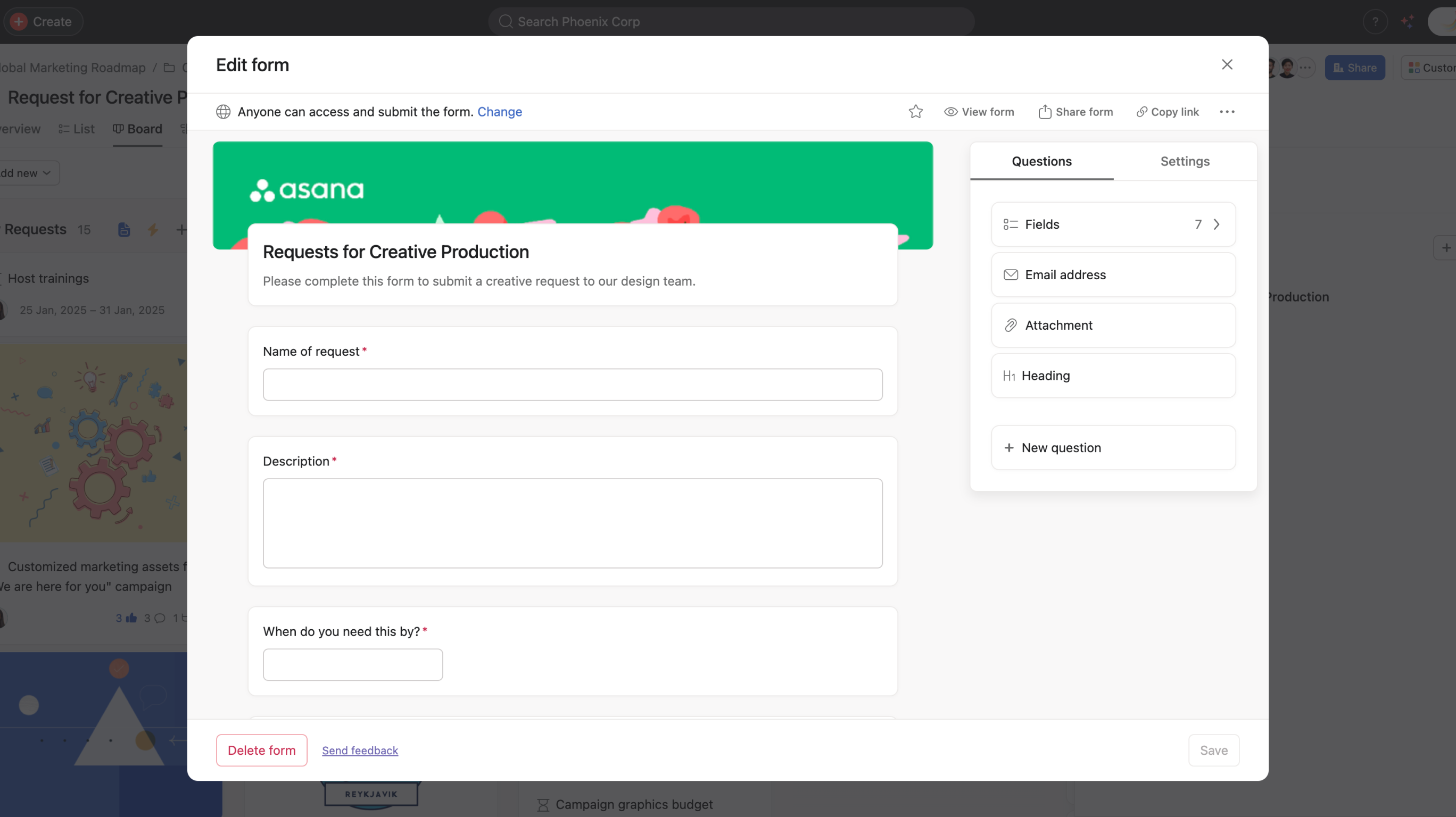
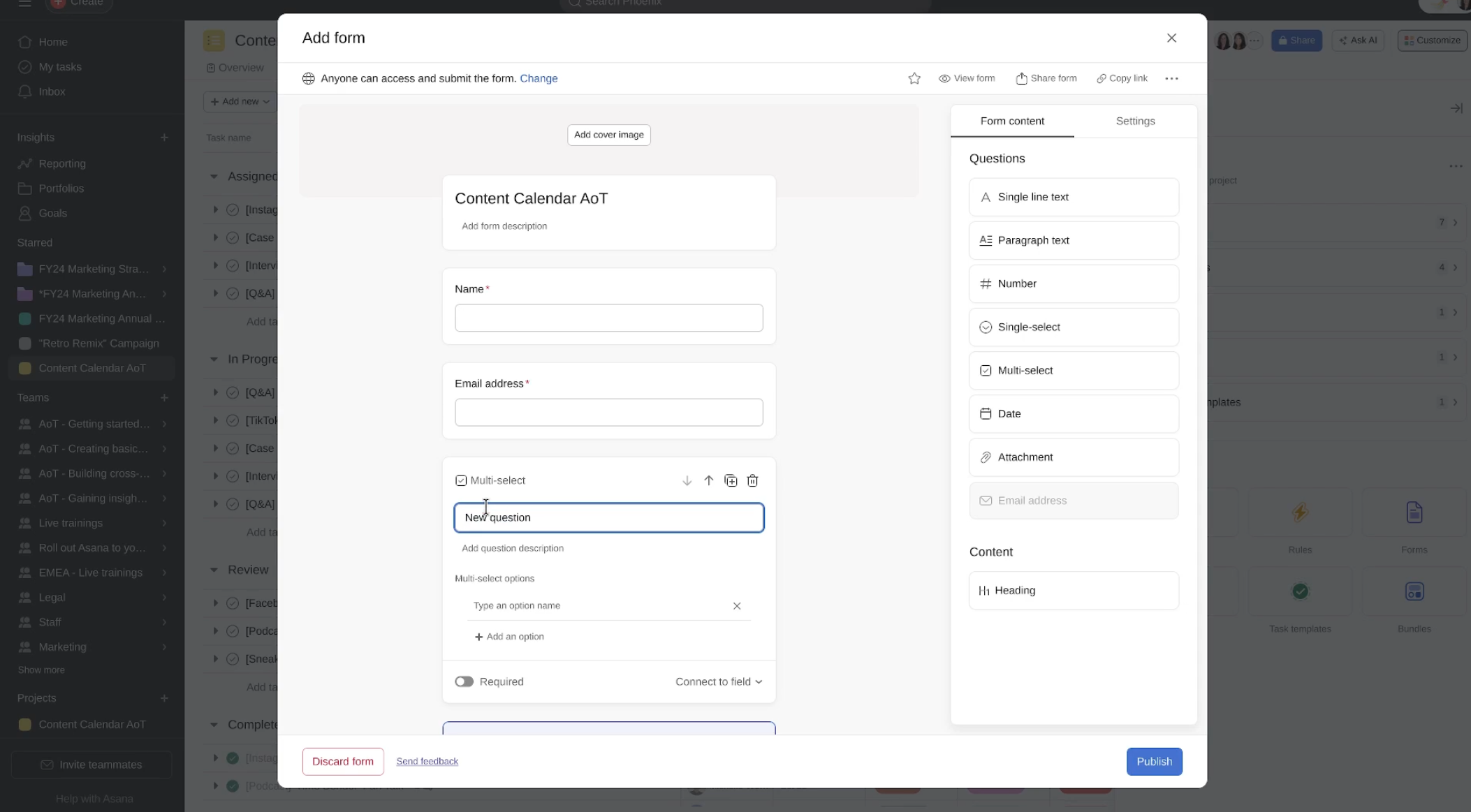
  • Creating forms
  • Integrating apps with your project
  • Adding task templates and bundles

Why use the Customize menu in Asana?

  • Tailor your projects to fit your team's workflow
  • Automate repetitive tasks to save time
  • Enhance project management with custom fields and integrations

Learn more about the customize menu:


Like what you see? Get started with a free Asana trial today. Try for free

Next up
Loading
Use the Asana Customize menu: tailor projects | Help Center