Get up and running with Asana in just a few minutes! This video walks you through everything you need to know to start organizing your work, collaborating with teammates, and managing projects effectively.
Key moments
- [00:10] Creating your first project. From scratch, templates, or spreadsheet imports
- [00:30] Adding and organizing tasks with assignees, due dates, and sections
- [00:44] Using custom fields to track priority, status, and budgets
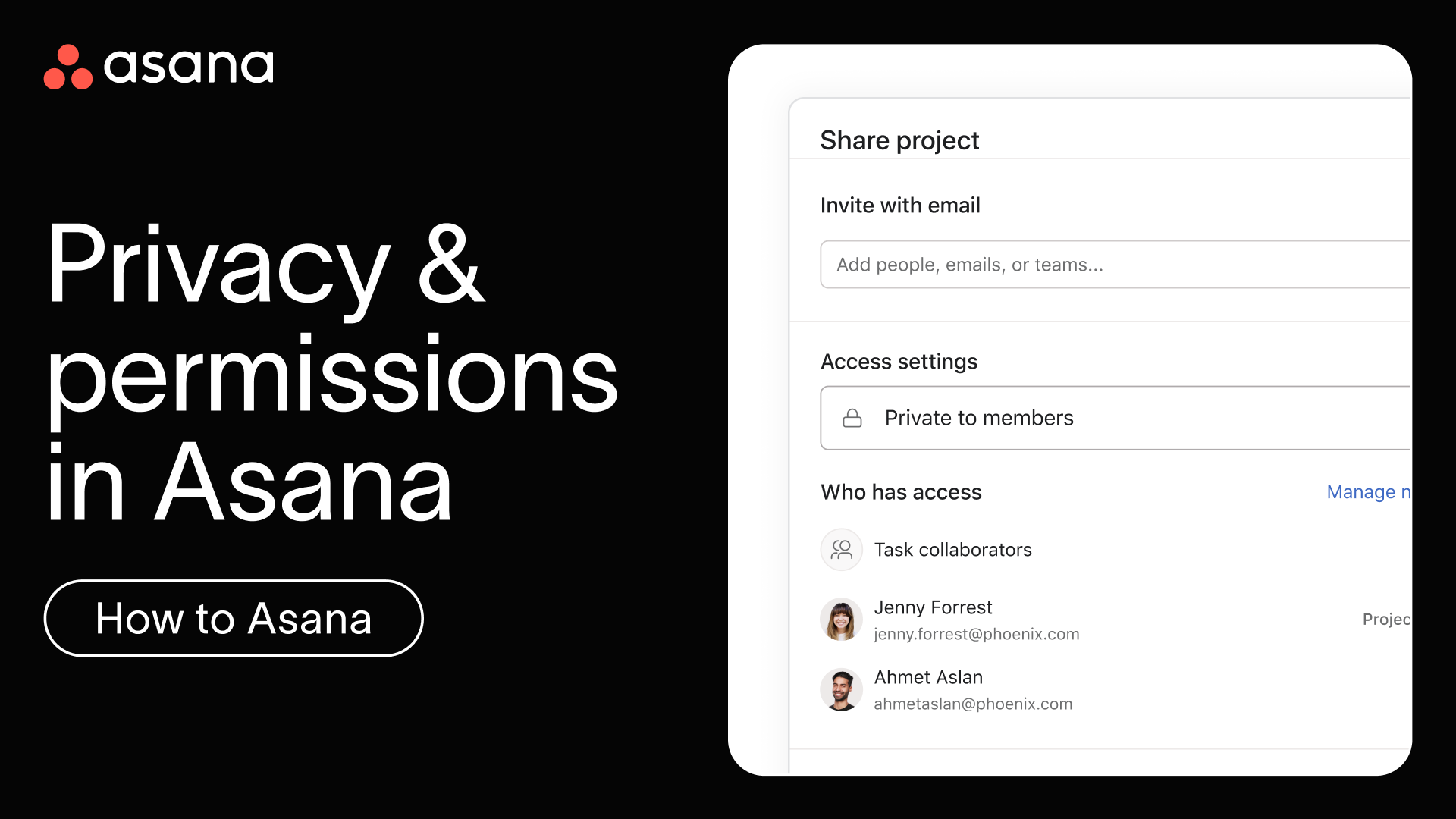
- [01:08] Inviting teammates and collaborating with comments, likes, and attachments
- [01:33] Advanced features: forms, automation rules, and dashboards
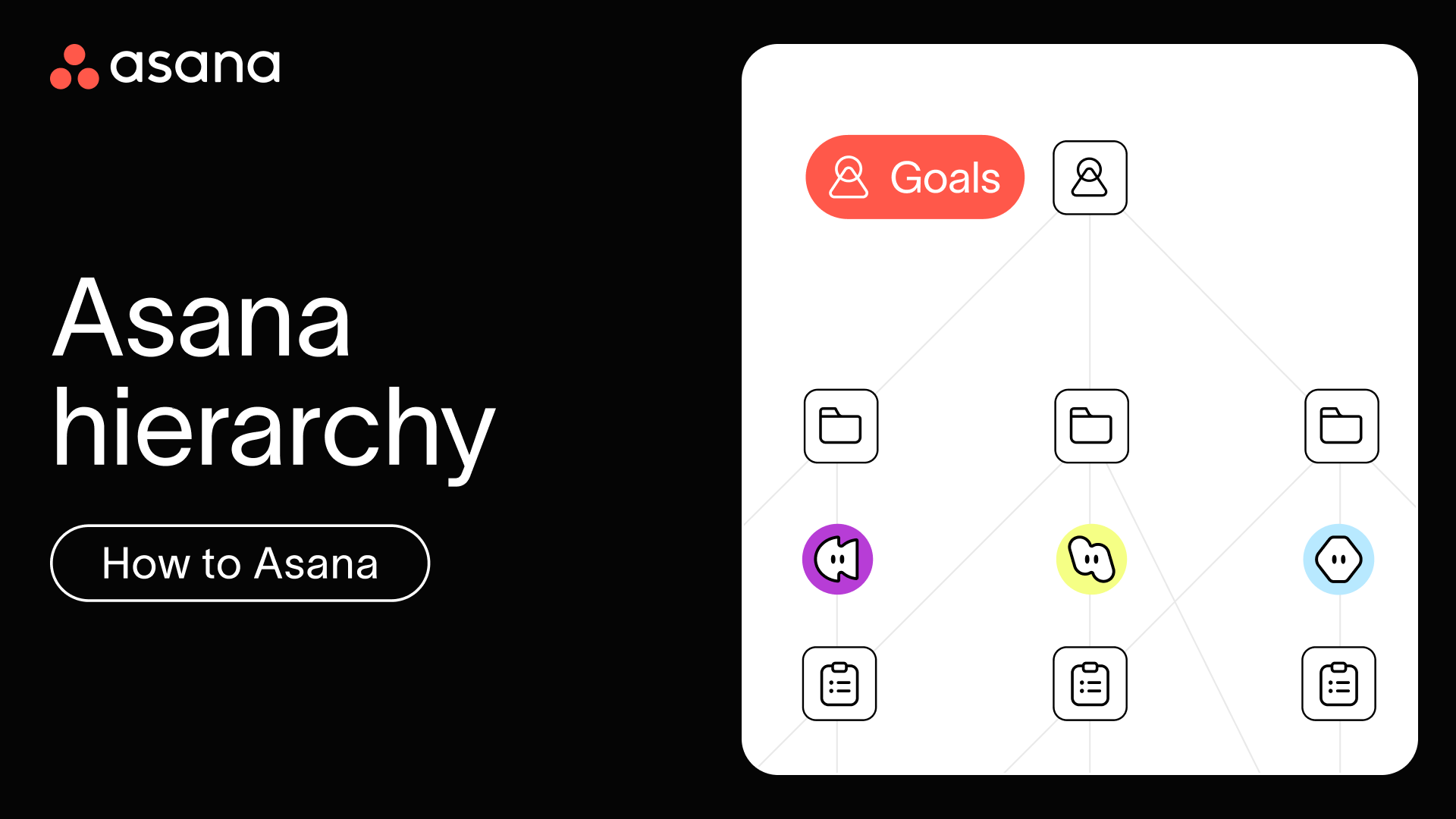
- [02:04] Managing multiple projects with portfolios and goal alignment
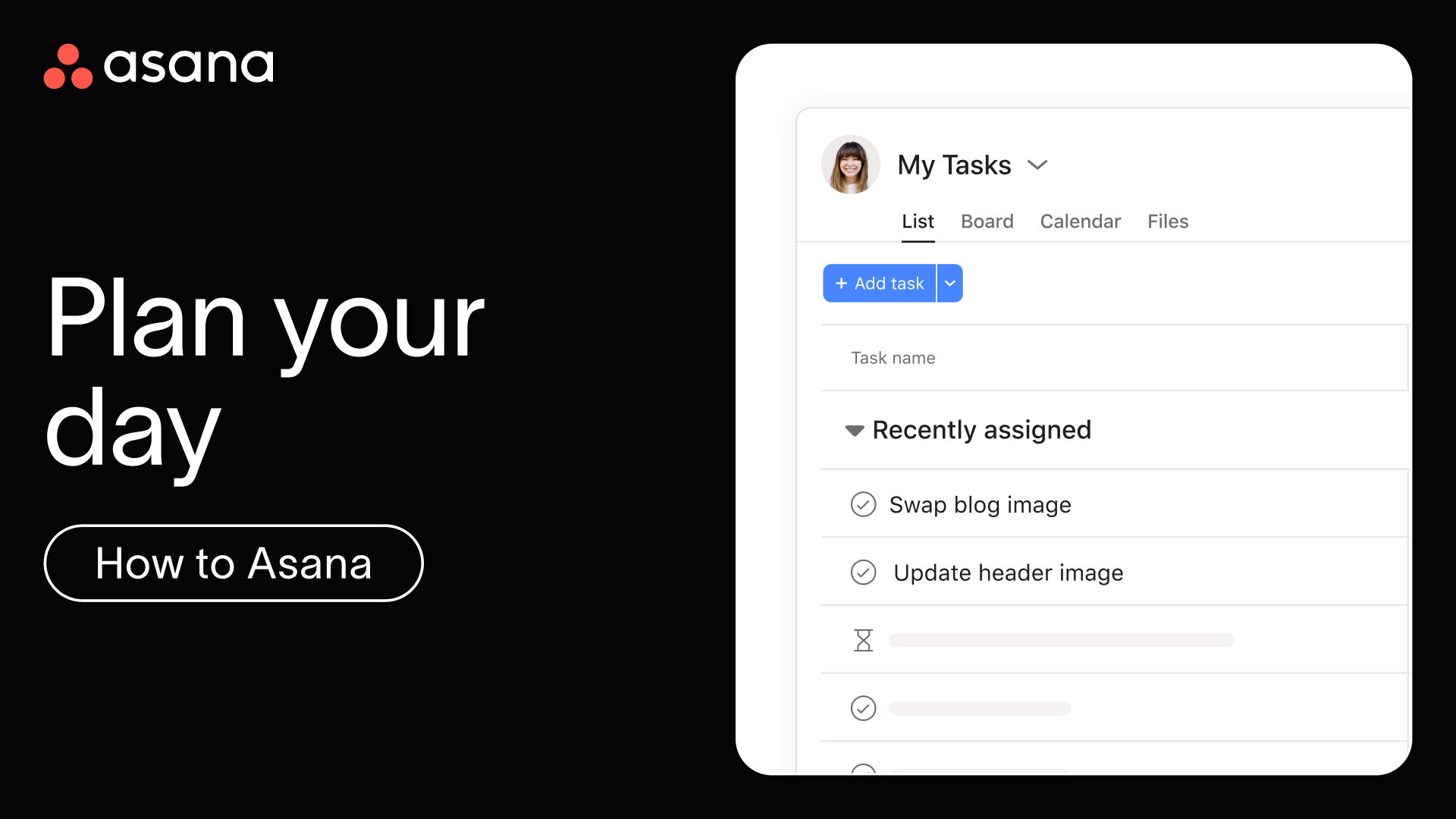
- [02:29] Staying organized with My Tasks, Asana Inbox updates, and team integrations
Quick tips for adding work to Asana
- Start with structure. Create projects for major initiatives (like "Website Redesign" or "Q2 Marketing Campaign") and use sections to break them into logical phases.
- Make tasks actionable. Begin task titles with verbs ("Draft blog post" instead of "Blog post") so it's clear what needs to be done.
- Assign responsibility. Every task should have one assignee, the person responsible for completing it. You can still add collaborators to help, like CCing someone on an email.
- Set clear deadlines. Add due dates to create urgency and help everyone plan their work. Use start dates for tasks that take multiple days.
Learn more
- Join a live 'Getting Started' training session to get personalized guidance, ask questions in real-time, and accelerate your Asana mastery.
- Learn at your own pace to earn the Asana Foundations Skill Badge and demonstrate your expertise.
Next up
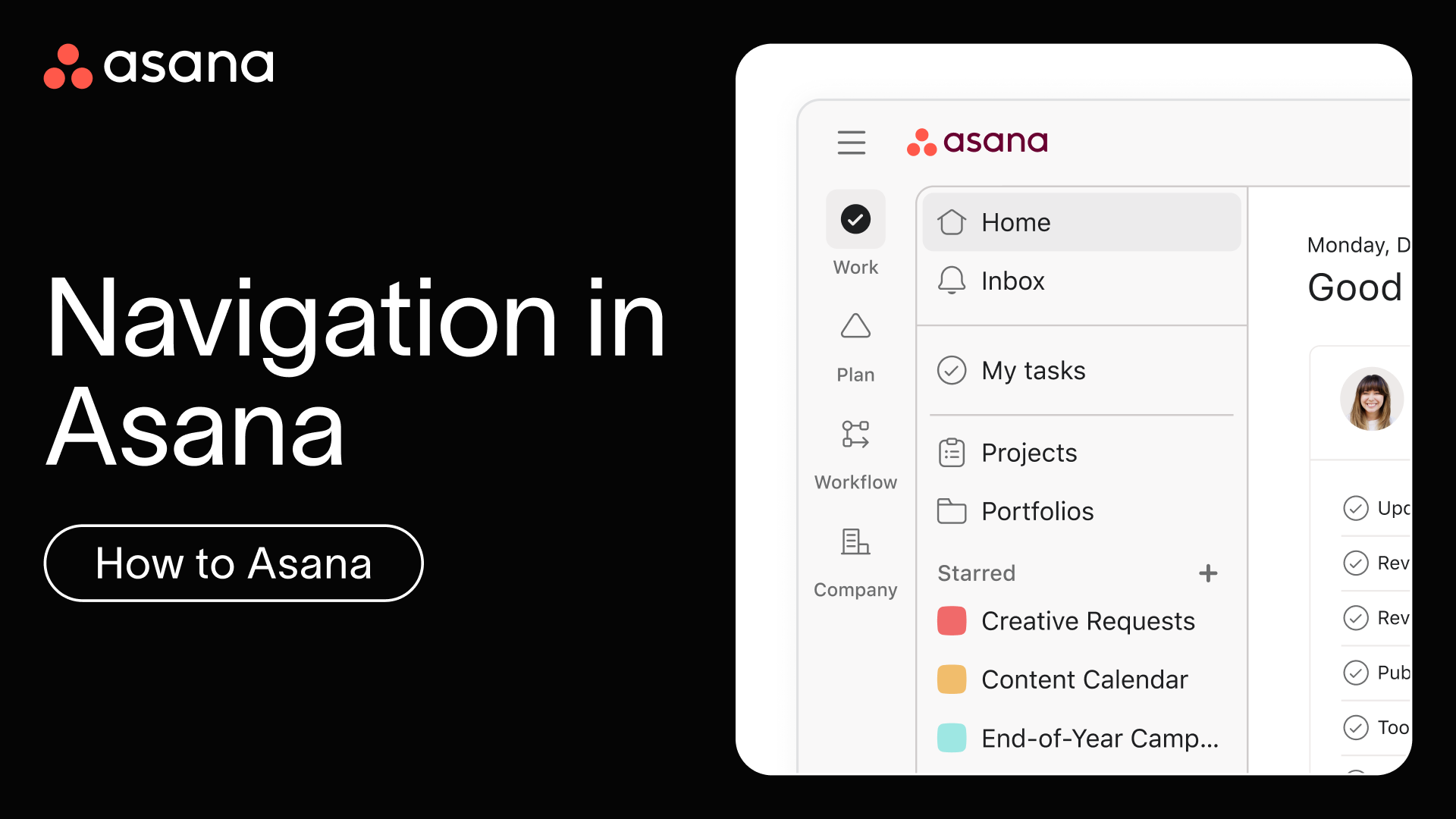
With your project created and tasks added, next, let's take a quick tour of Asana's interface so you can navigate confidently and find everything you need.