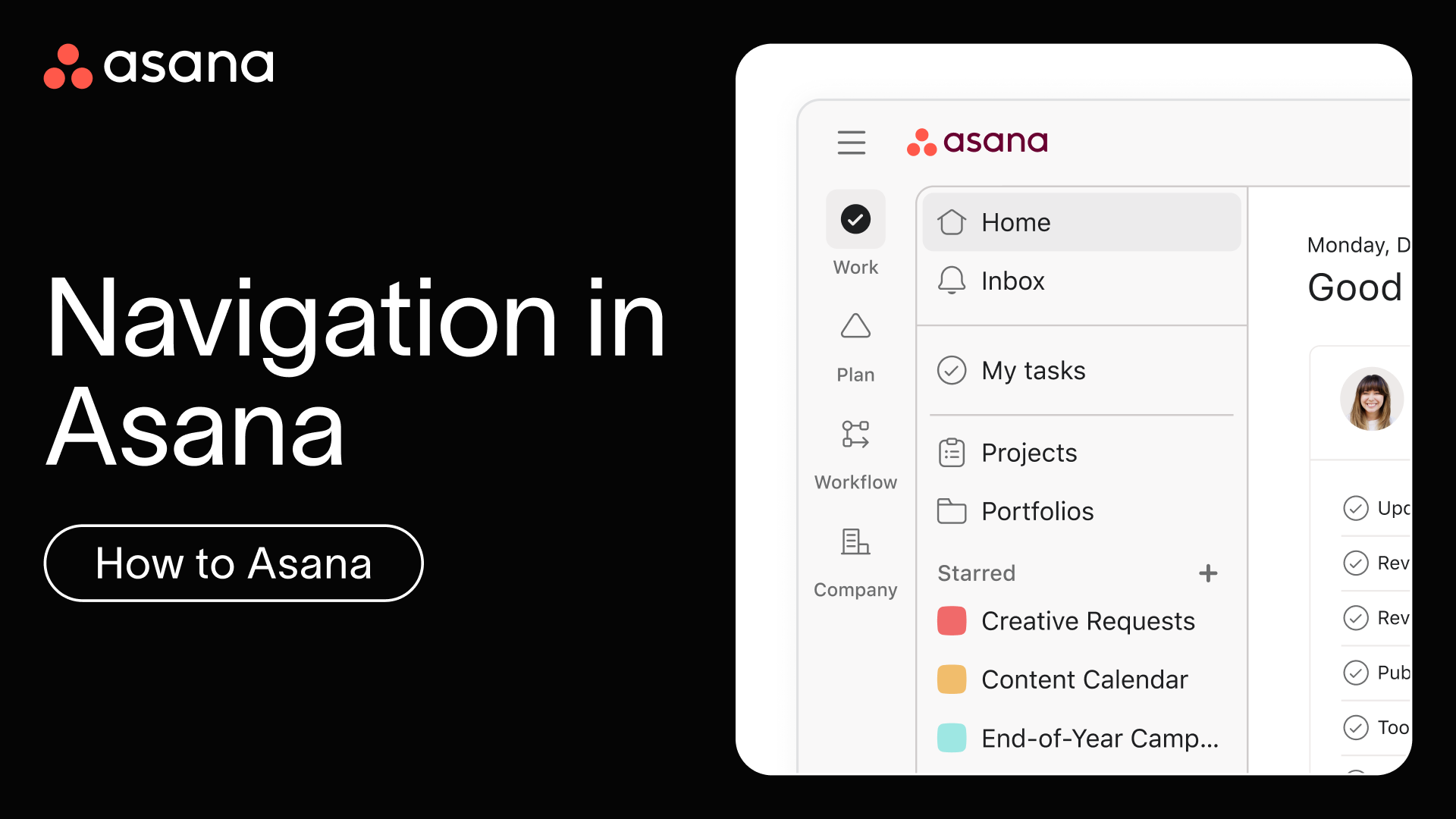
Get familiar with navigating Asana in minutes. This quick tour shows you how to move between projects, tasks, and teams so you can focus on getting work done instead of figuring out where things are.
Key moments
- [00:10] Top bar essentials: settings, search, and creating new items
- [00:21] Using the sidebar to move between spaces and invite teammates
- [00:29] Starring important items and customizing your sidebar
- [00:38] Viewing task details and adding comments from any project
- [00:45] Using full-screen mode to focus on individual tasks
- [00:50] Navigating subtasks and finding your way back to parent items
- [01:02] Collapsing tasks to return to project view
Learn more
- Home page is your personalized starting point, showing you work that matters most.
- Favorite important projects by clicking the star icon to add them to your sidebar for quick access.
- Search and search views are a powerful way to find any task, project, or conversation in seconds.
Next up
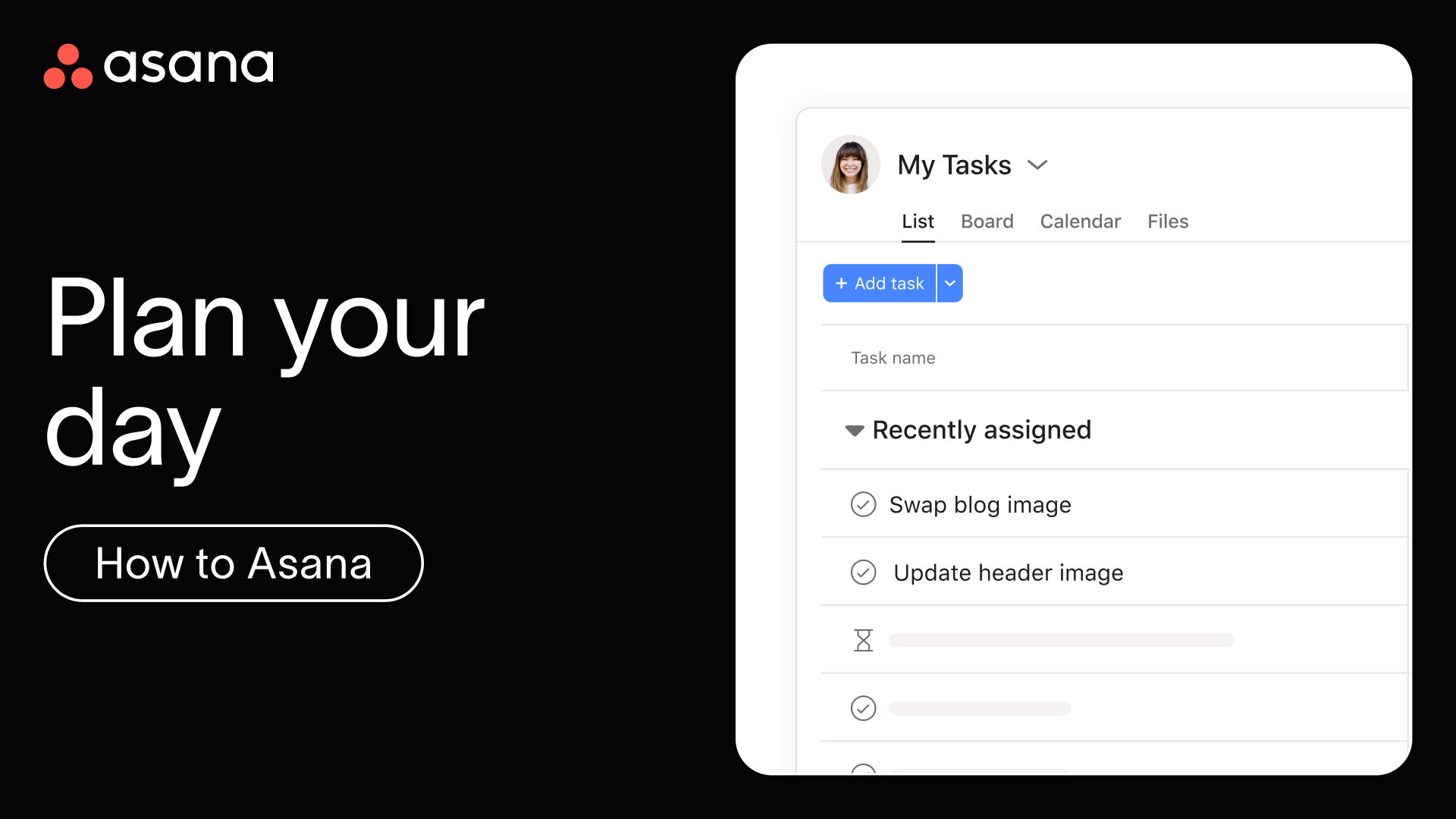
Now that you know your way around Asana, next, let's focus on how to organize and prioritize your personal work each day using My tasks and Inbox.