Loading

Plan your day with Asana

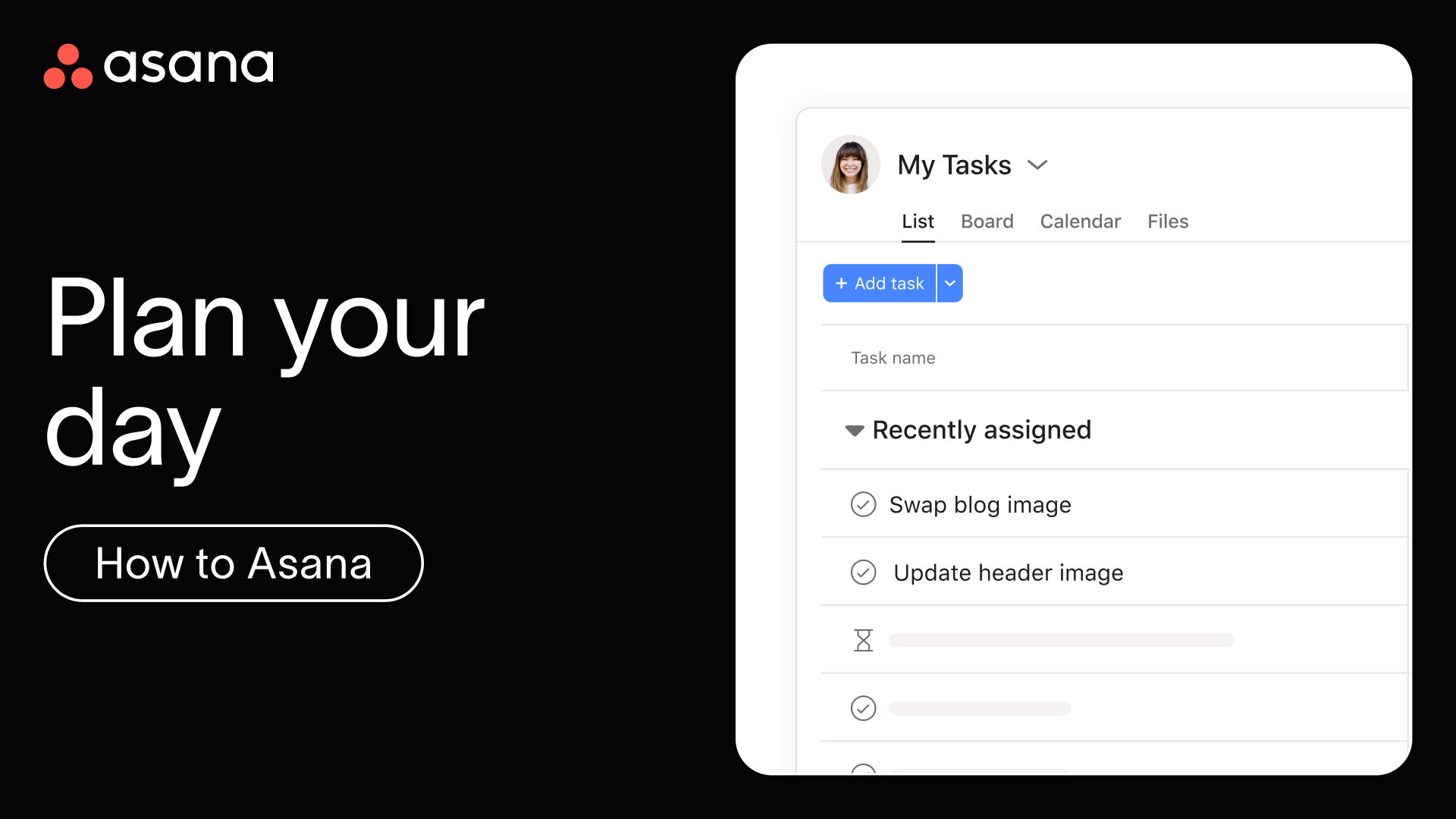
Transform how you organize and prioritize your daily work using Asana's My Tasks and Inbox features. Stop juggling to-dos in emails or your head and start each day with a clear, organized view of what needs to get done.

Key moments

  • [00:10] Using My tasks to visualize all your assigned work in one place
  • [00:25] Creating new tasks and organizing with sections and groupings
  • [00:38] Choosing your preferred view and using the detail pane for context
  • [00:49] Completing tasks and tracking daily progress
  • [00:55] Staying updated with inbox notifications and work you're following
  • [01:00] Responding to comments, giving likes, and sending appreciations
  • [01:13] Adding tasks to meeting agendas and managing inbox notifications

Personal productivity power tips

  • Begin and end your day in My tasks. Take 5 minutes each morning to organize today's priorities and wrap up by reviewing tomorrow's work.
  • Create sections that work for you. Try organizing by priority ("Must Do Today," "Next Up," "Later"), by effort ("Quick Wins," "Focus Work"), or by project.
  • Make your inbox part of your routine. Unlike email, your Asana Inbox only shows updates on work you're following. Check it throughout the day to keep team conversations moving without losing focus. Respond directly to comments, create follow-up tasks, or simply like updates to acknowledge them.
  • Keep conversations in context. When discussing work, add comments directly to tasks instead of sending emails. This keeps all communication connected to the work, creating a clear record everyone can reference.

Learn more

Join a live 'Personal productivity' training session to learn best practices for managing your daily work more effectively. 

Next up

While planning your own day is powerful, Asana really shines when your whole team is collaborating together. Next, see how to bring everyone on board.

Next up
Loading
Plan your day with Asana