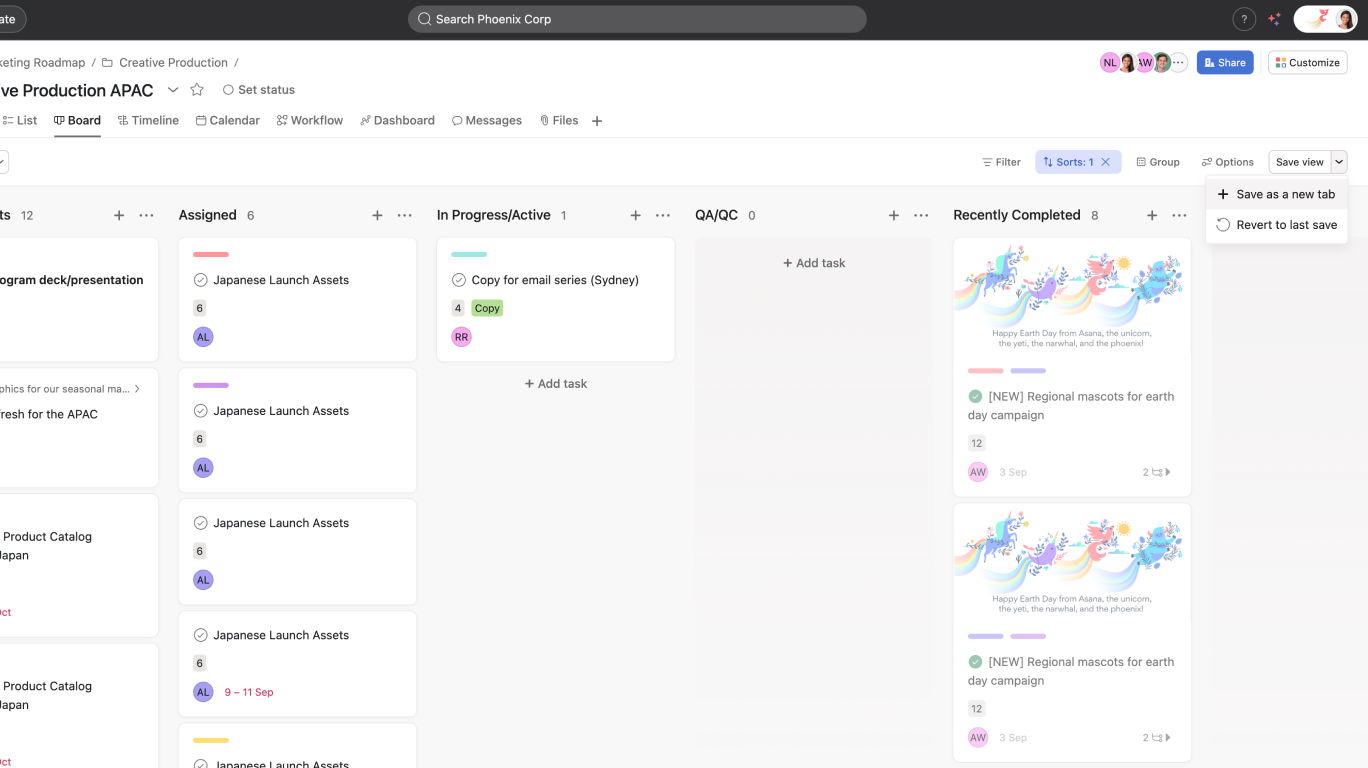
Save views as tabs in Asana: custom views | Help Center
As a Virginia consumer, you have the right to opt-out from the sale of your personal data and the processing of your personal data for targeted advertising. You can opt-out of the sale of your personal data and targeted advertising by using this toggle switch. For more information on your rights as a United States consumer see our Privacy Statement.
Opt-Out Request Honored
Privacy Preference Center
When you visit any website, it may store or retrieve information on your browser, mostly in the form of cookies. This information might be about you, your preferences or your device and is mostly used to make the site work as you expect it to. The information does not usually directly identify you, but it can give you a more personalized web experience. Because we respect your right to privacy, you can choose not to allow some types of cookies. Click on the different category headings to find out more and change our default settings. However, blocking some types of cookies may impact your experience of the site and the services we are able to offer.
Manage Consent Preferences
Strictly Necessary Cookies
Always Active
These cookies are strictly necessary to provide you with certain features. For example, these cookies allow you to access secure areas that require registration and set your privacy preferences. Because these cookies are essential to providing services to you, they cannot be disabled. You can set your browser to block or alert you about these cookies, but it may cause some parts of the site to not work.
Sale of Personal Data and Targeted Advertising
Third party trackers collect information used for analytics and to personalize your experience with targeted ads. Under the Virginia Consumer Data Protection Act, you have the right to opt-out of the sale of your personal data to third parties. You also have the right to opt out of targeted advertising related processing. You may exercise your right to opt out of the sale of personal data and targeted advertising by using this toggle. If you opt out, we will not be able to offer you personalized ads and we will stop sharing your personal information with third parties. For more information please see our Privacy Statement.
Performance Cookies
These cookies allow us or our third-party analytics providers to collect information and statistics on use of our services by you and other visitors. This information helps us to improve our services and products for the benefit of you and others.
Targeting Cookies
These cookies, provided by our third-party advertising partners, collect information about your browsing habits, as well as your preferences for various features and services. They also provide us with auditing, research, and reporting to know when advertising content has been displayed and how successful the content has been. This information allows us and our third-party advertising providers to display relevant advertising content.
Functional Cookies
These cookies provide enhanced functionality, providing chat support, allowing you to more easily complete forms, personalizing content to your preferences, and selecting your communications preferences. If you do not enable these cookies, or choose to disable them in the future, that could impact your ability to use certain features.