Loading

How to set up your notifications

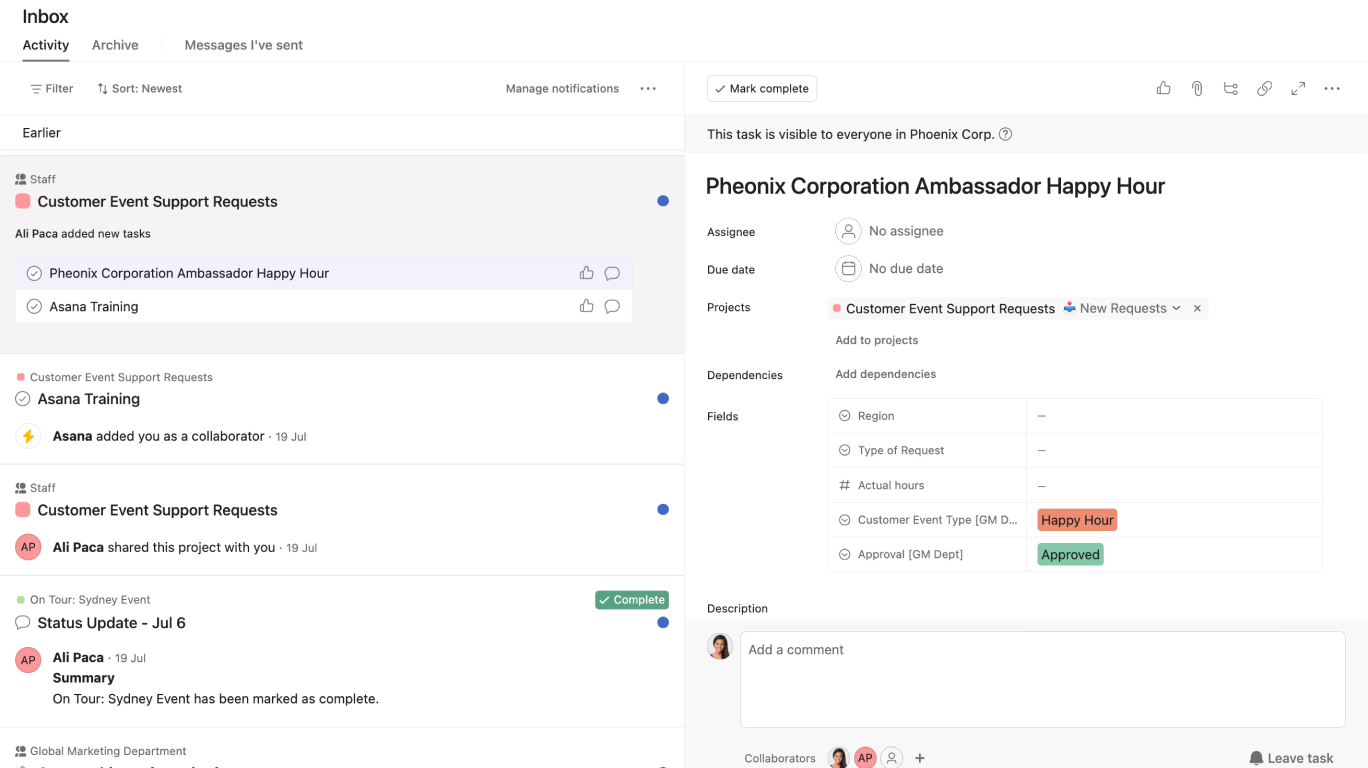
In this video, we will guide you through setting up your notifications to ensure you stay updated on important tasks and project developments.

Key steps covered:

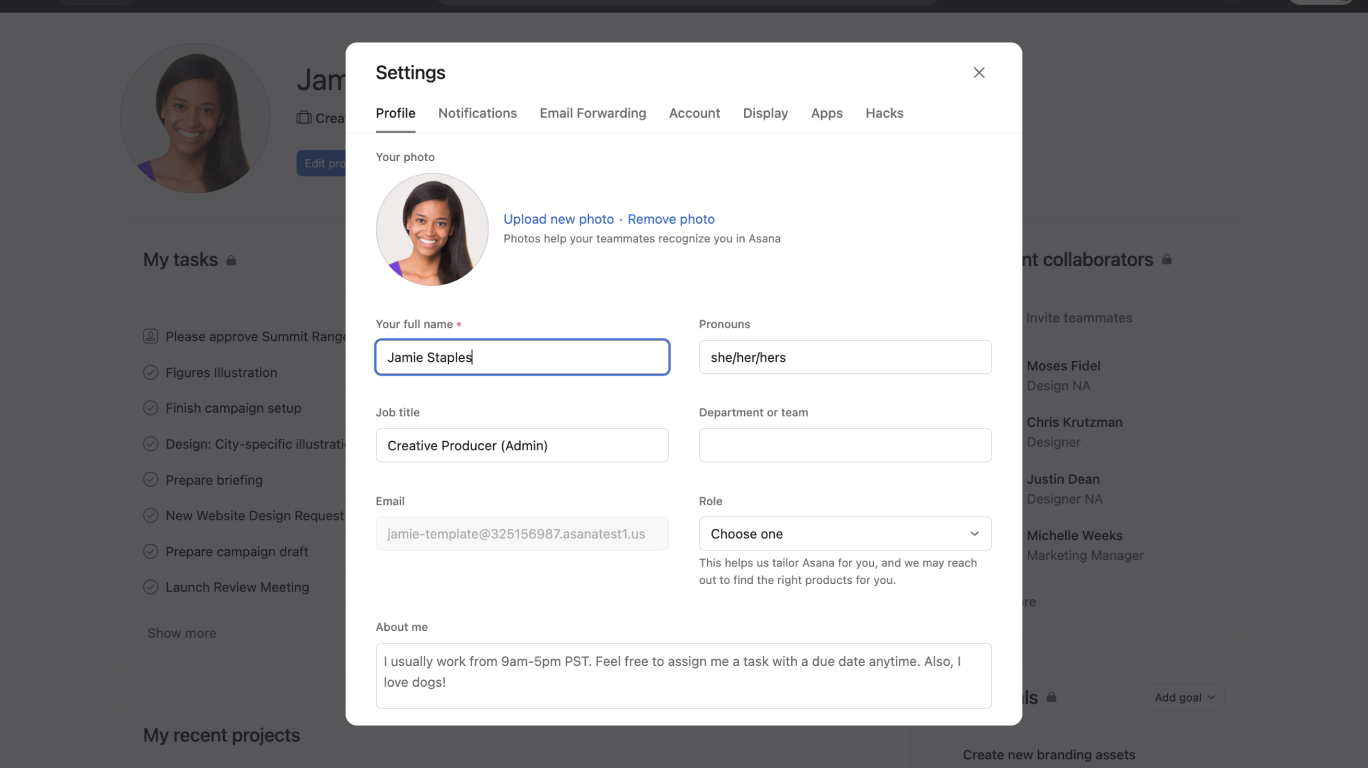
  • Accessing your notification settings.
  • Enabling browser and Slack notifications.
  • Configuring project and portfolio notifications.
  • Setting up email notifications and Do not disturb mode.

Why set up notifications in Asana?

  • Stay informed about critical updates.
  • Customize notifications to fit your workflow.
  • Ensure you never miss important project changes.
  • Enable Do not disturb to avoid receiving notifications outside of work hours or during meetings.

Learn more about notifications:


Like what you see? Get started with a free Asana trial today. Try for free


Next up
Loading
How to Set Up Notifications in Asana