Loading

How to navigate the admin console

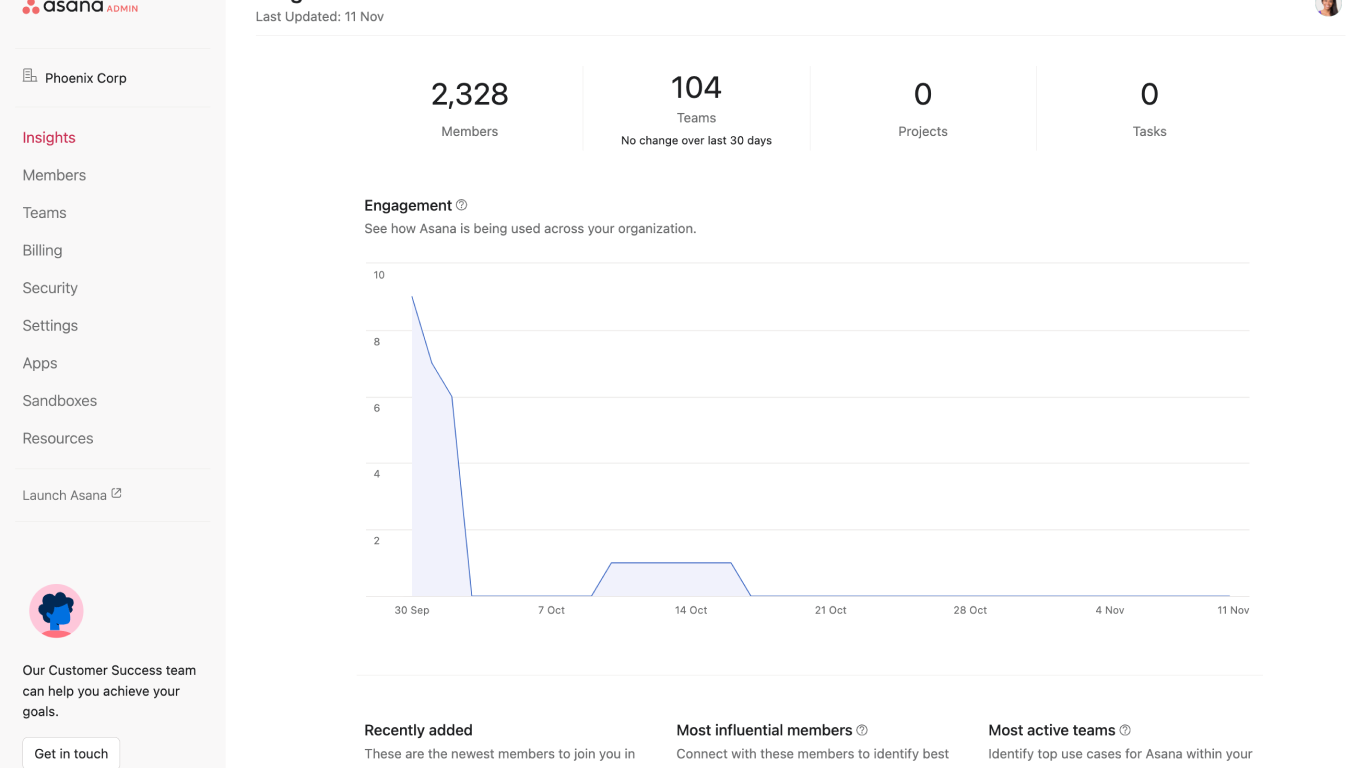
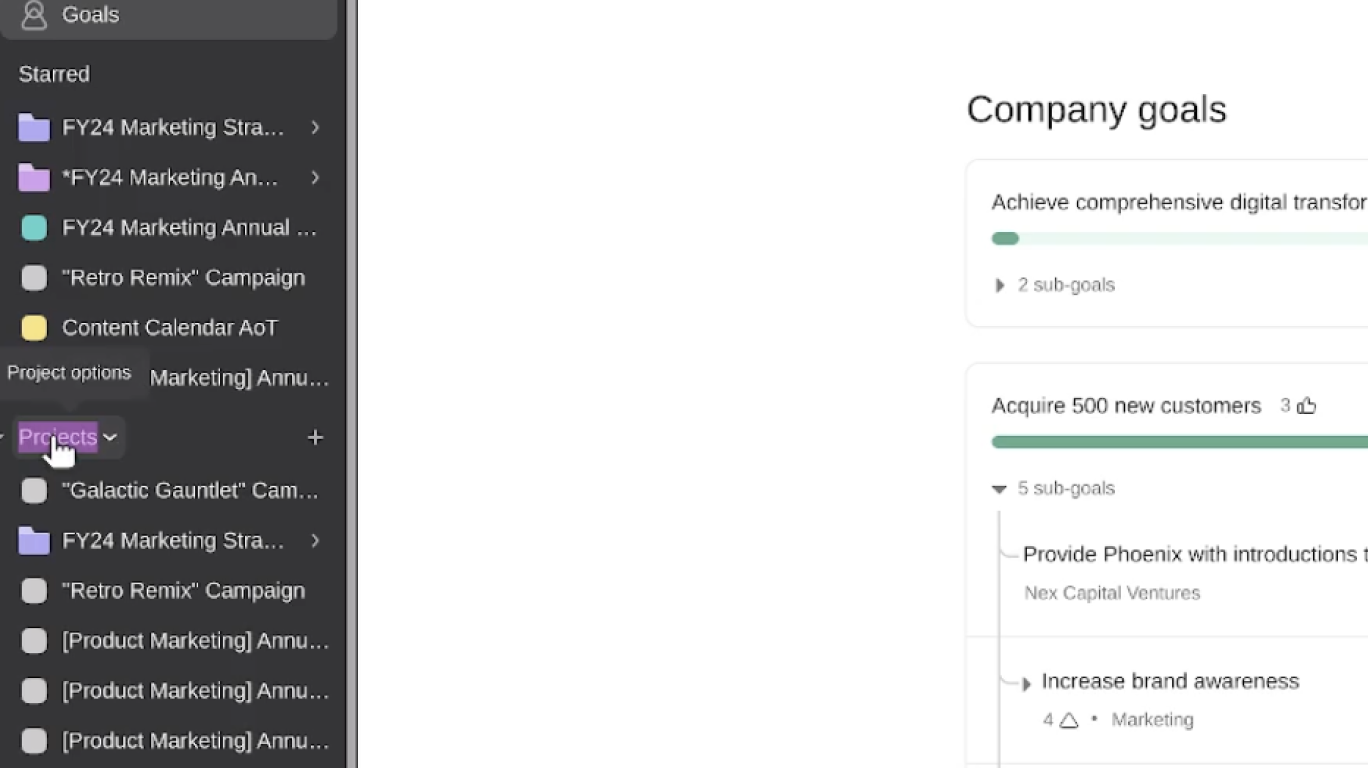
In this video, we will guide you through the steps to navigate the admin console in Asana, covering key features and functionalities available to admins and super admins.

Key steps covered:

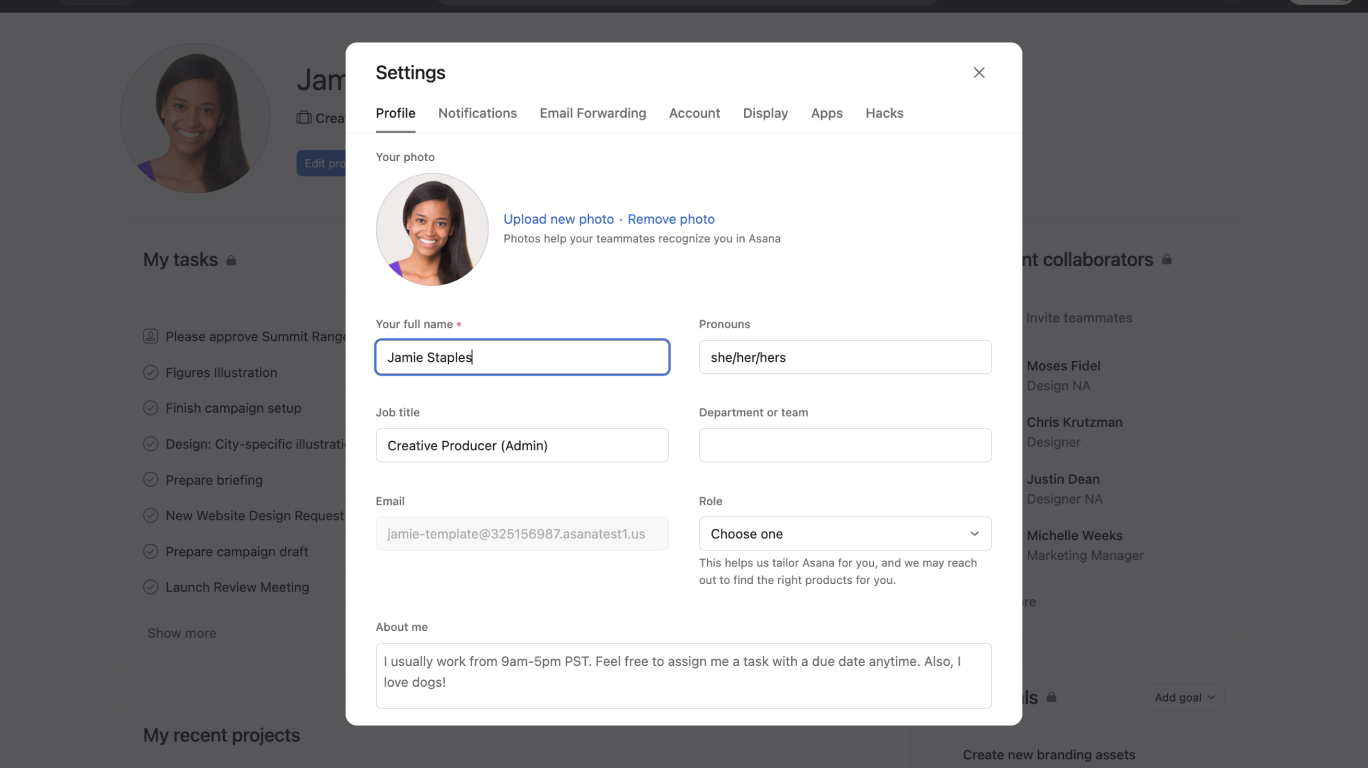
  • Accessing the admin console from your profile.
  • Navigating the different tabs available.
  • Managing members, teams, security settings, and app integrations.

Why use the admin console?

  • Manage security and app integrations for your domain.
  • Gain insights into team engagement and productivity.
  • Efficiently manage billing, from changing billing owner to modifying your Asana plan.

Learn more about the admin console:


Like what you see? Get started with a free Asana trial today. Try for free

Next up
Loading
How to Navigate the Asana Admin Console