Loading

How to update your profile settings

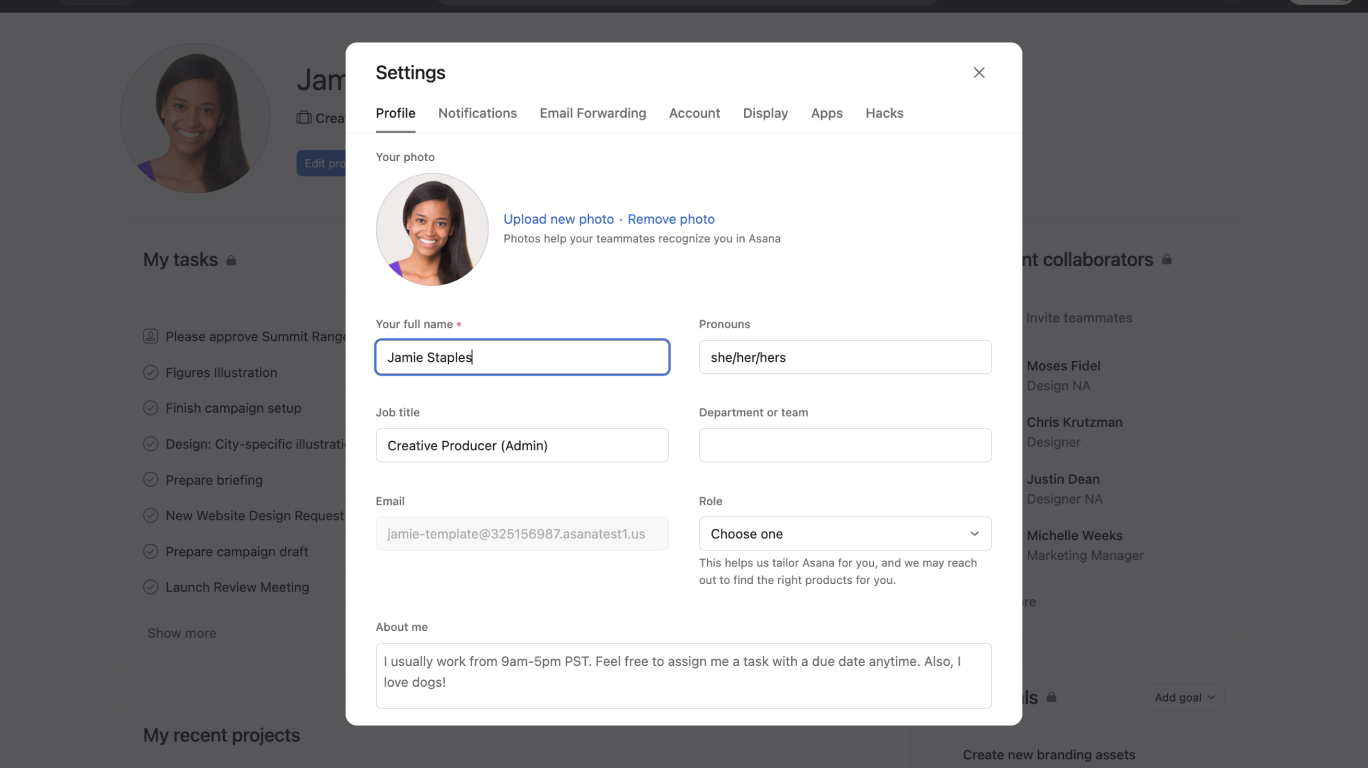
In this video, we’ll show you how to update your profile settings in Asana. Updating your profile settings allows you to personalize your experience and manage your account details.

Key steps covered:

  • Navigating to your profile settings.
  • Updating your profile photo, name, job title, pronouns, and department.
  • Adding an About me description.
  • Setting your out-of-office status.

Why update your profile settings?

  • Personalize your Asana experience.
  • Ensure your team has accurate and up-to-date information about you.
  • Indicate when you're unavailable for task assignments.

Learn more about profile settings:


Like what you see? Get started with a free Asana trial today. Try for free

Next up
Loading
How to Update Your Profile Settings in Asana