Loading

How to use your Asana Inbox

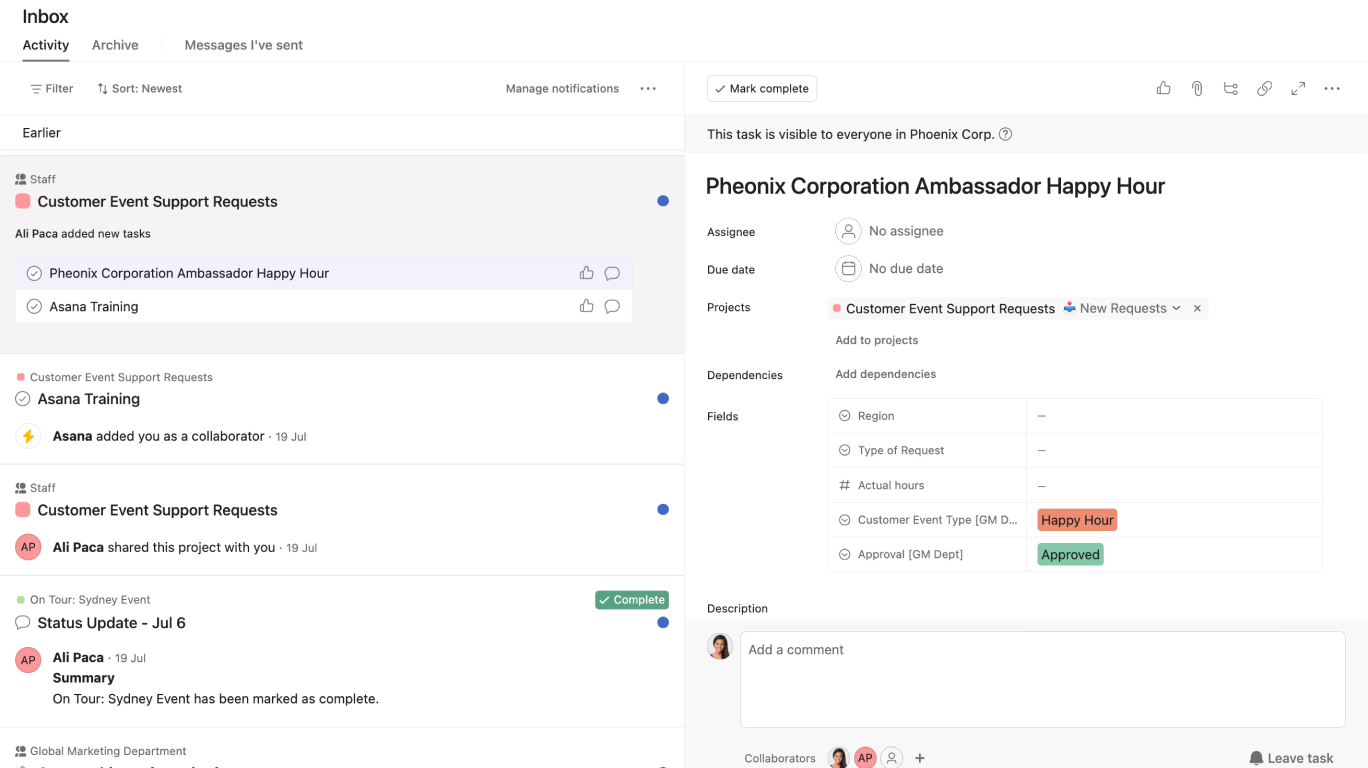
This video will show you how to efficiently manage your tasks and notifications in Asana using the inbox feature, ensuring you stay on top of your work.

Key steps covered:

  • Accessing your inbox from the sidebar
  • Navigating the Activity, Bookmarks, Archive, and Messages I’ve Sent tabs
  • Archiving, un-archiving, filtering, and sorting notifications
  • Bookmarking important notifications

Why use the Asana inbox?

  • Keep track of updates, comments, and tasks assigned to you
  • Stay organized and on top of your work
  • Easily manage notifications and tasks

Learn more about inbox:


Like what you see? Get started with a free Asana trial today. Try for free

Next up
Loading
How to Use your Asana Inbox