Products


AI Platform


Asana Foundations
Company Type

Visit our pricing page for more information.
This article explains how organizations can configure authentication settings to streamline access and enhance security, including Google sign-in, Microsoft SSO, and SAML.
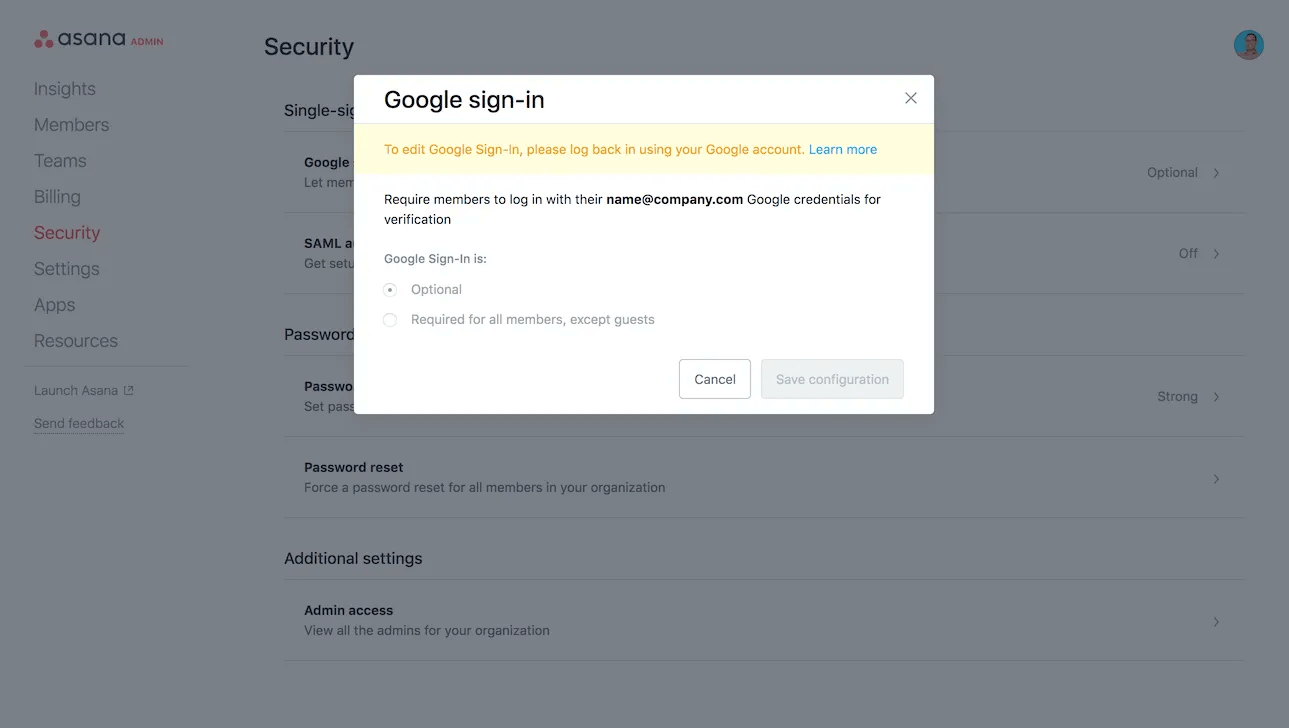
Google sign-in is available for paid organizations, and is not supported for paid divisions. Super admins must first log in with their Google account in order to enable Google SSO. If you logged in with email and password, simply log out and in again using the blue Use Google Account button instead.
Note
Organization guests can always login with email and password, regardless of whether Google SSO is required for members or not.
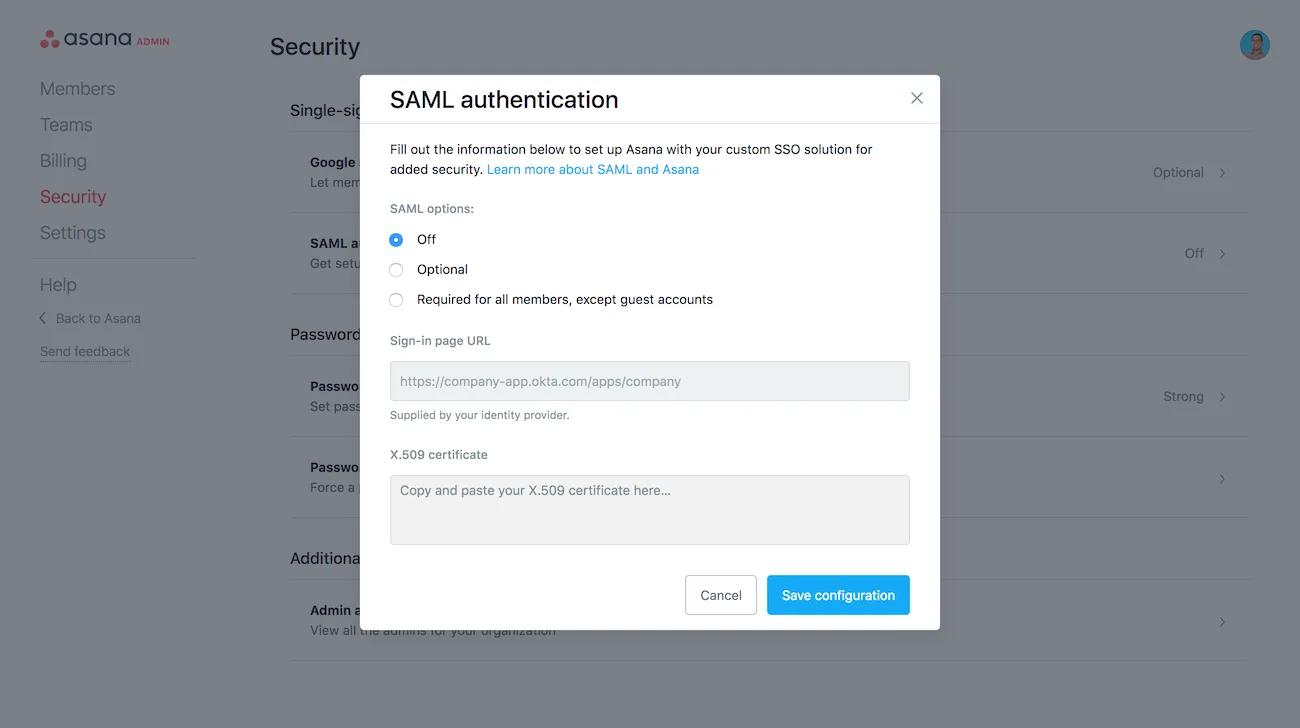
Asana Enterprise and Enterprise+ organizations, as well as organizations on legacy tier Legacy Enterprise can enable SAML from the security tab of their admin console.
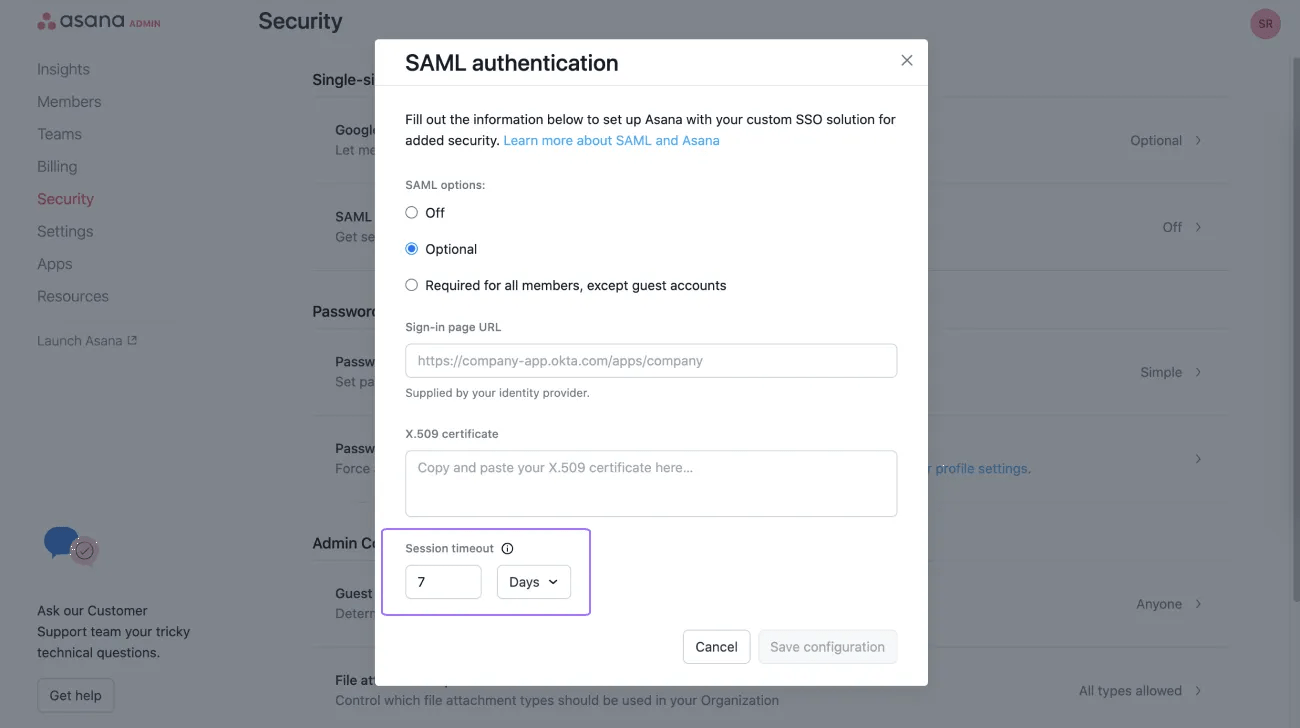
Super admins can set SAML session timeout between 1 hour and 30 days in the admin console. Members will be automatically logged out and asked to log in again after the specified timeout set.
Asana supports Microsoft Single Sign-On (SSO), which allows organization members to sign in using their Microsoft account credentials. Organization admins can also set Microsoft SSO as the required login method for all members, except guests. For full setup instructions, see Microsoft Single Sign-On.

