Built for the Mission. Ready for the Work.
Asana Gov gives government agencies a foundation to move critical work forward without complex implementation, long training cycles, or expensive rollouts.
Secure, compliant, and mission-ready
Asana Gov provides a dedicated environment designed to meet the rigorous compliance and security requirements of U.S. federal government agencies. It gives teams the flexibility to collaborate while adhering to federal data protection standards.
Security and compliance standards
Asana Gov maintains compliance with or is pursuing the following standards:
- FedRAMP Moderate (Class C) Authorized, providing U.S. federal government agencies with a secure and compliant work management environment.
- FIPS 140-2 validated encryption, to protect data at rest and in transit, ensuring that sensitive government information meets federal cryptographic standards.
- Protected by more than 323 security controls aligned with NIST 800-53 Rev. 5 (at the Moderate Baseline). These controls support access control, audit and accountability, system and communications protection, and incident response.
- SOC 2 Type 1 Complete
- SOC 2 Type 2 Anticipated
- GovRAMP in Progress
For full details, visit the Asana Gov Trust Center and FedRAMP Compliance Datasheet
Feature overview
Asana Gov includes most of Asana Enterprise plan features, providing users with the full suite of capabilities to manage work at scale. However, Asana Gov is a distinct solution and environment, purpose built to align with federal security and compliance standards.
 Note
Note
View Asana Enterprise+ features.
Administration and access controls
Asana Gov provides default administrative capabilities to ensure centralized access for all users.
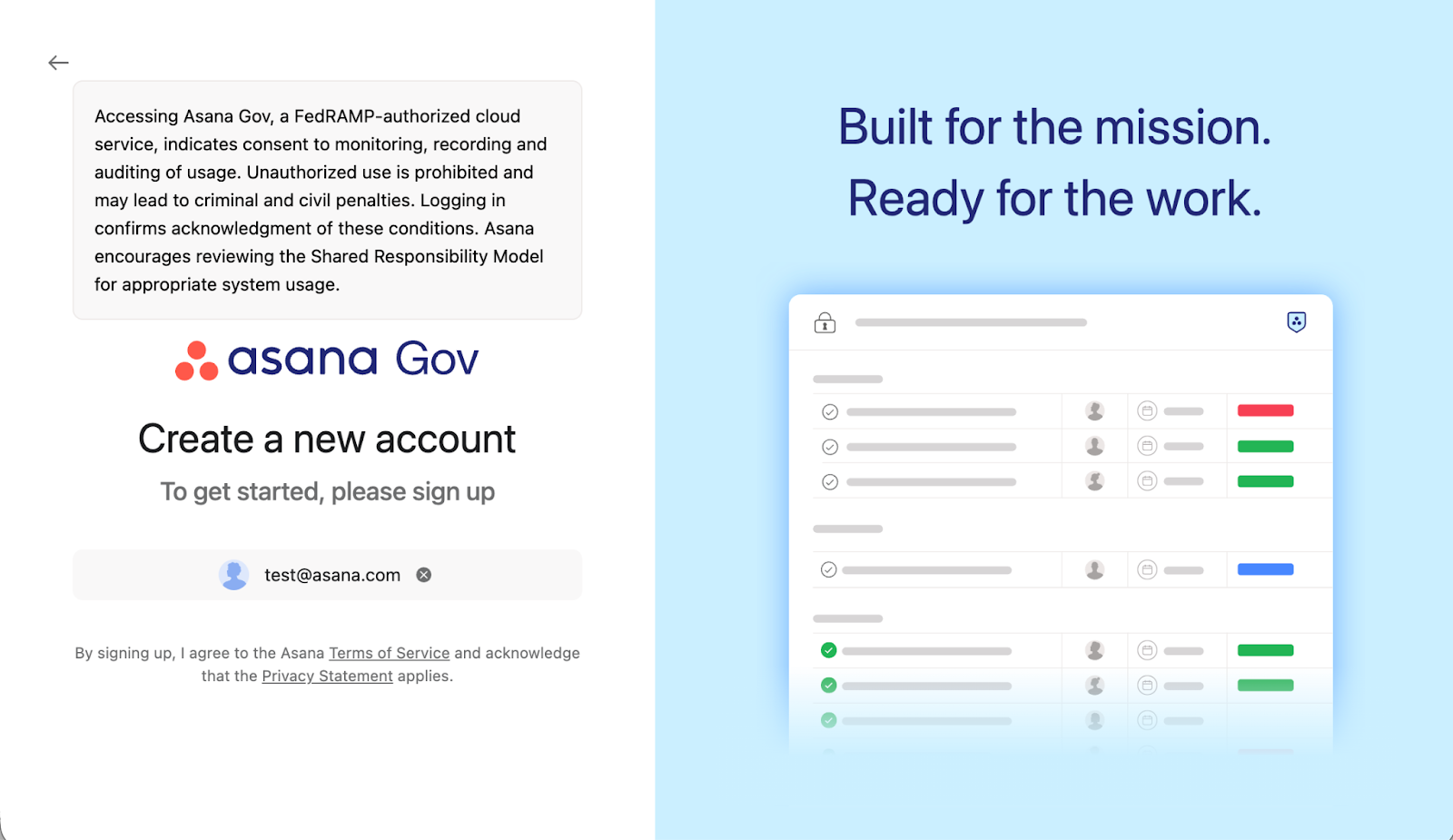
System use notification
- Enabled by default for all domains.
- Displayed on the login page for all users accessing Asana Gov.
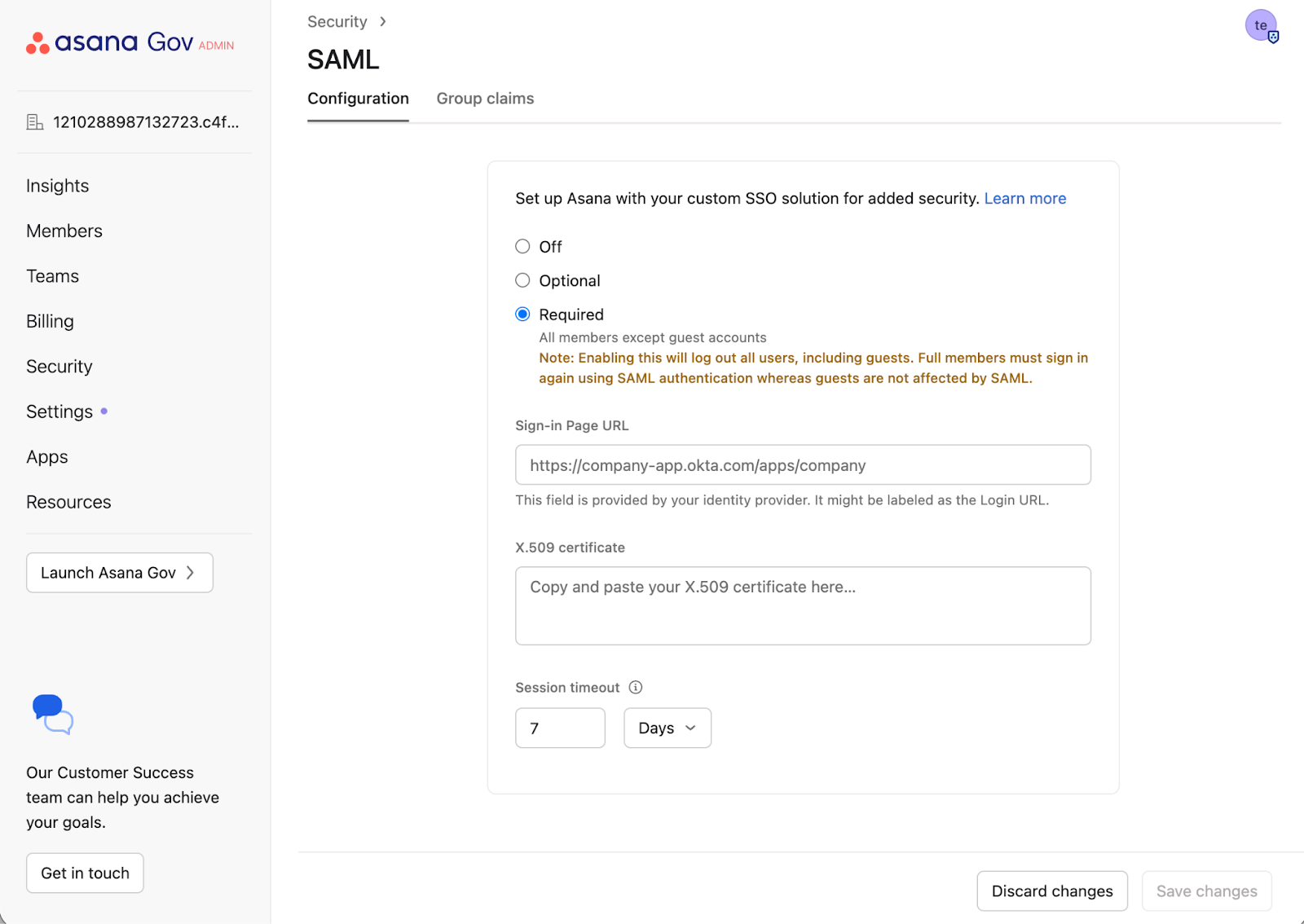
SAML Single Sign-On (SSO)
- Super admins must configure SAML SSO during setup.
- Ensures a centrally managed authentication experience.
- Supported identity providers: Okta Gov | Entra ID and others.
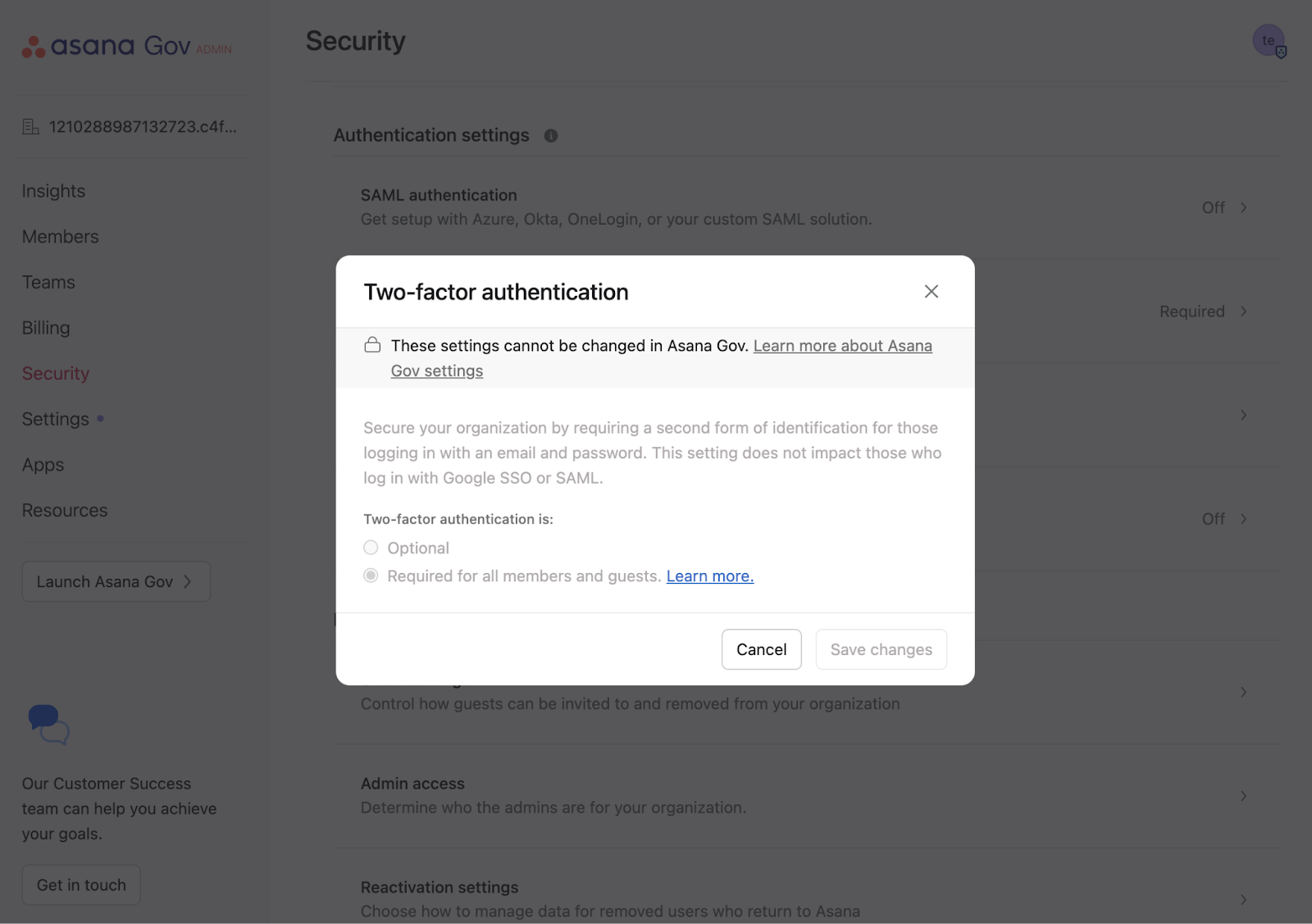
Two-factor authentication
- Mandatory Two-factor authentication is enforced by default for all Asana Gov domains
- Enforcing two-factor authentication means that Asana will ask for an additional code, in addition to email and password, when authenticating.
- Learn more about Mandatory two-factor authentication
Guest authentication via magic link
- Guest-only users log in to Asana Gov using single-use magic links.
- Links expire in 15 minutes and are single-use only on Asana Gov (the expiry time can be adjusted per customer needs, please submit customer support request).
- Learn more about how magic links operate.
Password policy
- Password controls comply with NIST 800-63B standards. Learn more about Asana password policy.
- Two-factor authentication is required by default for all members and guests.
Security features
Asana Gov gives customers granular control over how they manage, monitor, and protect their data. Core security features include:
AI in Asana Gov
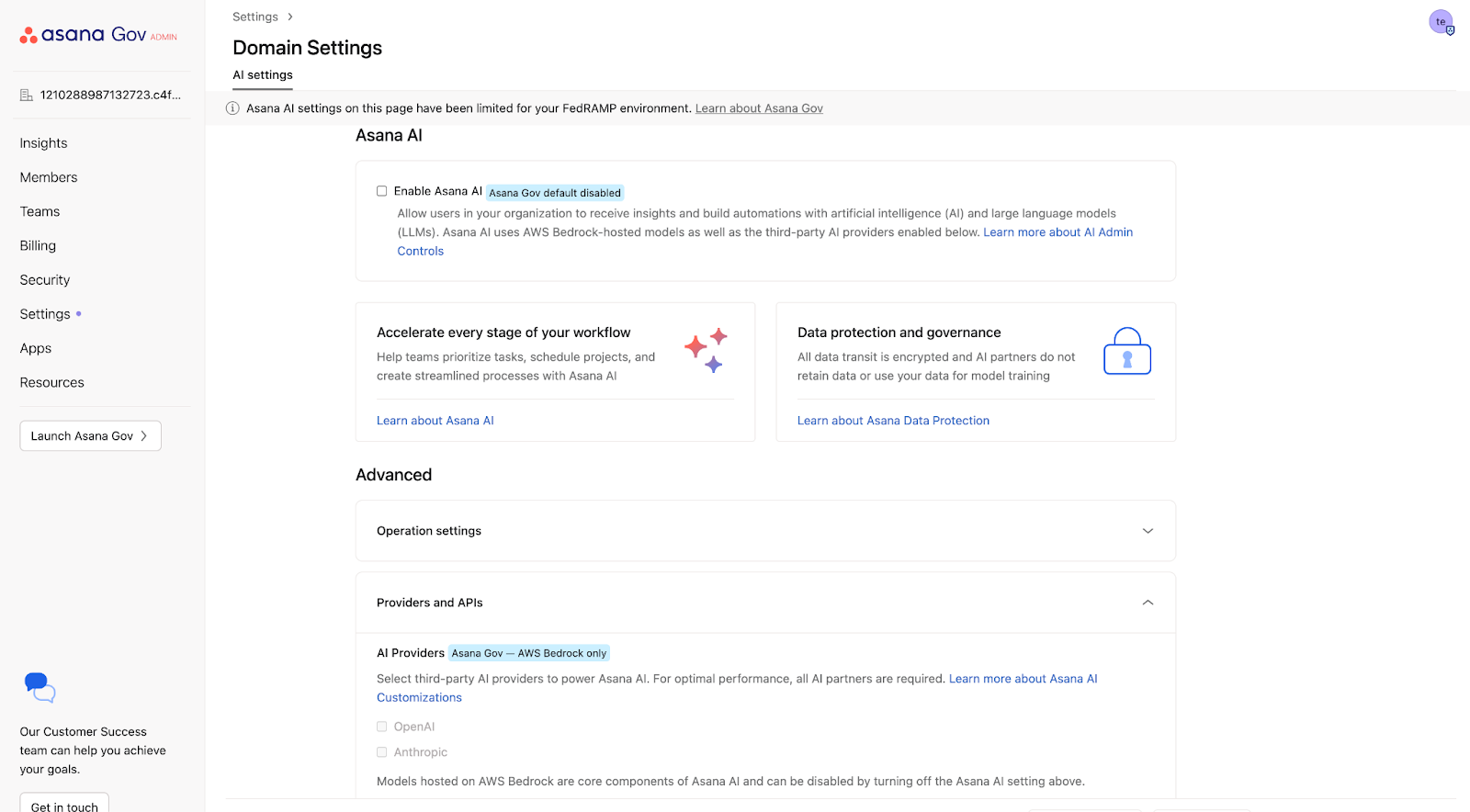
AI features are disabled by default in Asana Gov. Super admins may enable or disable AI capabilities through the Admin console at any time.
- AI models are powered by Anthropic and hosted on AWS Bedrock. As a result, customer data stays within Asana’s AWS environment and is not sent directly to external model providers.
- Asana AI features use metadata only (not customer content) to help users optimize workflows.
- No data is shared with sub-processors unless explicitly enabled. Learn more about Asana AI features and admin controls.
Integrations
Asana Gov supports Microsoft Teams. Outlook Email, Outlook Calendar, and SharePoint are on the roadmap.
Data migration and feature availability
Direct migration between Asana Commercial and Asana Gov is supported.
Feature availability
|
Features
|
Details
|
|
Sandboxes
|
Available for AsanaGov. For more information on Sandboxes, please see Asana Sandboxes.
|
|
Multi-Org Deployment
|
Available for AsanaGov. Please contact support to get it enabled. For more information, please see Multi-org deployment.
|
|
HIPAA compliance
|
Available on Asana Gov. If you are migrating from a commercial domain, a new BAA will need to be signed. Please see this article for more information.
|
|
Mobile & Desktop app
|
Mobile & Desktop app don’t work with Asana Gov at this time, for more information reach out to support team
|
|
Enterprise Key Management
|
Discuss your encryption requirement with the Asana Sales team.
|
Additional resources





