Products


AI Platform


Asana Foundations
Company Type
In This Article

Visit our pricing page for more information.
Learn how to reinstate deleted items in Asana. This article outlines various tips to manage deleted tasks, projects, teams, and more.
The Deleted view in Asana is the dedicated space for items that have been removed from your workspace, offering a controlled environment for review and recovery. This experience ensures your deleted work is accessible for a limited time, giving you a chance to restore it.
Note
You can recover deleted items like tasks, messages, and projects within 30 days of their removal.
To find and manage your deleted items:
All deleted tasks, messages, and projects are stored here for 30 days. Once this period passes, or if an item is permanently deleted, it cannot be recovered.
The deleted view is streamlined to show only the items you are permitted to see and act on.
To Recover (Undelete) an Item:
To Permanently Delete an Item:
Visibility in the deleted view is restricted to maintain data privacy and control.
Who can see and act: Only the Creator and the Deletor of an item can see it in the deleted view and take action (recover or permanently delete).
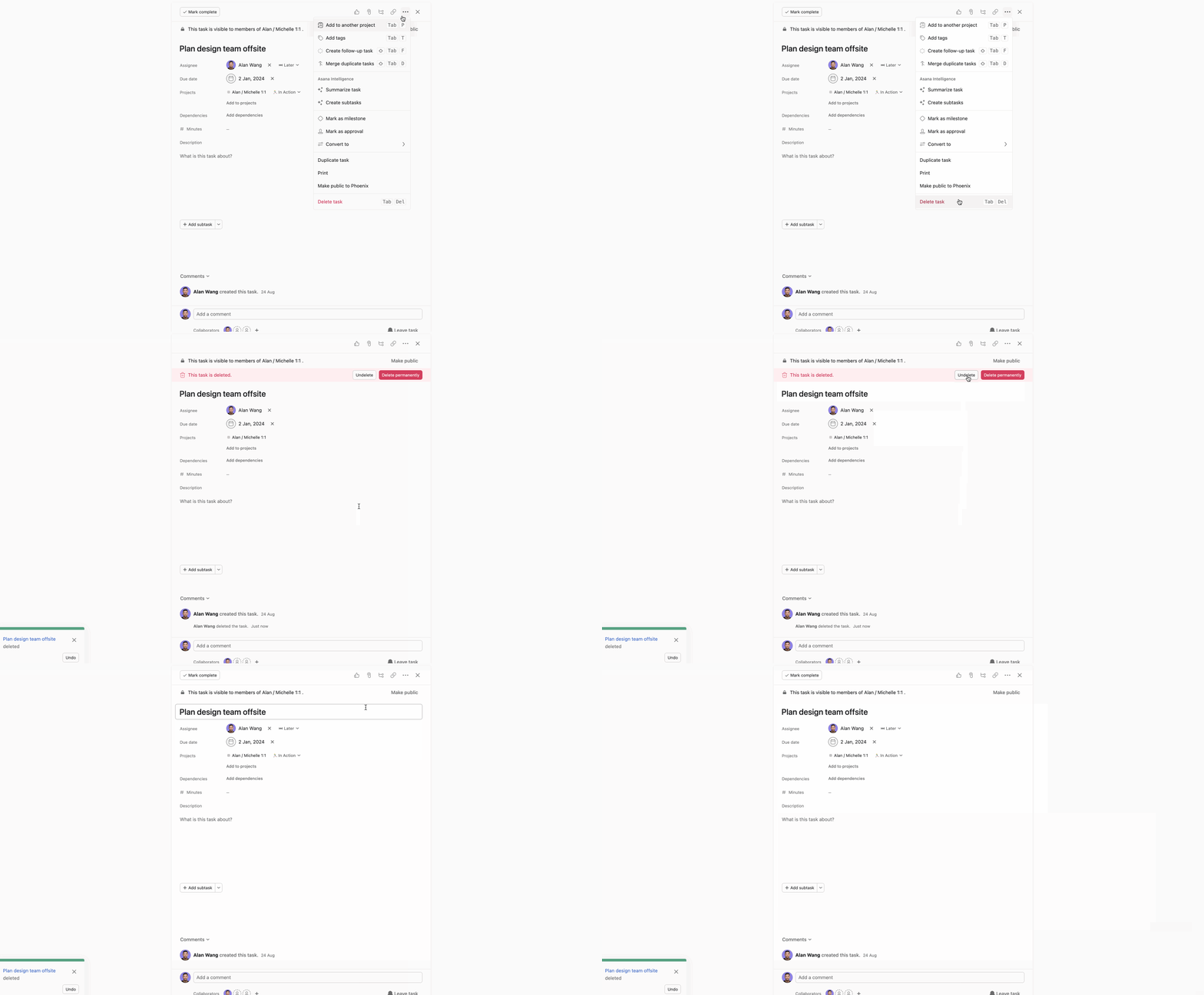
When you delete an item in Asana, you'll receive a toast notification on the bottom left of your screen to let you know something has been deleted. The notification contains an undo button, so if you delete something by accident you can recover it by yourself right away. Be quick though, the notification lasts about 15 seconds. If you miss it, try an advanced search with the Deleted filter active.

Another way to undelete a task is to use the undelete button in the task details pane. The button will be visible after you delete the task, as long as you don't navigate away from it. If you lose track of the task before you manage to undelete it, try an advanced search with the Deleted filter active
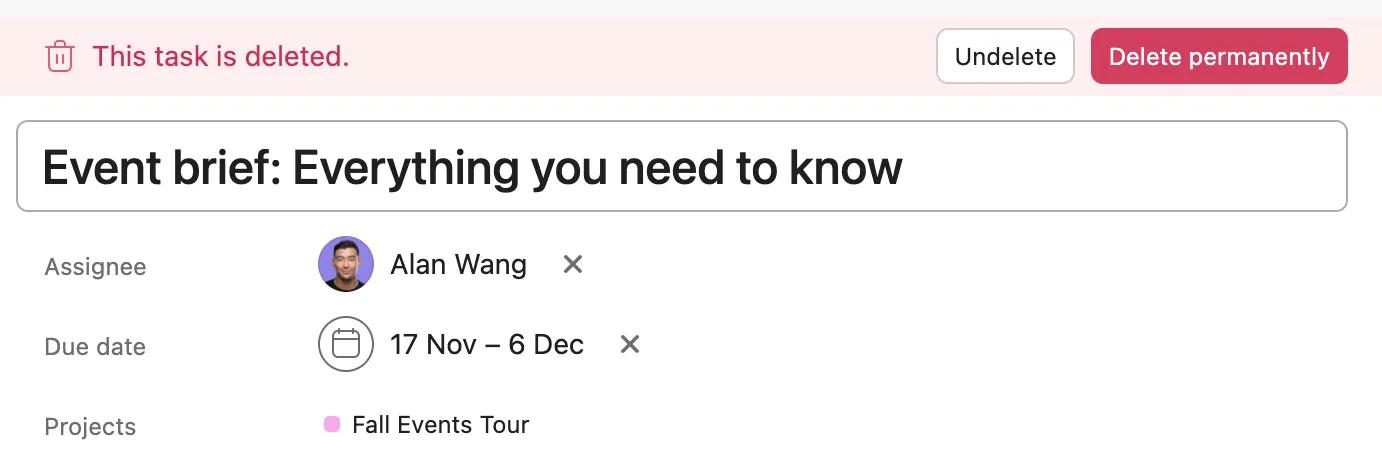
After deleting a task, you'll be presented with two options: Undelete or Delete permanently, as shown in the image below. Simply deleting a task will mean it is recoverable for up to 30 days. Permanently deleting the task means it cannot be recovered at all. Asana support cannot recover a permanently deleted task.
If you're not able to undelete something by yourself and need to contact support, it's helpful to include the deleted item's URL - items like tasks, projects, and teams all have a specific URL which can help us track them down when they are deleted. You may be able to find a deleted item's URL if it is mentioned in your Asana inbox or an email notification you've received about it in the past.
Asana support will often ask you to provide some contextual information to help them find a deleted item. For tasks, it helps to share the task name, the URL, and the name of the project that the task lived in before it was deleted.
Other things like the project's URL or the time which the task was deleted can be helpful. Consider gathering whatever names, times, and URLs possible for deleted items such as goals, portfolios, teams, projects and tasks to speed up the recovery effort.
Users often prefer to have their completed tasks hidden from view, and set up filters that only show incomplete tasks in their projects and My tasks. If it looks like tasks are missing from your project or My tasks, check if you're filtering only completed tasks or only incomplete tasks - it's easy to forget about this. Otherwise, searching for the task name via advanced search or checking your Deleted items view can be helpful.
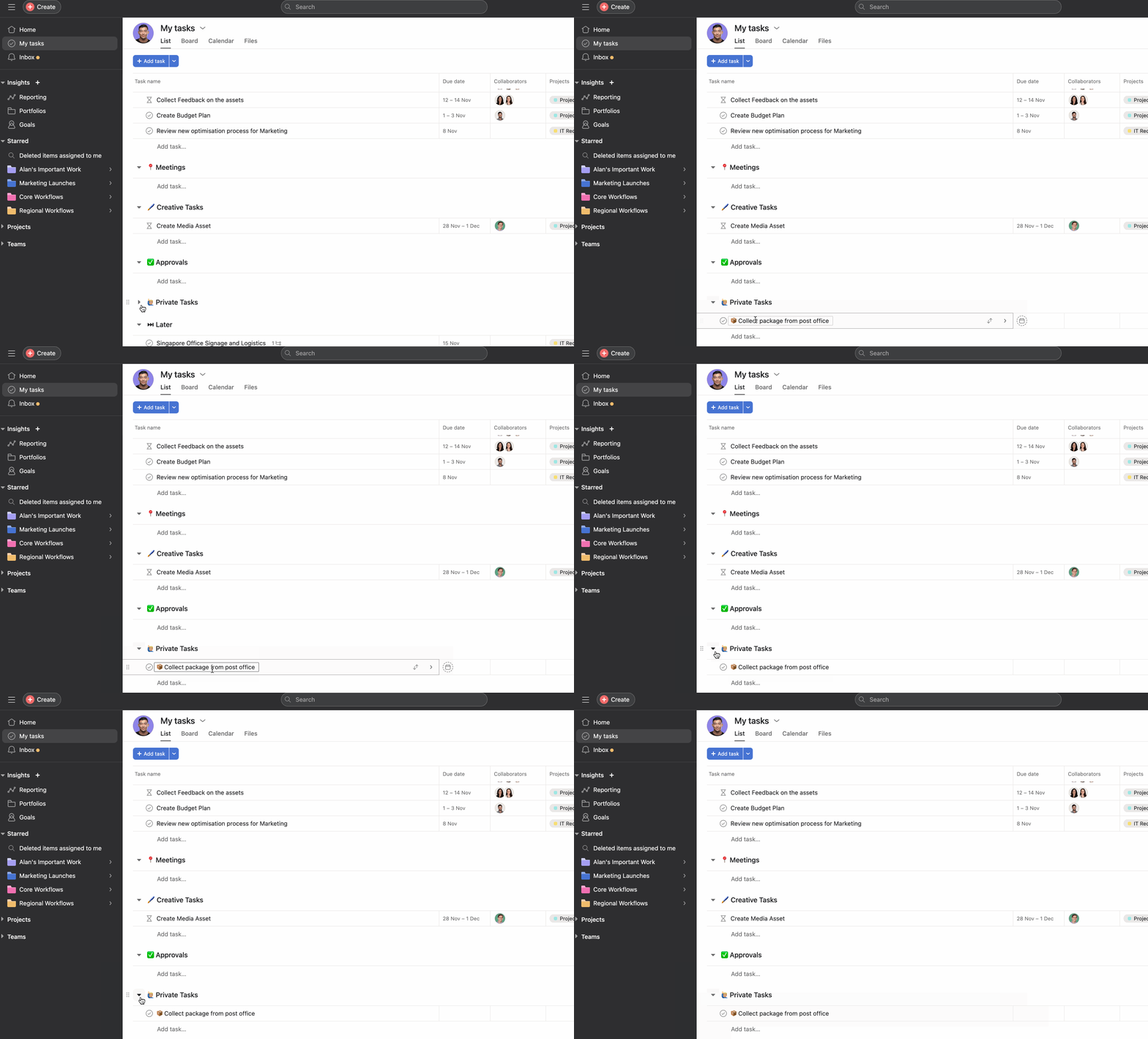
Similar to the above, if you collapse a section you won't see the tasks that are contained within it. The tasks still exist, though. Expand the section to view them again. Otherwise, use advanced search or check your Deleted items view.
Click the Search bar at the top of Asana, select Deleted under Saved searches, locate the item you want to restore, and click Undelete. You can recover deleted tasks, messages, and projects within 30 days of deletion.
You have 30 days to recover deleted tasks, messages, and projects from the Deleted view. After 30 days, or if you permanently delete an item, it cannot be recovered.
Only the Creator and the Deletor of an item can see it in the Deleted view and take action to recover or permanently delete it.
No, Asana support cannot recover permanently deleted tasks. When you select Delete permanently instead of just deleting an item, it is immediately removed and cannot be restored.
Like what you see? Get started with a free trial today. Try for free

