Products


AI Platform


Asana Foundations
Company Type

Visit our pricing page for more information.
Available on Asana Advanced, Enterprise, and Enterprise+ tiers, as well as legacy tiers Business and Legacy Enterprise.
Portfolios help you keep track of projects across your team, or even across your whole organization. Portfolios let you categorize Asana projects, see and request status updates, and organize projects based on priority, burn-down, or even custom fields you create.
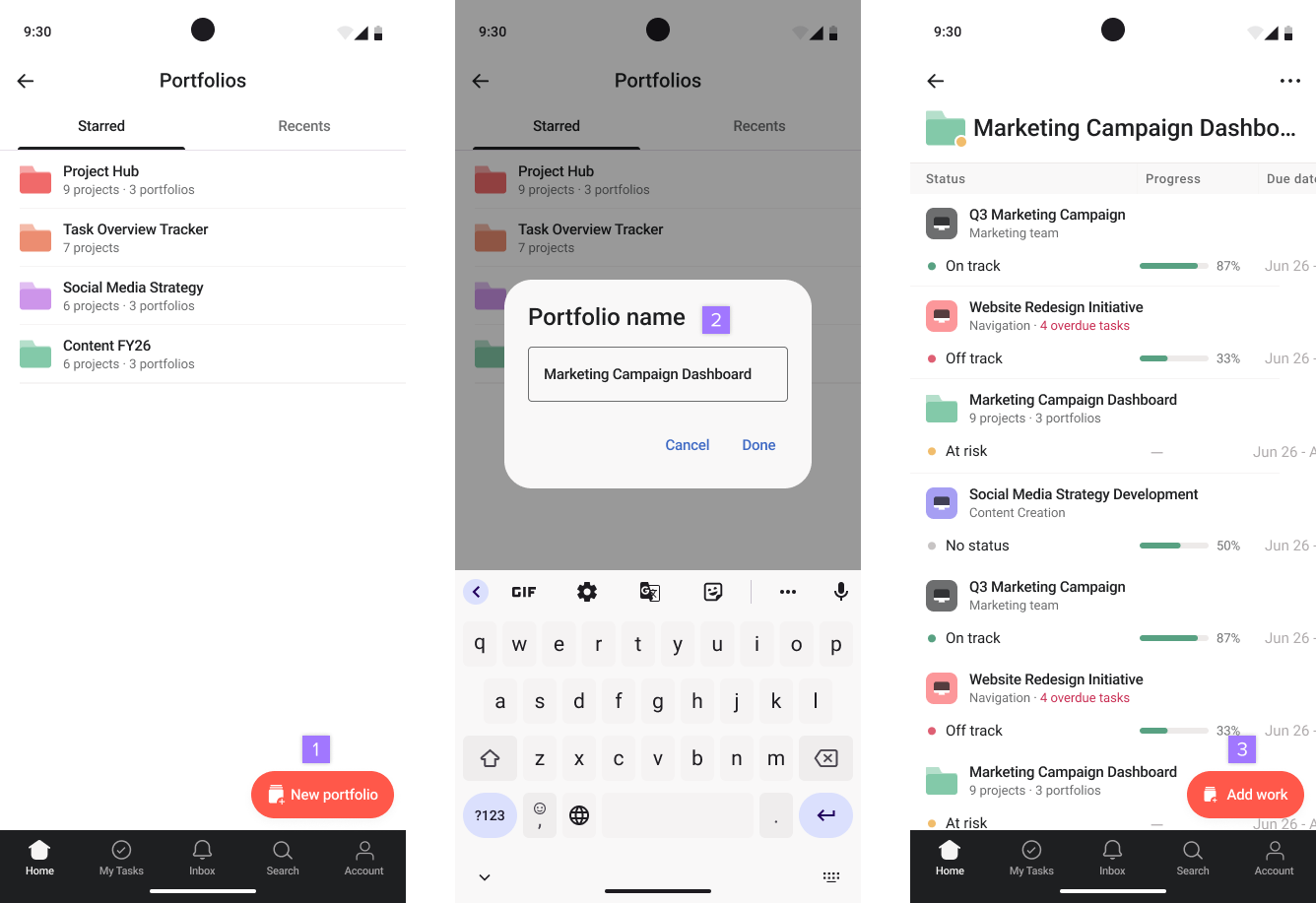
You can access your portfolios from your Home screen by tapping on the Portfolios tab.
Note
Like what you see? Get started with a free Asana trial today. Try for free
Once you’ve created a portfolio and added a few projects, you can keep track of their health in one place.
From the Portfolio view, you can view the following:
If you have added custom fields to your portfolio using the web-version of Asana, you can view any values that were entered directly from the portfolio overview.
To view custom field values from the portfolio overview swipe across the header line to view the custom field values for each project.
It's currently only possible to add custom fields to a portfolio using the web version of Asana.

