Products


AI Platform


Asana Foundations
Company Type
In This Article

Visit our pricing page for more information.
This article will guide you through the process of using the Teams tab effectively, from creating and editing teams to exporting crucial team data.
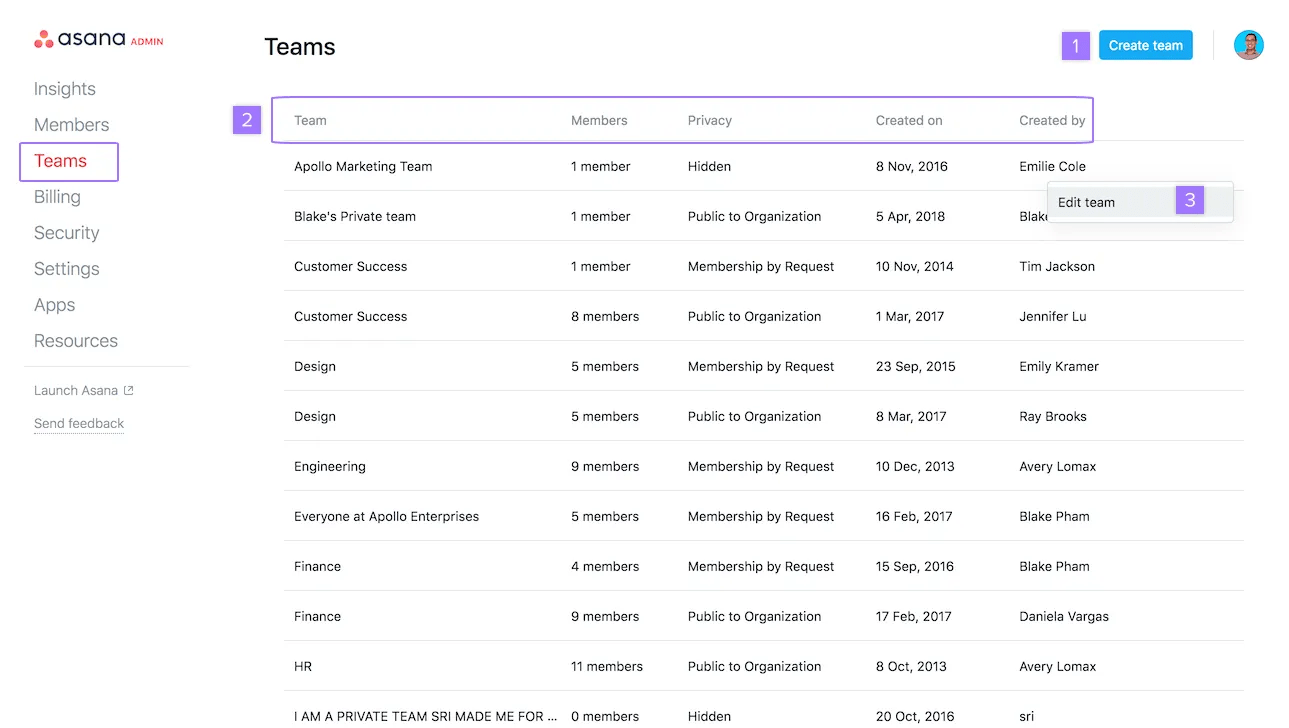
Super admins of a paid organization or a division can export their team list to CSV through the teams tab of their admin console.
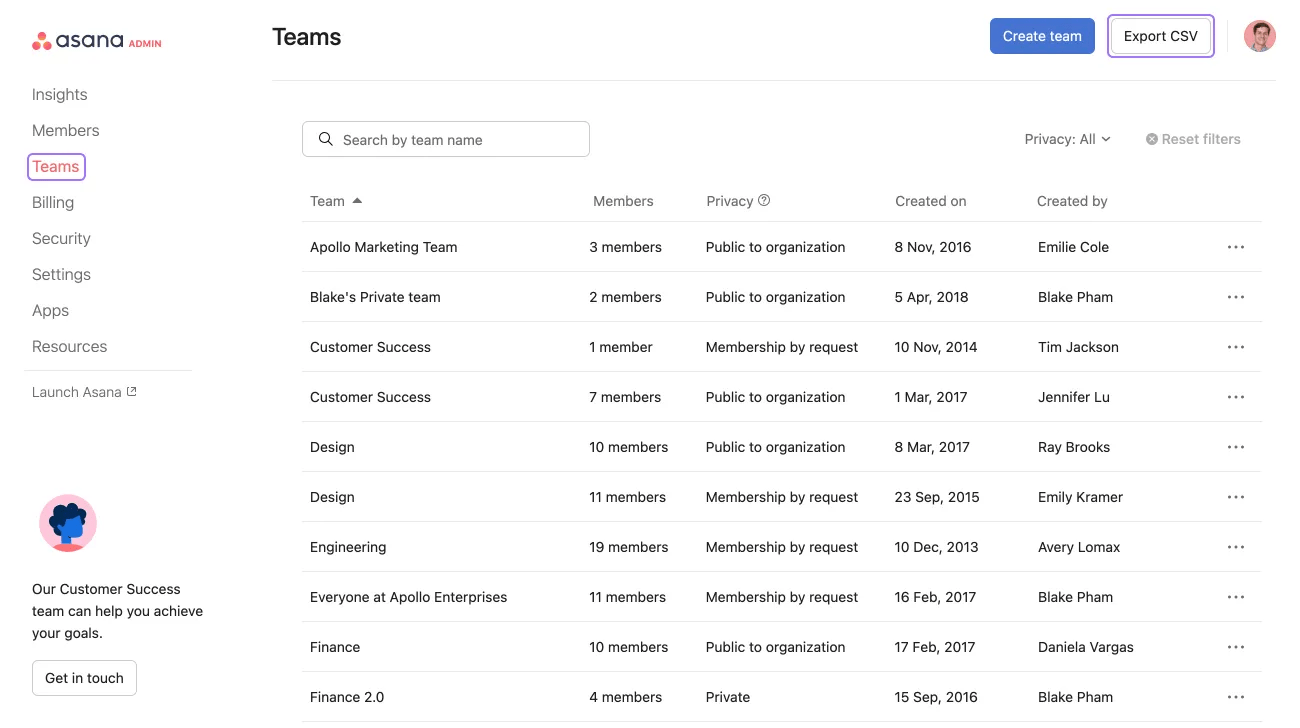
You will then receive an email message with the link to download your CSV file.
The CSV file downloaded has the following fields:
CSV exports of organizations and divisions allow admins to keep track of which departments are using Asana to monitor seat usage and maintain the central billing within IT. The department or team field can be pre populated using our SCIM integrations with Azure AD and Okta.
Note
Large organizations can benefit from CSV exports when trying to facilitate departmental chargebacks.

