Products


AI Platform


Asana Foundations
Company Type
No articles found for this topic.
No articles found for this topic.

Visit our pricing page for more information.
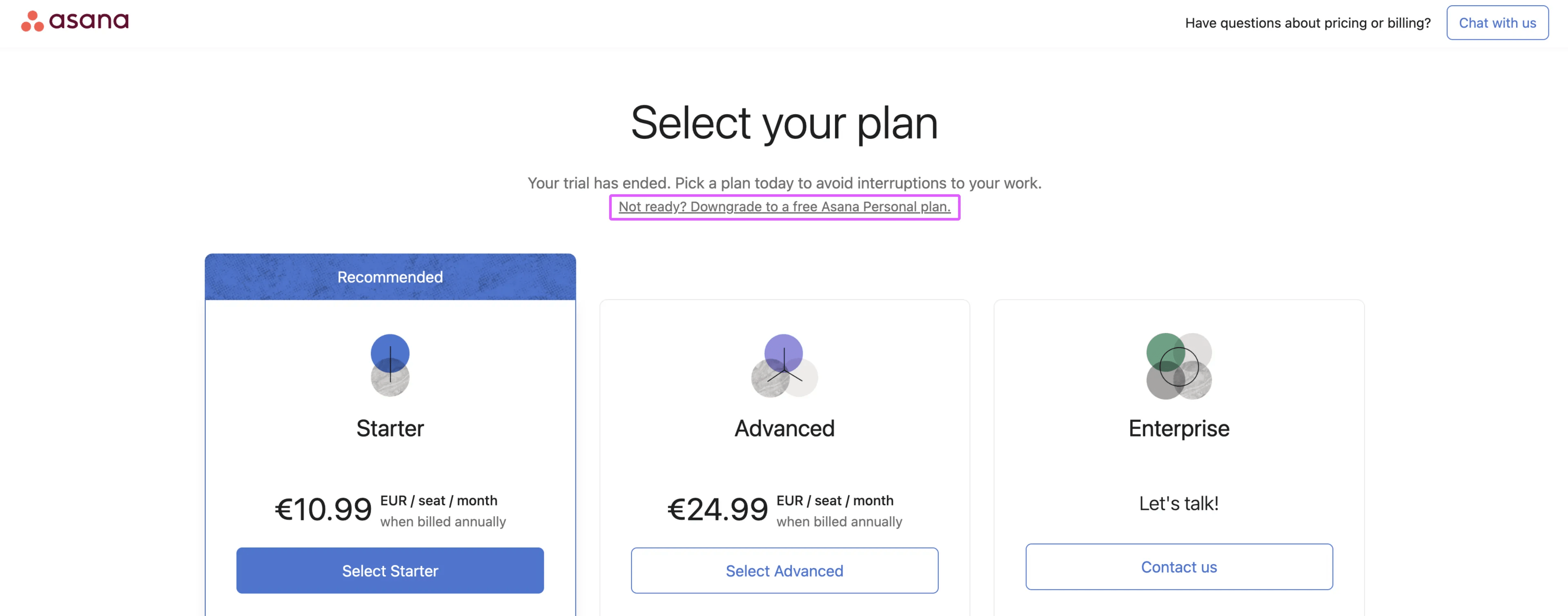
When your Asana trial ends, you'll automatically be presented with a popup message which prompts you to select a plan. Click Select your plan, and choose the one that suits your team best. You can opt for a paid plan, but you'll also have the option to revert to the free Asana Personal plan.
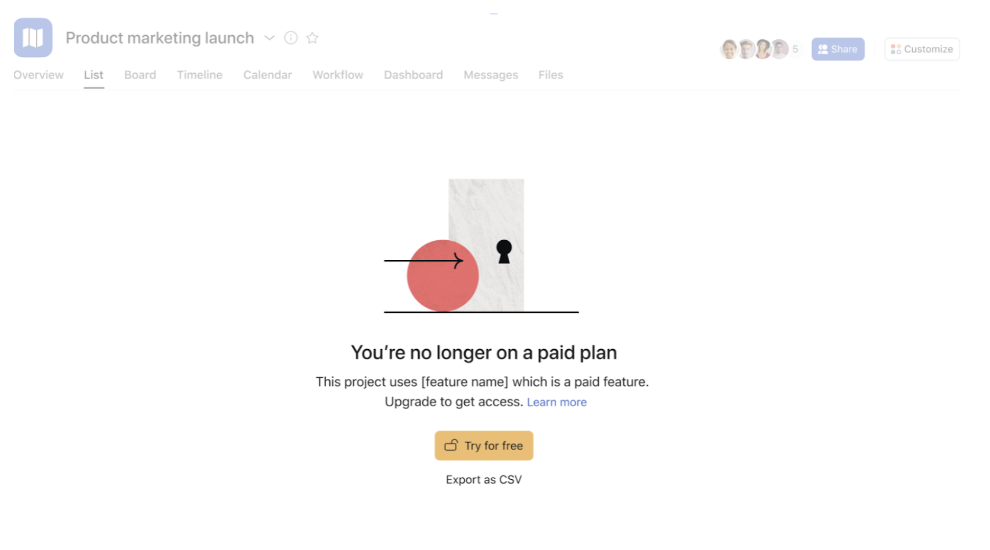
If you choose the free Personal plan, paid features like rules, workflows, and portfolios will become inaccessible, but they aren't deleted from your Asana organization. Any configurations you've made are saved and will become available if you upgrade again.
If you don't need paid features right now, click Not ready? Downgrade to a free Asana Personal plan as shown in the image below, and follow the instructions to downgrade.
Here's what happens when you downgrade to a free Asana Personal plan:
Note that downgrading from a higher paid tier to a lower paid tier (Advanced to Starter) will not result in the same loss of paid feature access. In this case, only access to Advanced features would be removed, and Starter features would still be available. See the Compare all features section of our pricing page for a breakdown of features by tier.
You can upgrade to a paid plan anytime to regain access to Starter, Advanced, Enterprise, or Enterprise+ features, and continue using your existing tasks and projects seamlessly.

