Products


AI Platform


Asana Foundations
Company Type
No articles found for this topic.
No articles found for this topic.
In This Article

Visit our pricing page for more information.
The Editor permission level within projects allows project members to add and update content, but will restrict them from modifying the project’s structure.
Editors will be able to add tasks and update task descriptions, but will not be able to delete a project or make it public.
Only project admins have the ability to modify a project’s structure. You can view each user's permission level by clicking the Share button within the project.
Note
Users who previously had Can edit access are now Project admin. This ensures everyone has the same access as they did previous to this update. We recommend updating permission levels to reflect the right permissions for each project.
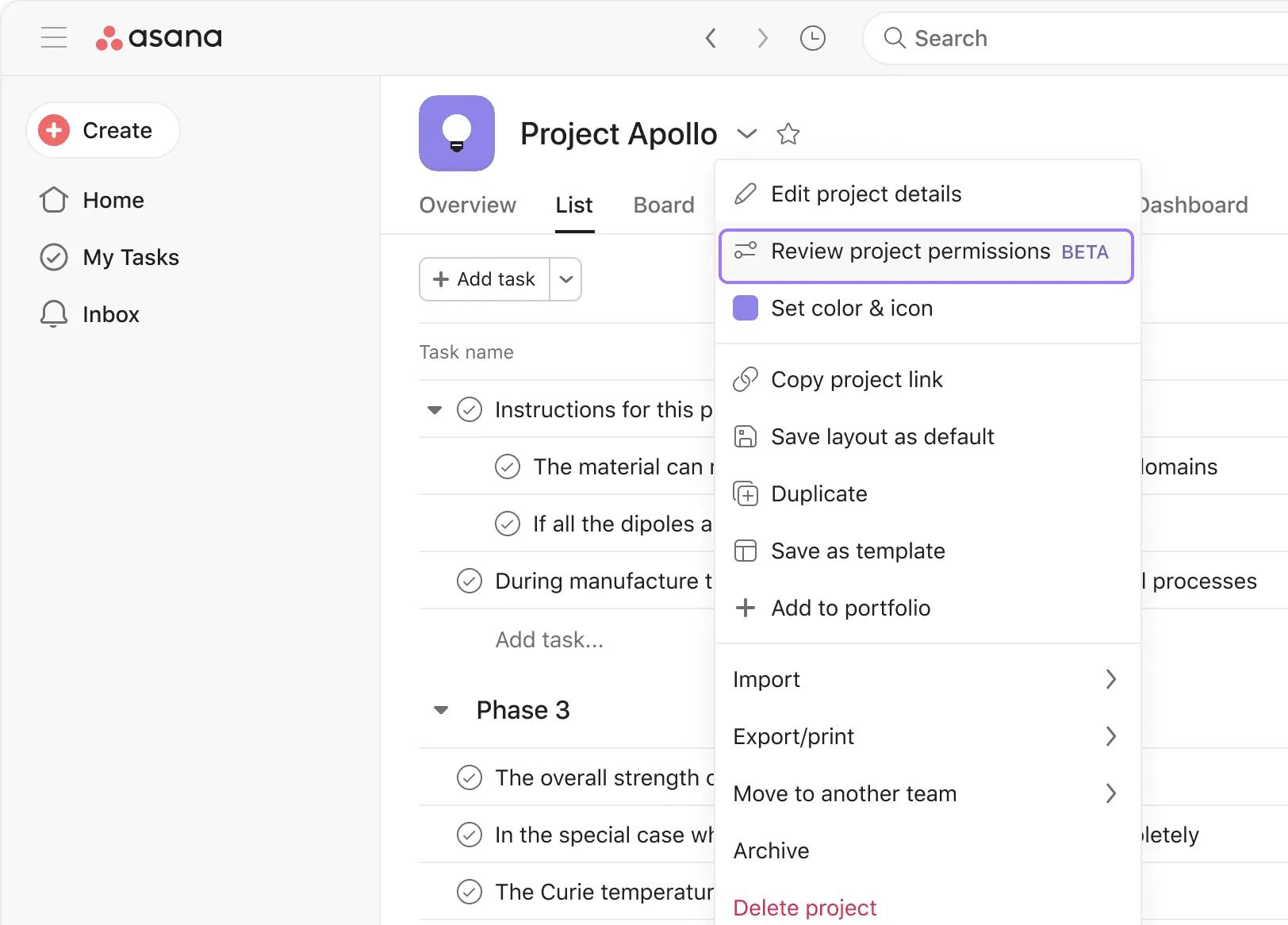
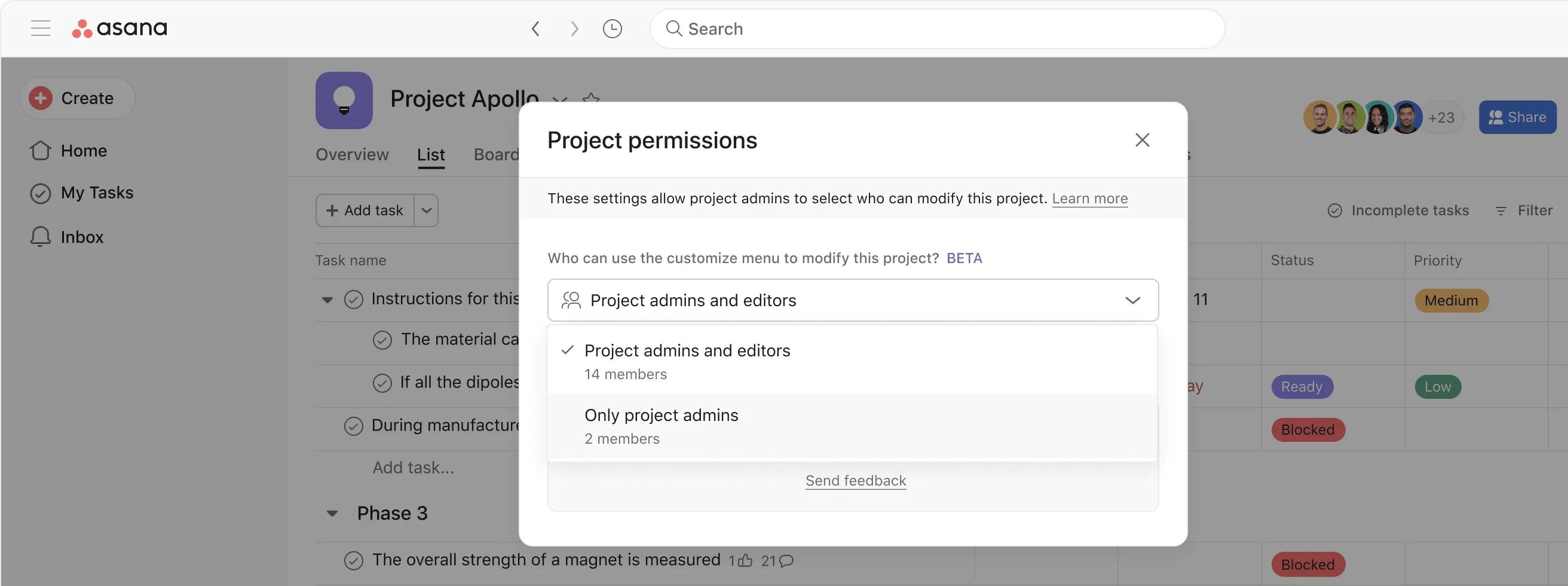
This means that editors will not see the customize menu when they navigate to the project and will be unable to add, modify, or delete custom fields, rules, forms, apps, task templates, or workflows.
You must be a project admin to access the Review project permissions option.
Editor will be the default permission level for new projects. The creator of the project will be an admin but when the project is shared or others join it, those members will be editors.
You can change the default project permissions in order to use this feature. Learn how to do that here.
Yes, there is no limit to the number of admins per project.

