Products


AI Platform


Asana Foundations
Company Type
In This Article

Visit our pricing page for more information.
If you’ve been trying out Asana’s paid features with trial and wish to sign up for a paid plan, you can do so by adding payment details to your trial. Adding payment details to your trial allows the trial to convert into a paid plan automatically as soon as the trial period ends. This ensures a seamless transition to your paid plan, providing uninterrupted access to paid features.
For detailed information and step-by-step instructions, visit our article on how to add payment details to a trial. Note that during a trial, only the billing owner can add payment information. In the vast majority of cases, the person who begins a trial is also the billing owner.
When choosing a paid plan, you’ll want to tailor it to suit your team’s needs. This means deciding on details such as the Asana tier, the number of seats, and the billing cycle. These are explained below.
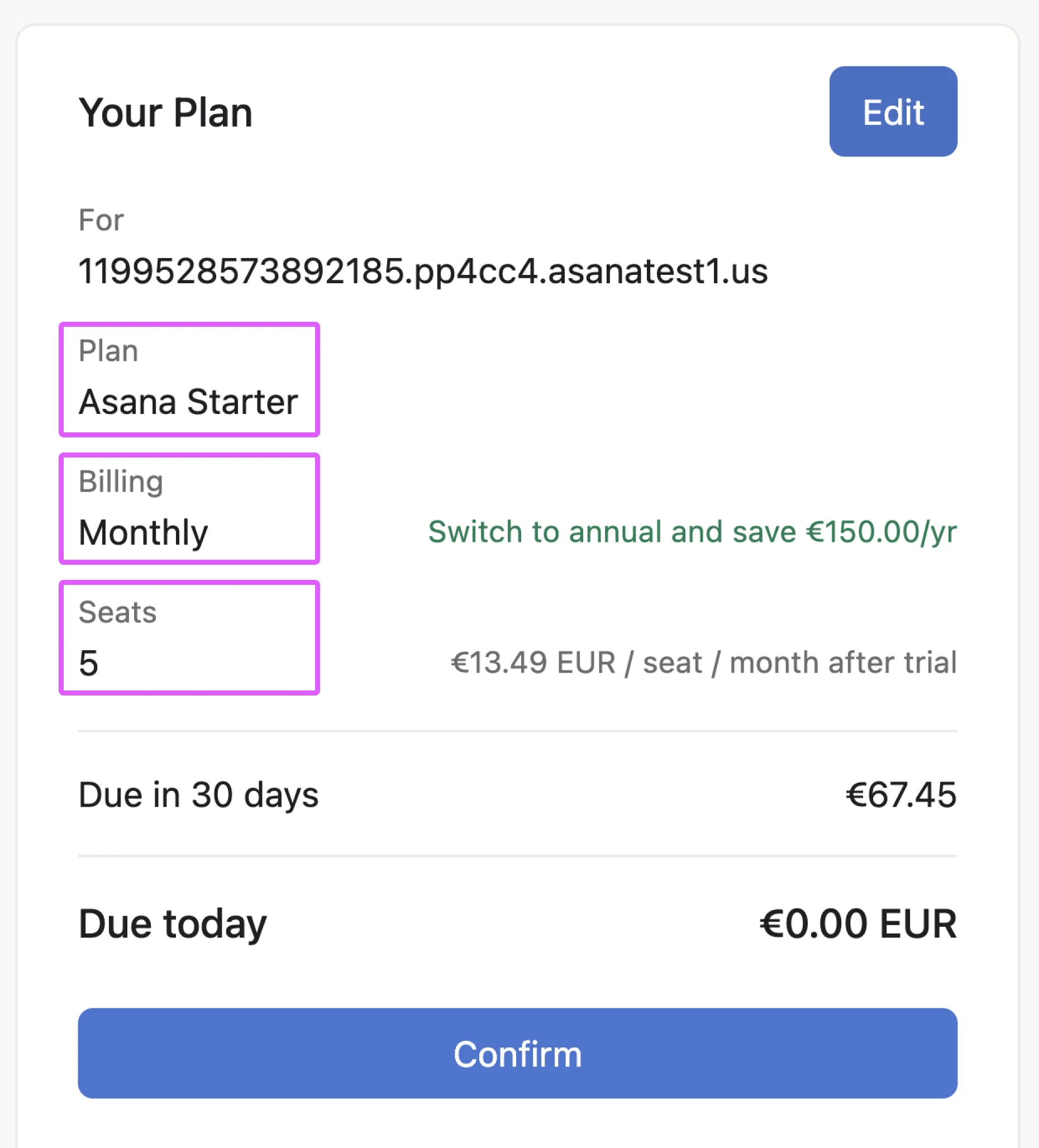
Plan tier: Choose between Asana Starter and Asana Advanced. If you’re interested in Enterprise or Enterprise+, contact our sales team.
Billing cycle: Choose between monthly and annual billing.
Number of seats: Choose a suitable number of seats to accommodate your team. You can increase this number as your team grows.
Once you’ve chosen the details of your plan and added payment details, you can expect a seamless transition to a paid plan after the trial period.

