Products


AI Platform


Asana Foundations
Company Type

Visit our pricing page for more information.
Asana integrations help you connect your favorite tools and streamline your workflow in one centralized workspace. By linking Asana with the apps your team already uses, you can reduce context switching, automate routine tasks, and keep everyone aligned on project progress.
This article covers the most popular Asana integrations across different categories, helping you choose the right tools to boost your team's productivity.
Turn conversations into actionable tasks without leaving Slack. The Slack integration lets you create Asana tasks directly from messages, receive project updates in specific channels, and link tasks to relevant discussions.
Best for: Teams that rely heavily on Slack for daily communication and want to convert discussions into trackable work.
Learn more about the Asana and Slack integration.
Connect your Microsoft 365 ecosystem with Asana to sync tasks, documents, and calendars. You can add tasks from Outlook emails and view your Asana calendar alongside your Outlook schedule.
Best for: Organizations already using Microsoft 365 who want seamless integration across their productivity suite.
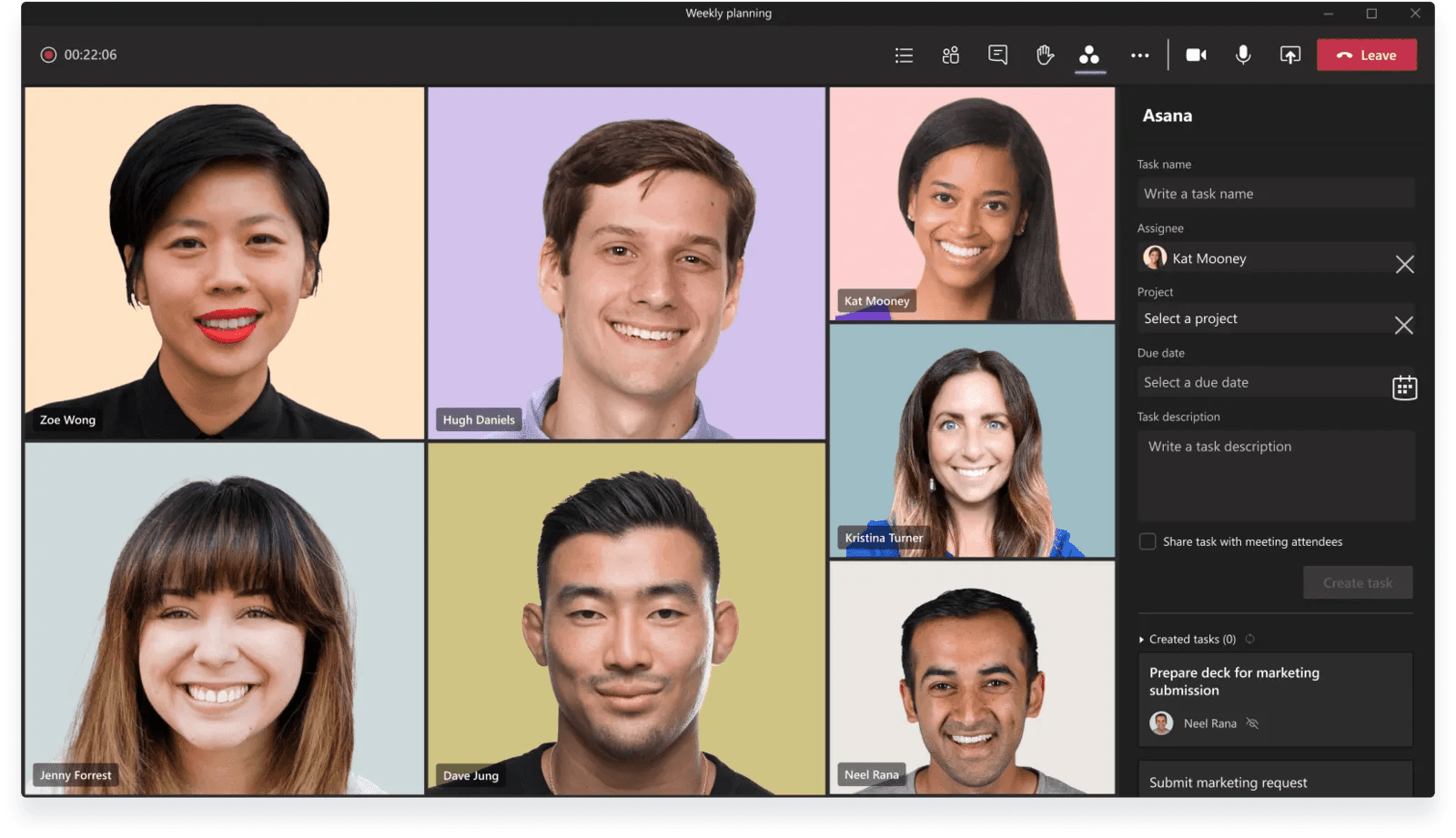
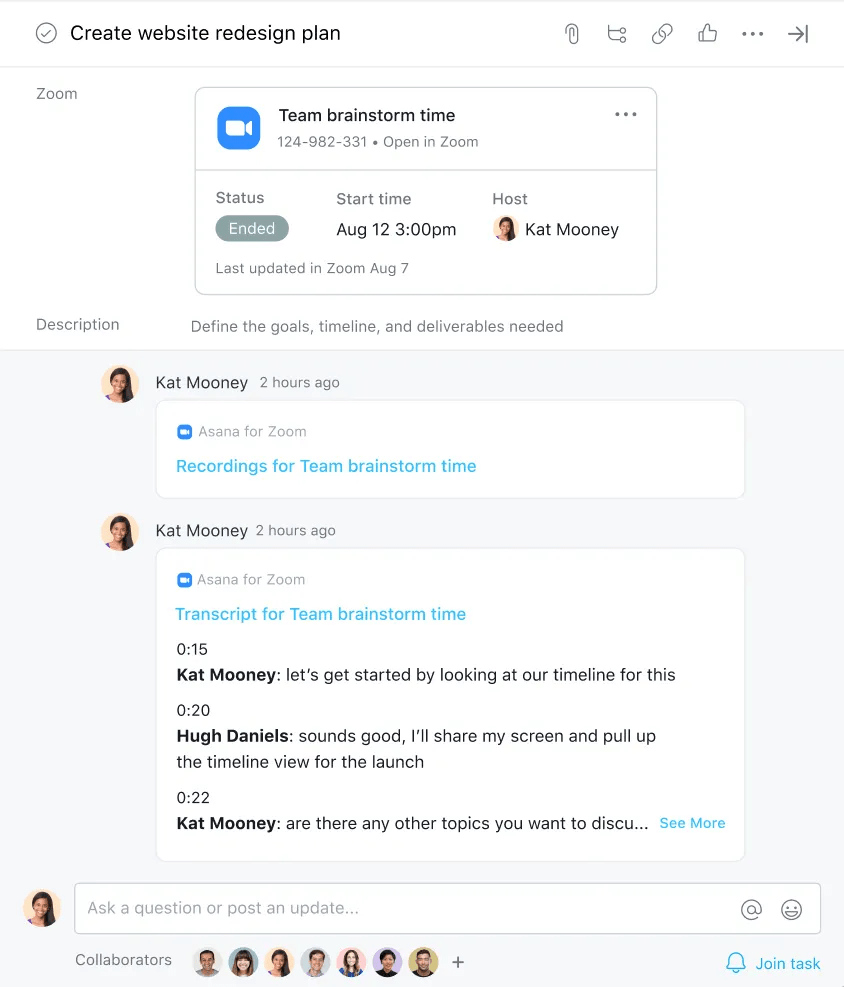
Link meetings directly to Asana tasks and automatically pull meeting recordings and transcripts into your project workspace. This integration ensures important meeting outcomes don't get lost and can be referenced later.
Ideally, using Asana means relying on fewer emails between your teammates, but our Asana for Gmail Add-on or Asana for Outlook app keeps the email conversations you have actionable.
You can turn emails directly into tasks, assign them to teammates, set due dates, and add the task to a project without leaving your email inbox.
Attach Google Drive files directly to Asana tasks and projects. Files embedded in Asana update in real-time, so your team always sees the latest version without switching between platforms.
Best for: Teams that collaborate on documents and need centralized file access within their project management workflow.
How to set up:
Connect Dropbox to share files and folders directly within Asana tasks. This integration works well for creative teams who need to share large design files or media assets.
Best for: Creative teams working with large files that need easy sharing and version control.
Sync the status of development work between technical and non-technical teams. Track pull request progress without leaving your project management workspace.
Best for: Software development teams that need to coordinate between developers and project managers.
Key features:
Bridge the gap between software development and project management teams. Create Jira issues directly from Asana tasks and keep both teams updated on progress and blockers.
Best for: Organizations using Jira for development work who need better coordination with non-technical teams.
Get even more out of Asana by trying integrations to help you with planning, reporting, and time tracking.
Note
It's no secret—Asana offers free trials. Start yours today. Try for free

