Products


AI Platform


Asana Foundations
Company Type
No articles found for this topic.
No articles found for this topic.

Visit our pricing page for more information.
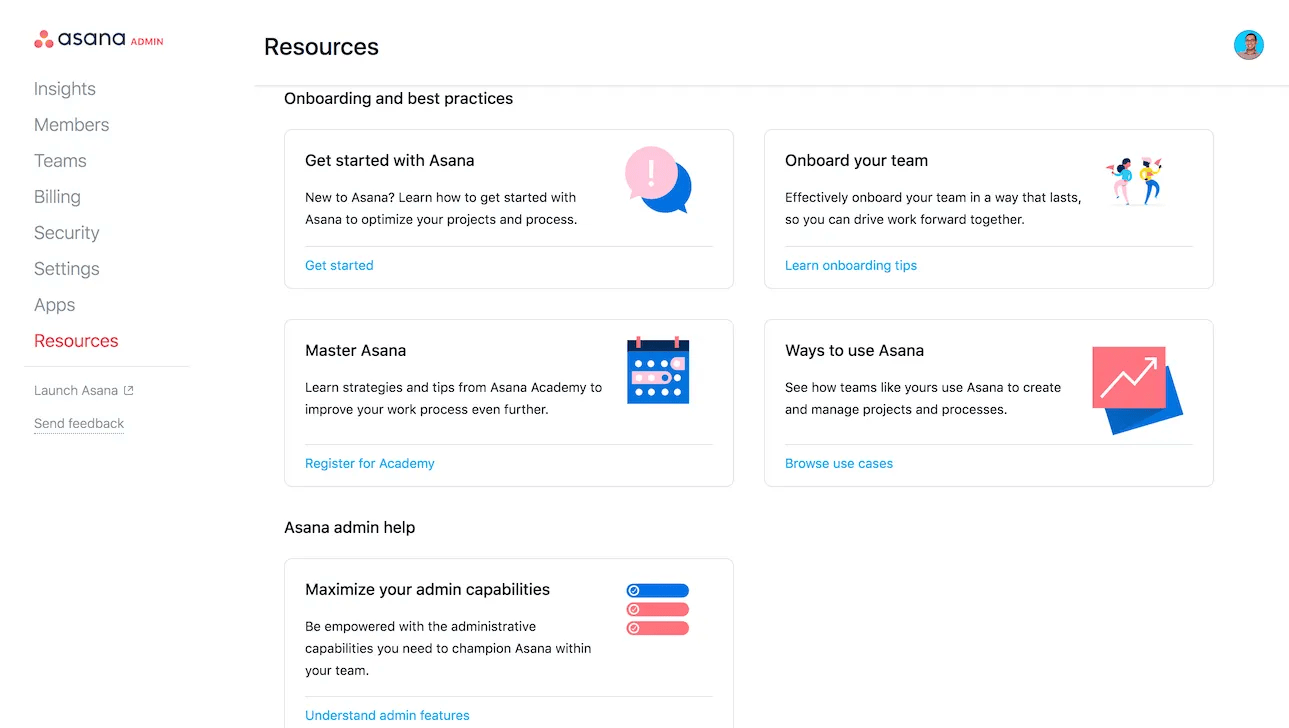
The admin console empowers all Asana admins and super admins with the administrative capabilities they need to champion Asana within their organizations.
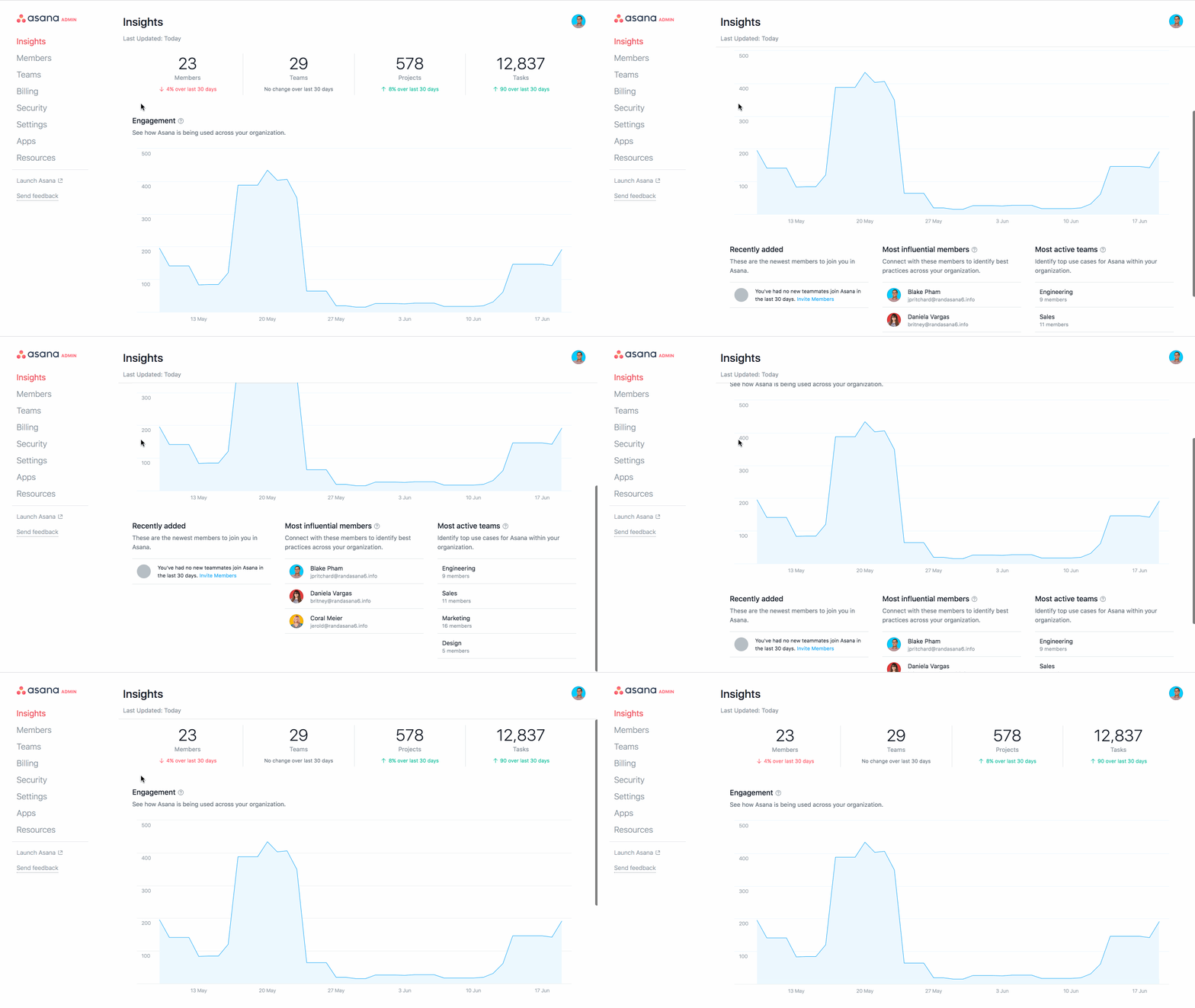
The admin console offers a range of administrative capabilities, including insights into how the organization uses Asana, management of all members and teams, and control over security settings. Admins can access detailed metrics, manage user roles, and customize security settings.
The admin console requires a paid plan, but you can explore the admin console for free. Start a free Asana trial today.
Invite new users, adjust permissions, and ensure the right people have access.
With a suite of security features, including SAML and two-factor authentication, the admin console empowers admins to maintain strict security standards.
Gain valuable insights into how Asana is used across your organization—view the most active teams and other usage patterns to make informed decisions that drive efficiency.
Manage integrations with other tools and platforms, ensuring a seamless workflow across your tech stack.
Note
Team admins cannot access the admin console.
Explore admin-related tips and tricks in the forum.
Like what you see? Get started with a free Asana trial today.

