Products


AI Platform


Asana Foundations
Company Type
No articles found for this topic.
No articles found for this topic.

Visit our pricing page for more information.
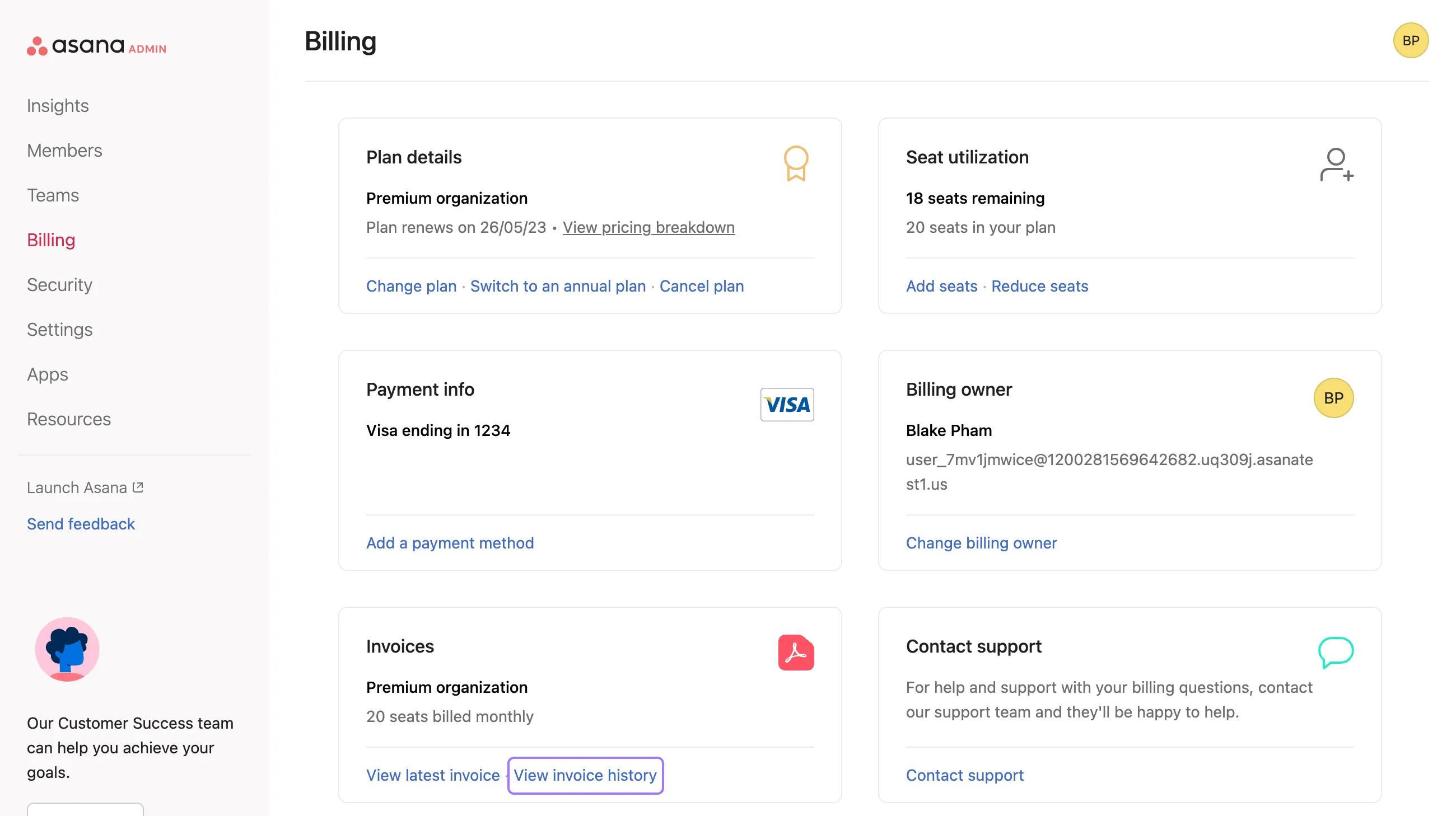
This article discusses how to access and manage billing information. It covers subscription modifications, billing updates, invoice management, seat utilization, and the process for assigning billing ownership.
The information contained in this section specifies that admins and super admins can manage subscriptions and access billing information, just as the billing owner can. Please note that this ability has only been rolled out to auto-pay customers. Manually invoiced plans may still only be managed by the billing owner.
Both billing owners and admins of paid organizations can access billing information through the admin console. If an admin makes changes in the billing tab, the billing owner will receive an email notification.
Note
You can find more information on how to review and update your admins here.
 From the billing tab, you can:
The options above may vary depending on your plan type.
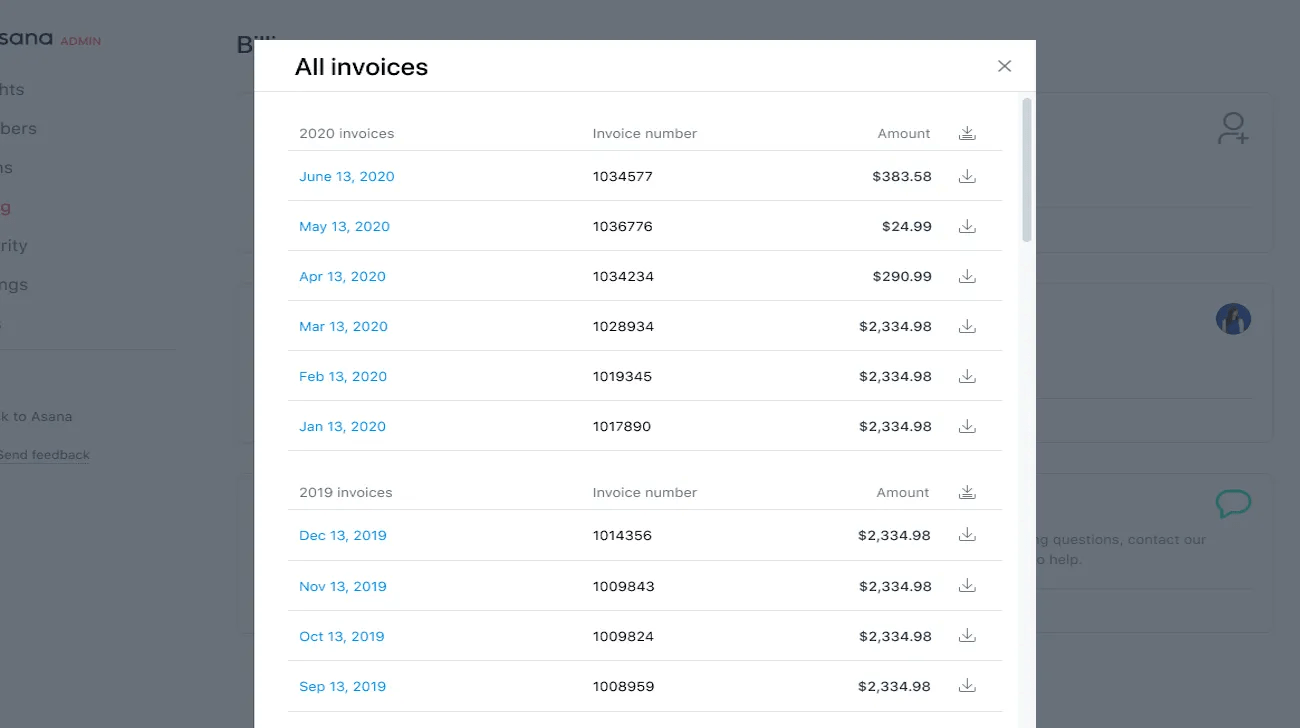
Billing owners and admins can view and download all past invoices.
You can view your latest invoice and your invoice history under Invoices in the Billing tab of the admin console. You also have the option to download all invoices for a particular year.
From your admin console you can easily change your paid plan from Starter to Advanced or vice versa.
To change your plan:
Navigate to the admin console and select the Billing tab.
Click on Change plan.
From here, you can choose to between Asana Starter and Advanced . When you’ve chosen your desired tier, click Confirm and change plan.
You must be the plan's billing owner or an admin in order to edit its size or change tier.

