Products


AI Platform


Asana Foundations
Company Type
Available on Asana Enterprise and Enterprise+ tiers, as well as legacy tier Legacy Enterprise.
Visit our pricing page for more information.
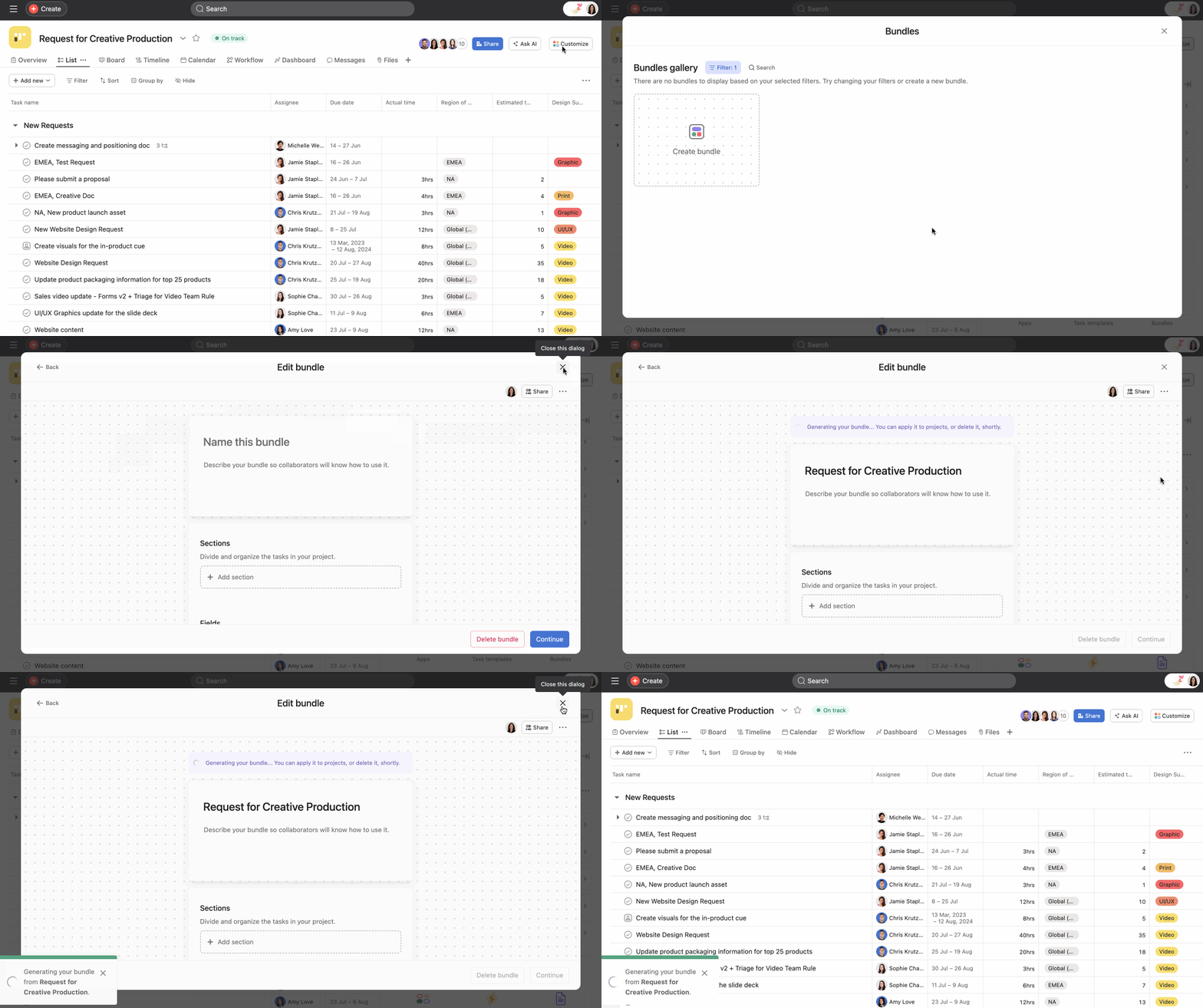
Bundles are any combination of rules, fields, sections, and task templates that can be applied across multiple projects at once. Every time you edit or update a bundle, these changes will be reflected in all projects using that specific bundle. With bundles, you can standardize processes at scale, saving time and maintaining consistency.
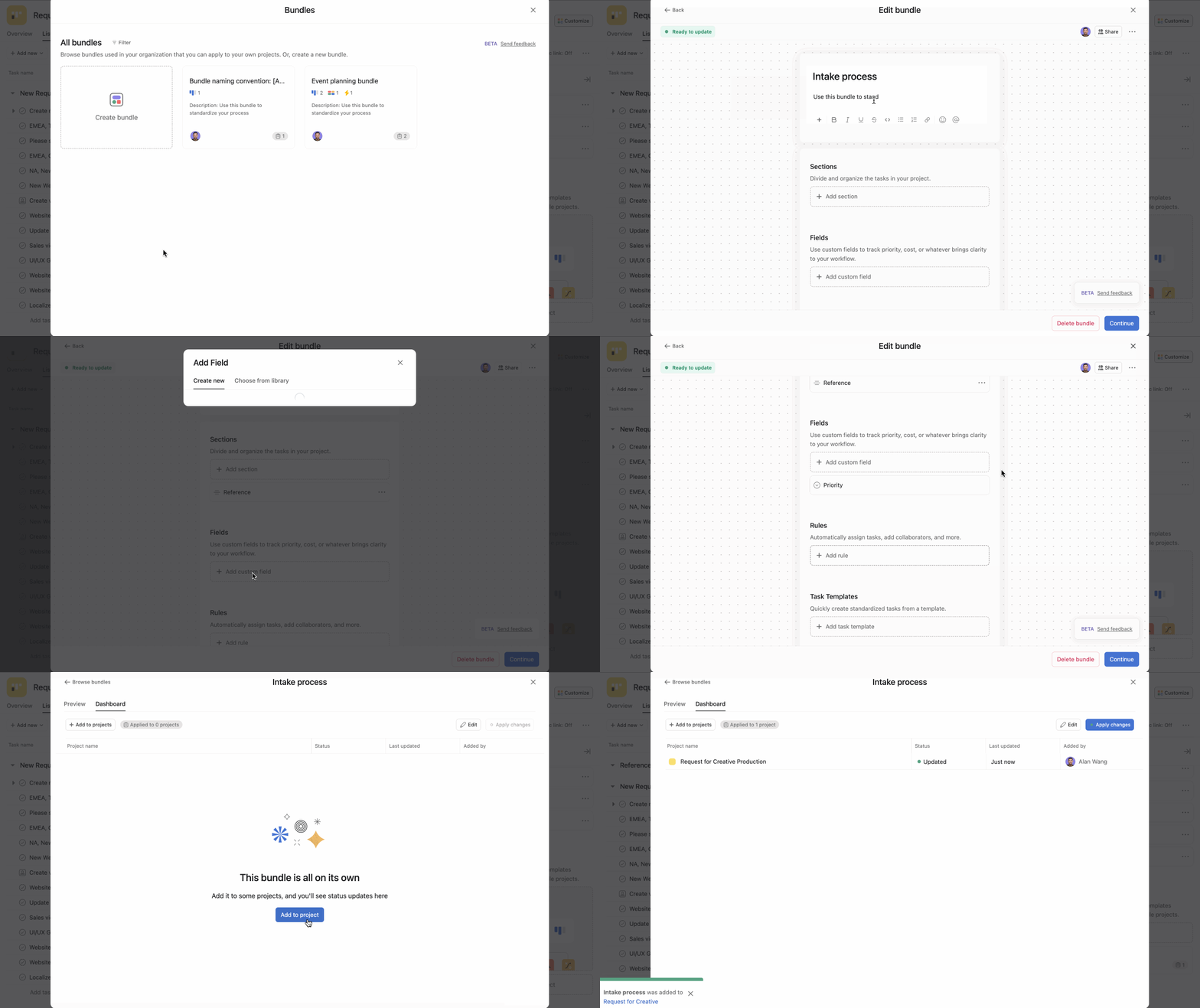
All bundles you create will automatically be added to your organization’s shared bundles gallery.
Note
To easily find bundles in the future and maintain consistency in your domain, use a clear naming convention (i.e., [Team A] _ Intake flow) for each team’s bundles. Include a concise description for the bundle so others know how to use it.
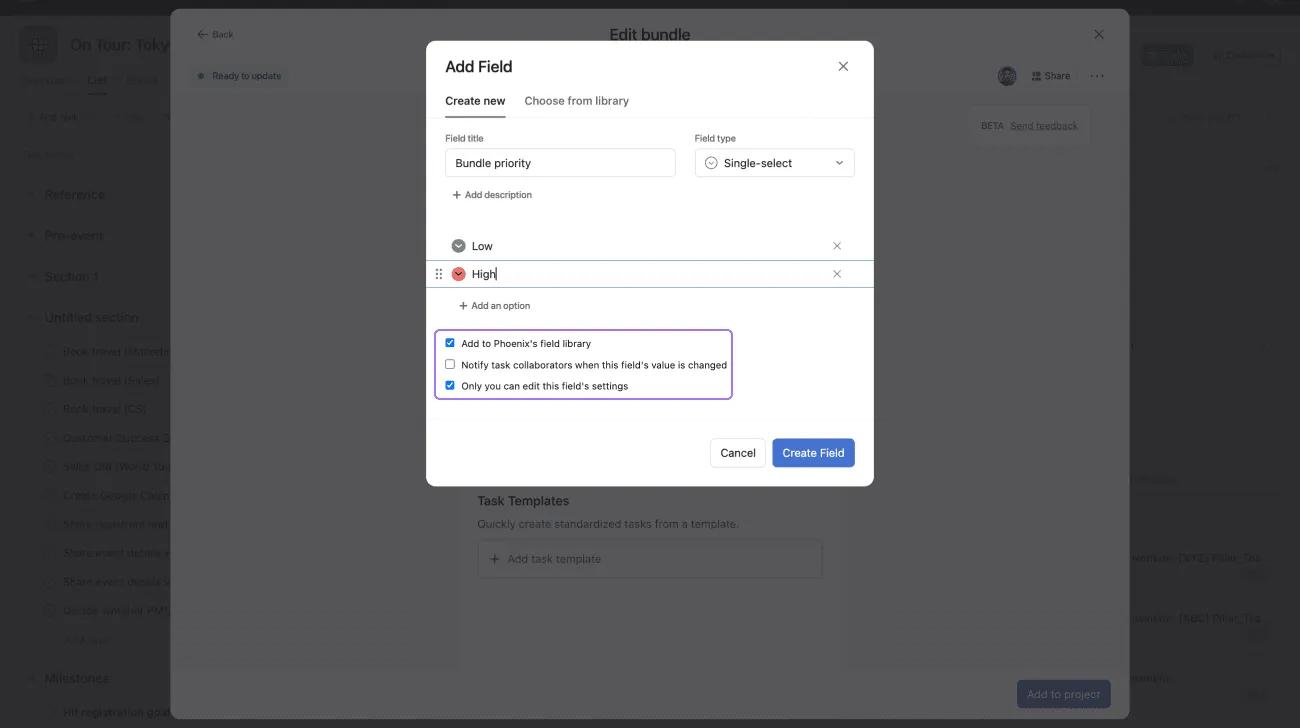
The custom fields you create can be global or local to the bundle, which allows the field to be used on all projects the bundle is on but is not added to the fields library.
You can create a bundle using your project’s workflows. In other words, it will copy all the existing sections, fields, rules, and task templates the project already has. However, this option will be turned off if items in your customize menu are broken or won't show if a bundle is already attached to the project.


