Products


AI Platform


Asana Foundations
Company Type
No articles found for this topic.
No articles found for this topic.
In This Article

Visit our pricing page for more information.
Manually invoiced customers at Asana can add a payment method to their Asana account. This feature provides customers with more flexible payment options and a secure way to add a payment method to their Asana account for future use, including payment of open invoices or recurring payments.
To do this, the billing owner of the Asana account will need to add a payment method.
As a billing owner, please follow the steps below to add a bank account to your Asana profile.
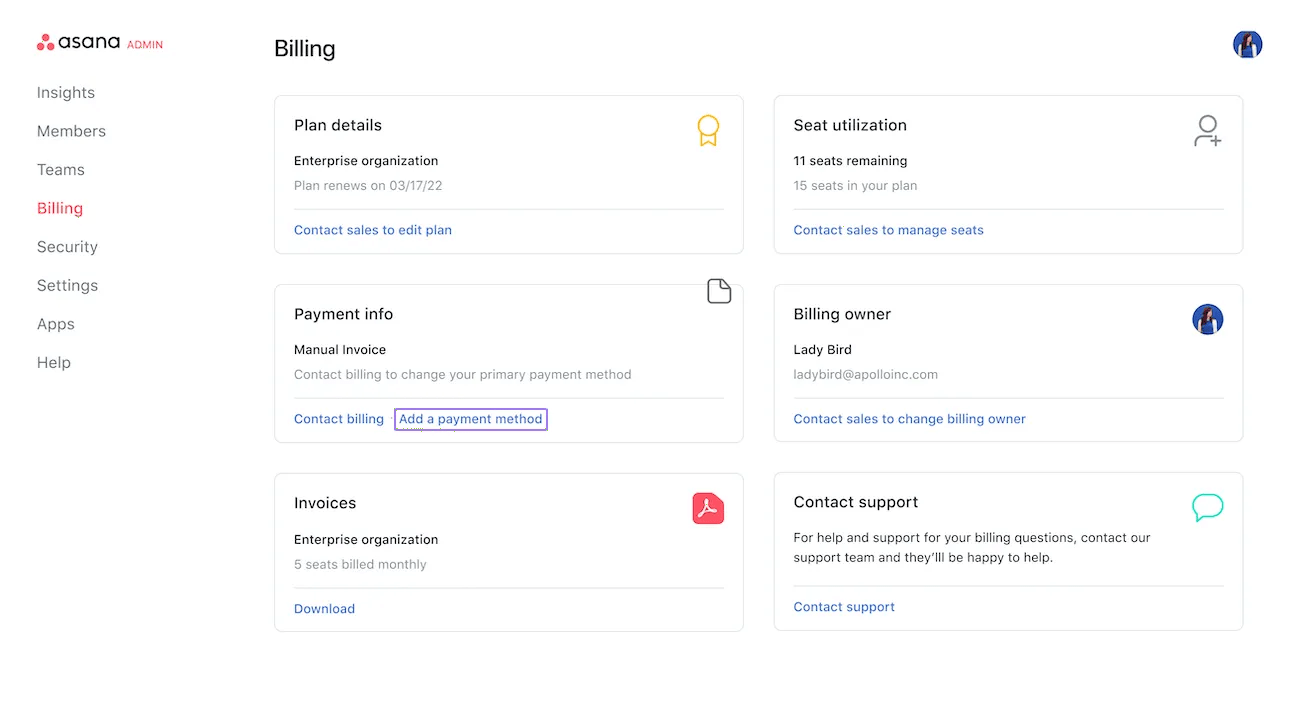
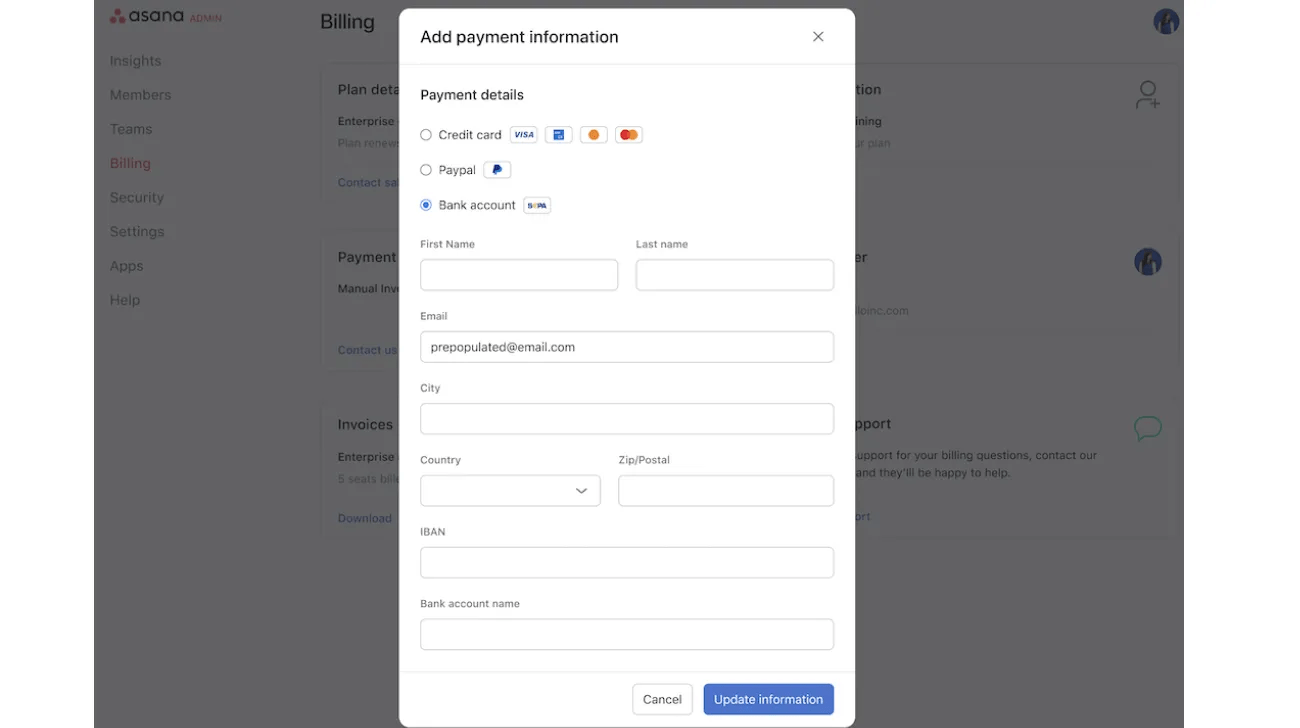
The payment details information window will open with the available payment methods applicable to your location. Select your desired payment method, complete all requested information, and click Update Information.
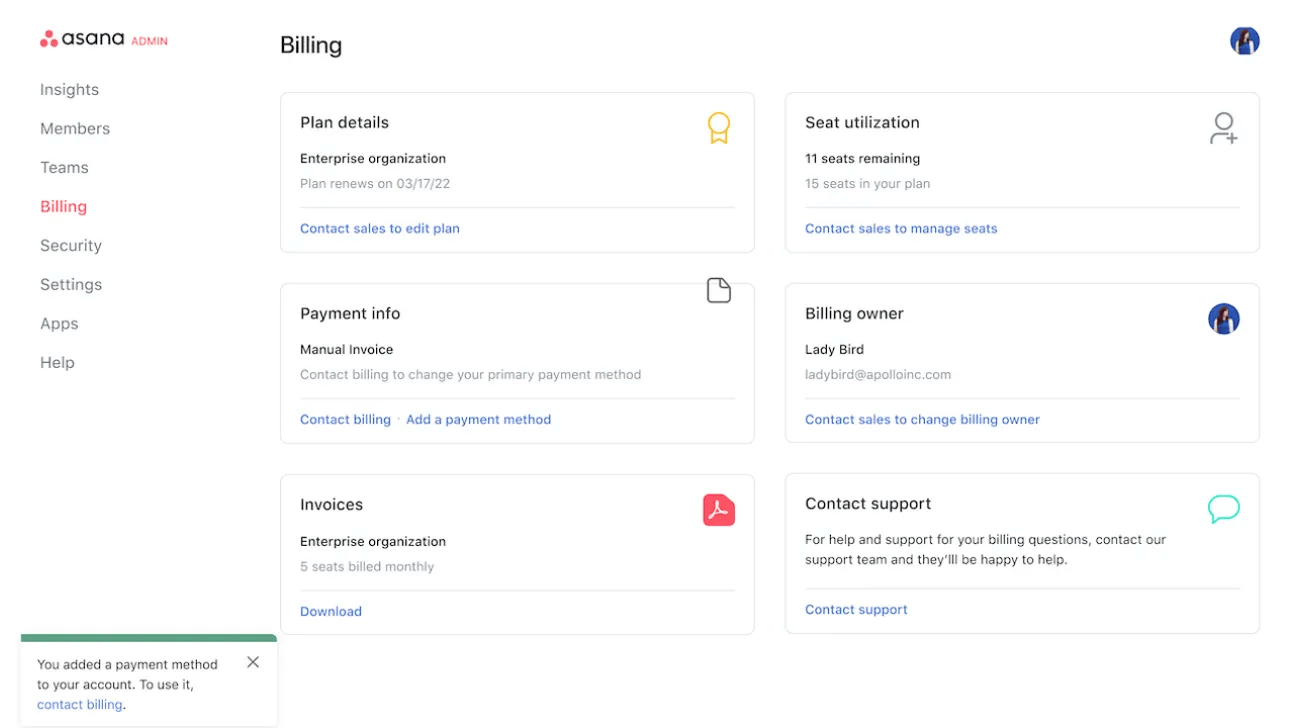
Please select Contact billing or email ar@asana.com to use the payment method added for one-time and recurring payments.

