Products


AI Platform


Asana Foundations
Company Type
No articles found for this topic.
No articles found for this topic.

Visit our pricing page for more information.
From time to time it may make sense to upgrade your plan's tier, expand the number of seats on your plan, or downgrade to a smaller number. This article outlines how you can take those actions.
If you’re looking for personal or basic task management, you can at any time downgrade back to Asana Personal. If you choose to downgrade, the downgrade will take effect at the end of your current subscription period.
If you choose to terminate your subscription to a paid tier, you and your team will lose access to paid features, including advanced team and project permissions, custom fields, timeline view, and task dependencies.
All cancellations take effect at the end of the current billing cycle.
There are other options you may want to consider. If you believe that your team is unsure of how to make the most out of your paid features, take advantage of the free trainings that we offer to our paid users.
You can read more about plan options and pricing in Asana.
Once you trial finishes, you'll be prompted to select a plan. Click Select your plan.
If you'd like to downgrade to the free Asana Personal plan, the click Not ready? Downgrade to a free Asana Personal plan on the next screen.
Check the Confirm downgrade box, and click Downgrade to Personal.
You can edit or switch your plan from the plan details section via the Billing tab in the admin console.
If you pay by credit card, simply select Edit plan from the Billing tab of your admin console.
When you click into Edit plan, you will be routed to a data capture form where you will be asked to fill in details about your project, team, and the process you want to track in Asana.
After you have filled out your preferences, click Submit and an Asana specialist will be in touch after processing your request.
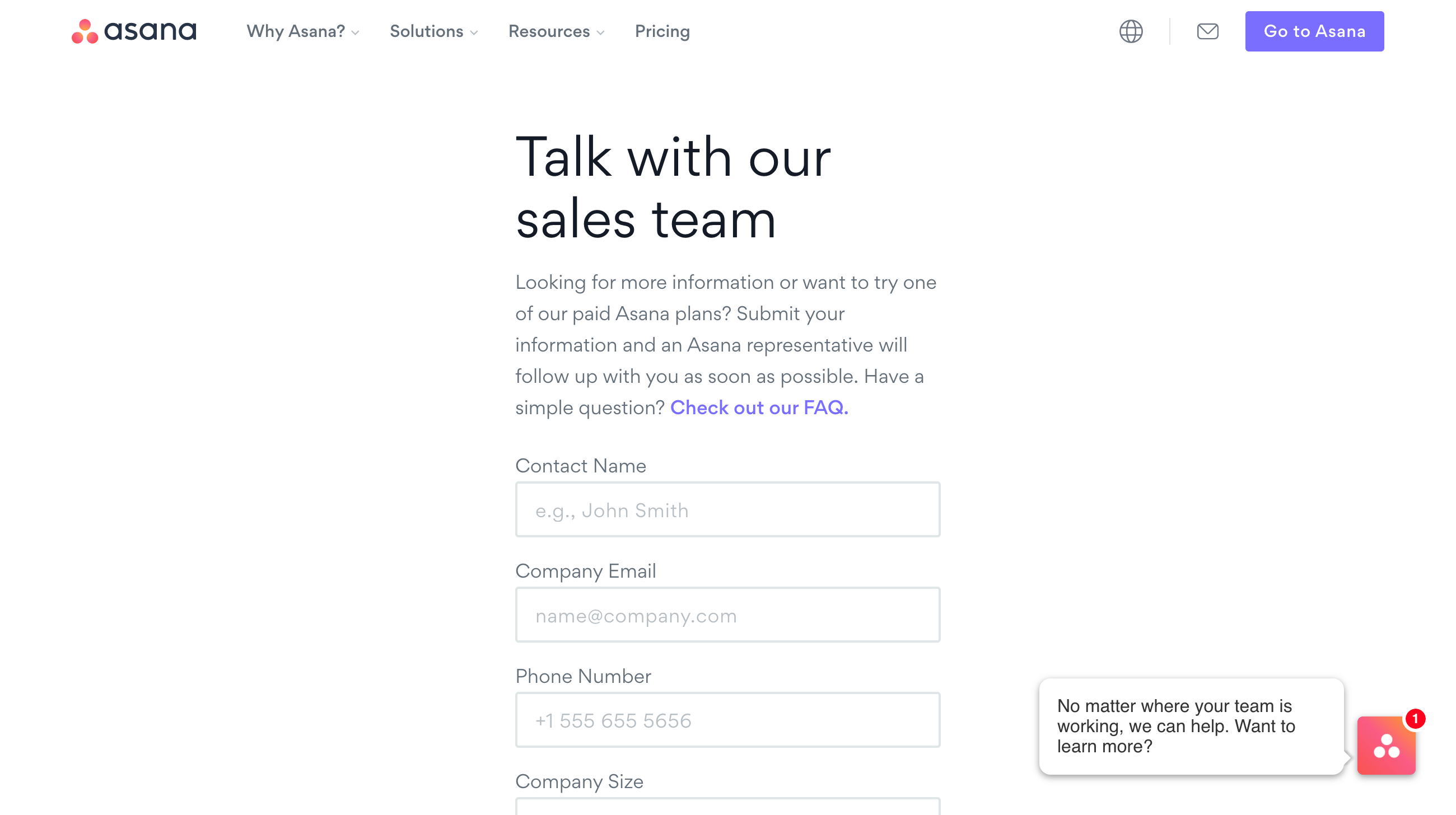
Add seats to your plan through the admin console. If you’re on a manual invoice you will be directed to Asana sales to request the change.
You can change the size of your plan via the Seats drop-down menu when you choose to update the plan.
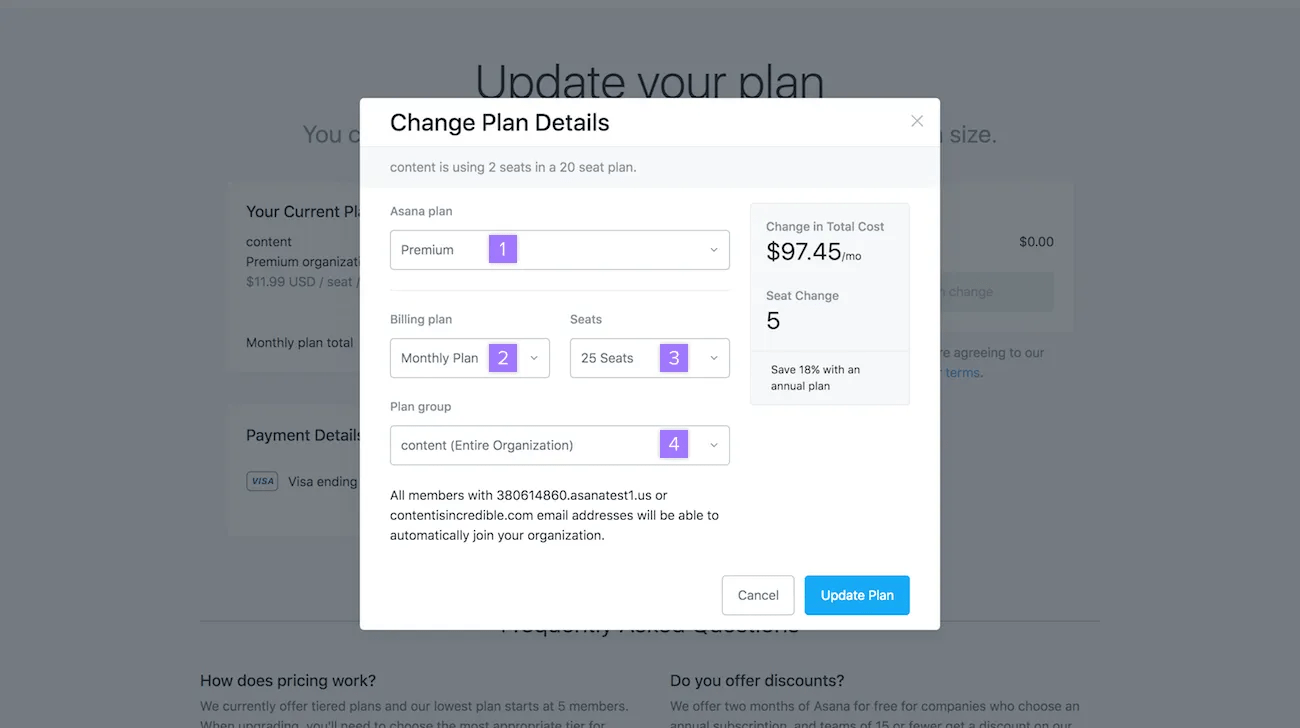
When you have selected all of your options, click the Update Plan button
Asana does not offer paid subscriptions for 1-user plans but offer set increments of seats for smaller teams; such as 2, 3, 4 and up to 5-seat plans. When upgrading, you'll need to choose the most appropriate seat tier for your team size.
We would love to hear how we can improve the platform. We are constantly working to improve, so we would appreciate any feedback you can offer. Don't hesitate to get in touch with Asana Support.

