Products


AI Platform


Asana Foundations
Company Type
No articles found for this topic.
No articles found for this topic.
In This Article

Visit our pricing page for more information.
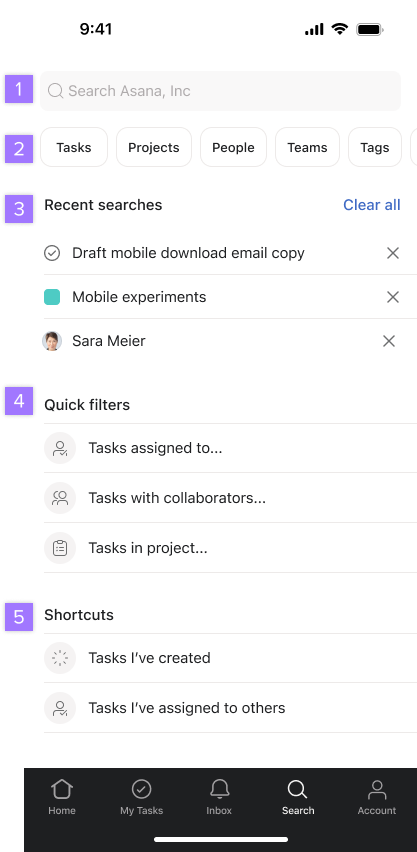
With Asana for iOS, you can organize your tasks for the day and communicate with your team from anywhere. This article will focus on using the search function on iOS. Download the Asana app for your iPhone and iPad from the App Store. Asana's mobile app is only compatible with iOS 16 or later.
Use search to find tasks, projects, messages, teams, portfolios, goals, tags, or people in your workspace or organization.