Products


AI Platform


Asana Foundations
Company Type
No articles found for this topic.
No articles found for this topic.

Visit our pricing page for more information.
This security feature is available on the Asana Enterprise+ tier, as well as legacy tier Legacy Enterprise. Visit our pricing page for more information.
It is also available on Asana's web version, Desktop App, iOS, and Android mobile apps. It is not currently available for the API, integrations, or other surface areas.
Large organizations often use managed devices or networks to secure employee data.
Previously in Asana, admins needed to choose to block or allow all Asana workspaces. Admins within Asana are now able to manage company network devices or individual employee devices to limit Asana use to only approved workspaces or organizations.
By restricting access to non-approved workspaces and organizations through proxy-based tools like a Cloud Access Security Broker (CASB), admins can help follow internal security controls and keep sensitive data within approved workspaces.
Once admins have configured this solution, they can set an approved list of workspaces and divisions. This will ensure that users on either a managed device or a managed network cannot access unapproved workspaces or organizations.
To enable this feature, the admin must first configure their solution to send two headers on all Asana requests.
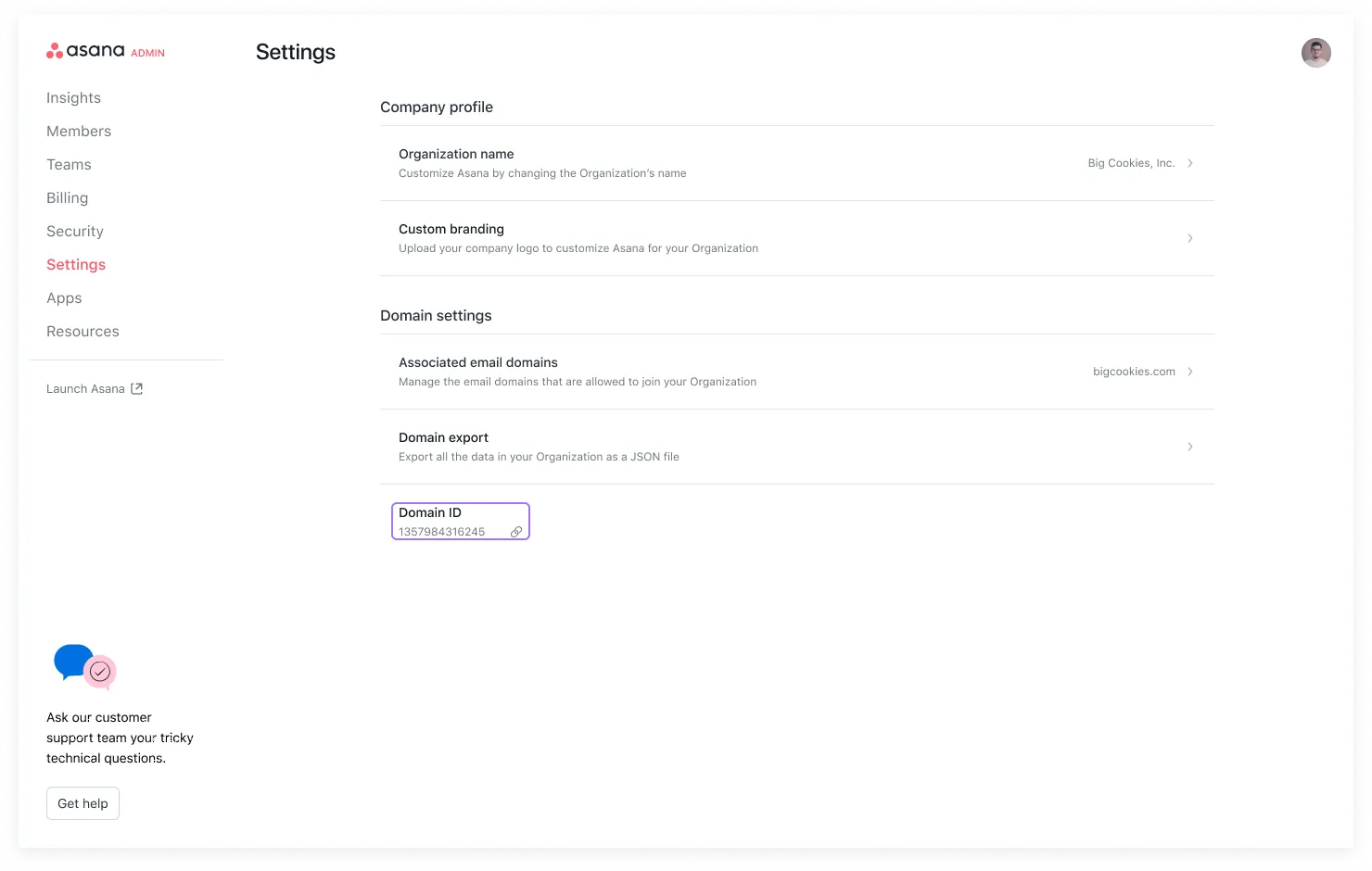
The first header must include either a Domain ID or Division ID. This is available in Settings tab of the admin console. An example for this header would follow the format Asana-Allowed-Domains-Requester-Id: abc. Note that divisional admins will need to get in touch with Asana Support to obtain their division admin ID in order to configure this header.
The second header must include a comma-separated list of approved domain IDs and would follow the format Asana-Allowed-Domain-Ids: abc,123,xyz. All listed workspace IDs will now be reflected as approved workspaces and organizations.
Note
Asana web will enforce these restrictions on both the initial page load and the WebSocket handshake. If you would like for an open Asana page to update its specific restrictions once the device has switched networks, make sure to include these headers on HTTP requests to WebSocket protocol endpoints (wss://) that are subdomains of the Asana App.
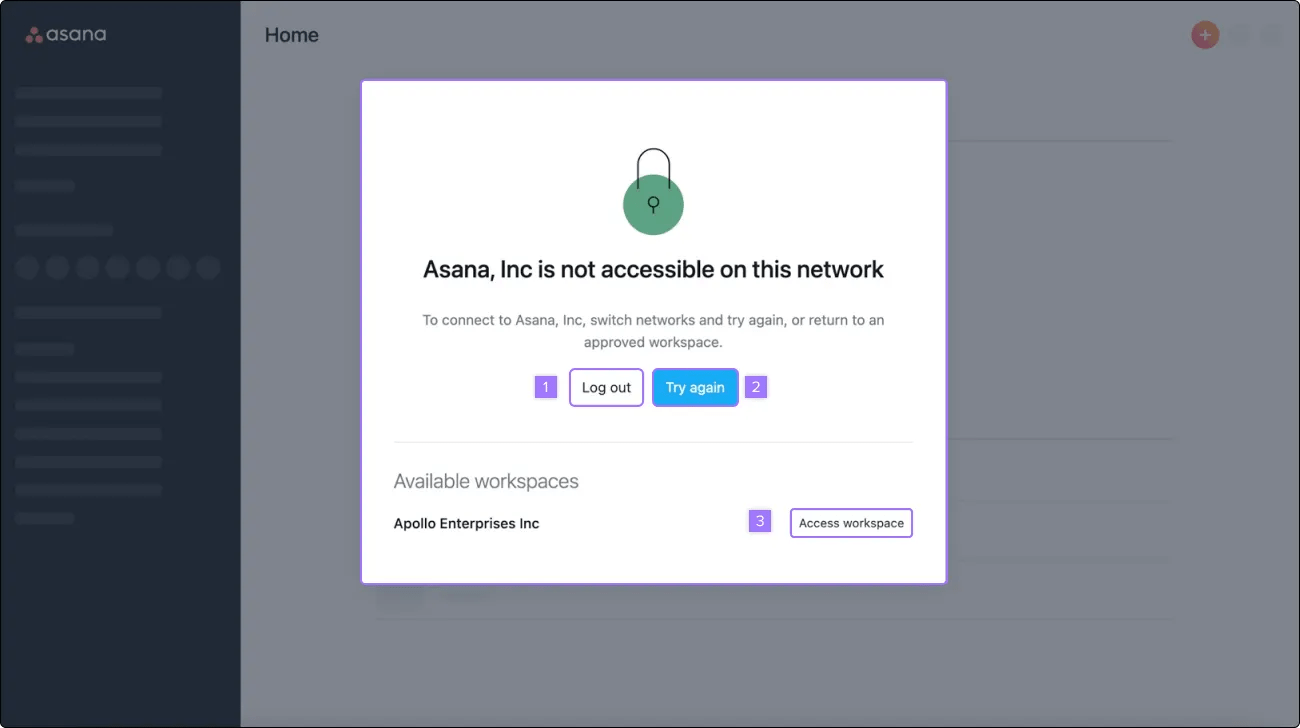
After the configuration of the Approved workspaces list, there are a few different scenarios whereby users on a managed device or network may be prompted with a contextualized error when trying to access non-approved workspaces.
If you are trying to log in to an Asana account that does not have approved domains, you will be met with the following prompt on Asana's web version or desktop app.
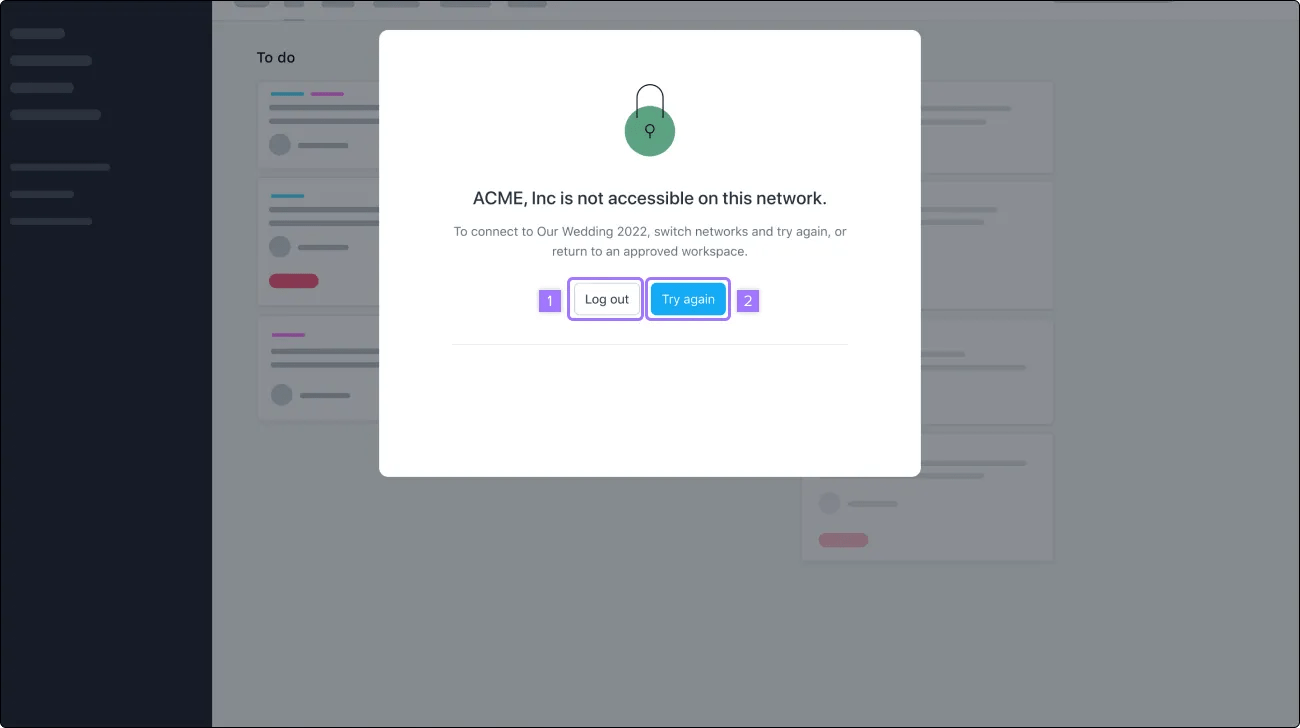
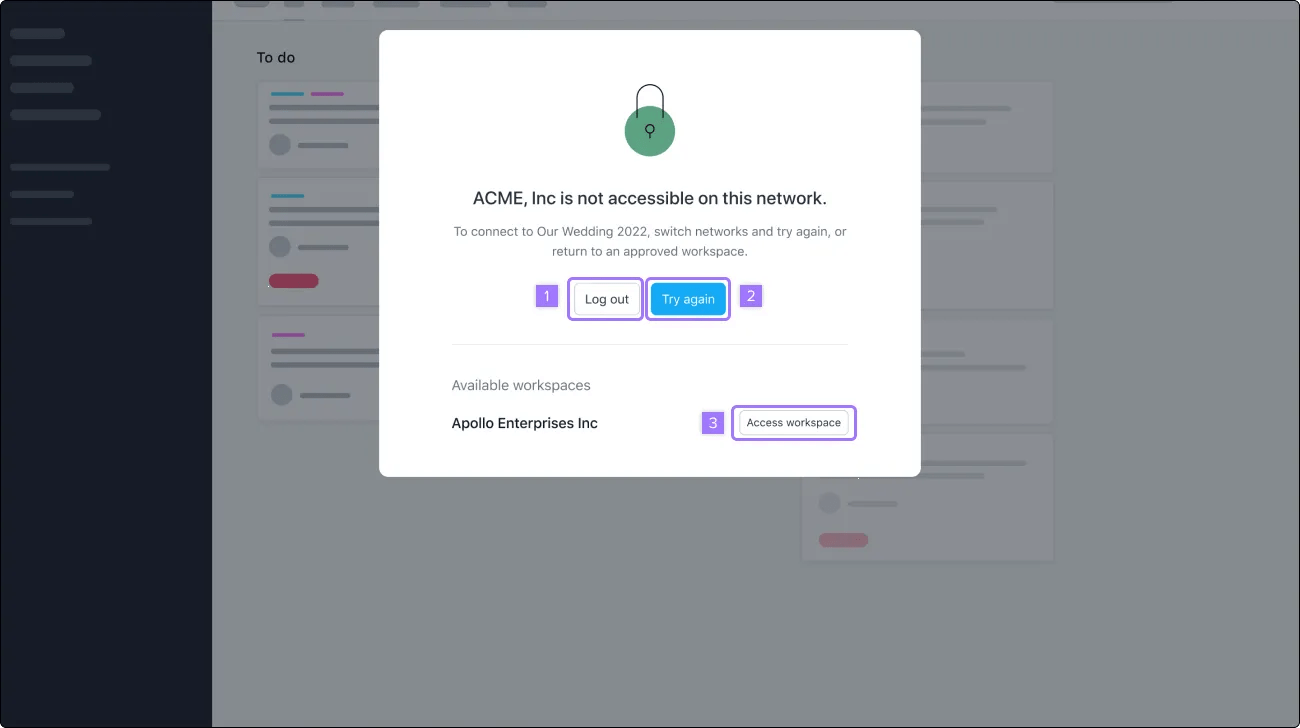
Attempting to log into a personal workspace or an account with multiple unapproved domains will also prompt a contextualized error.
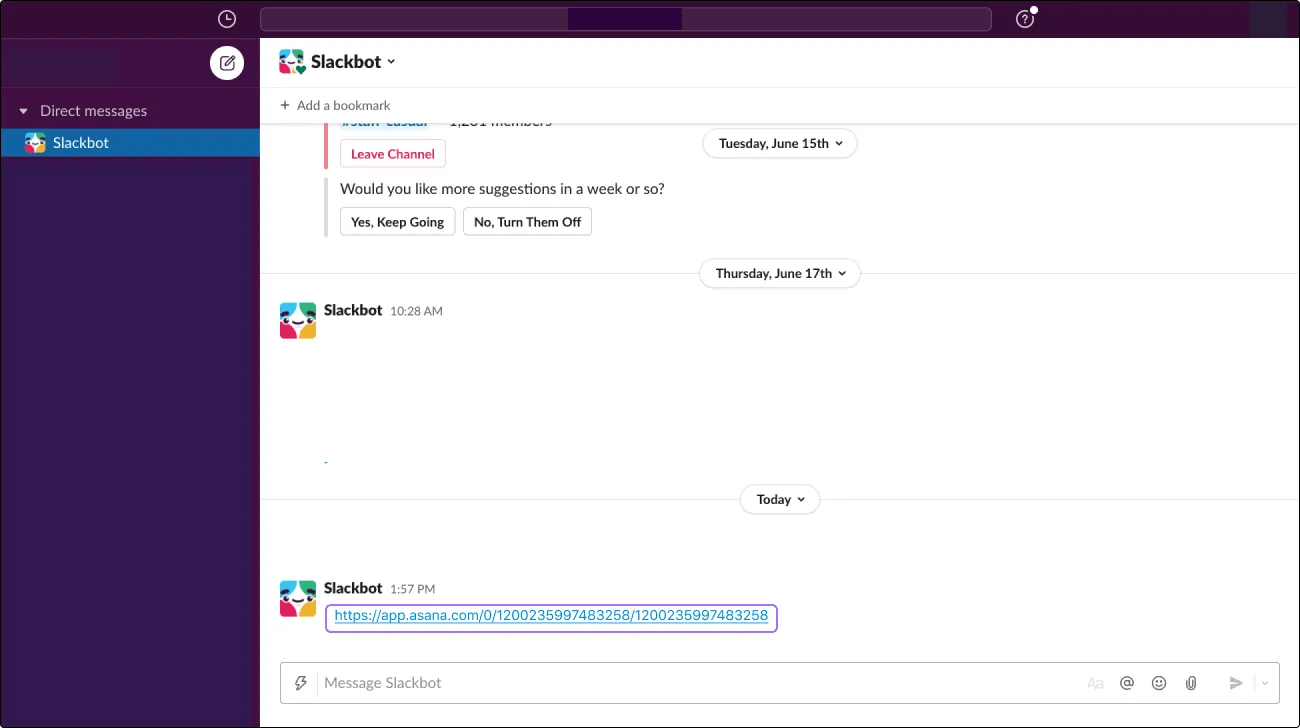
Clicking into an unapproved URL will also prompt a contextualized error.
If you're interested in upgrading to Enterprise or want to learn more, reach out to our Sales team.

