Products


AI Platform


Asana Foundations
Company Type
No articles found for this topic.
No articles found for this topic.

Visit our pricing page for more information.
Two-factor authentication (2FA) is a common, extra layer of security that you can add to your online accounts. Enabling two-factor authentication means that Asana will ask for an additional code, in addition to email and password, when authenticating.
This code will be generated by an authenticator app (e.g. Duo, Authy, Microsoft Authenticator) that you can install on your phone.
Note
Like what you see? Get started with a free Asana trial today. Try for free.
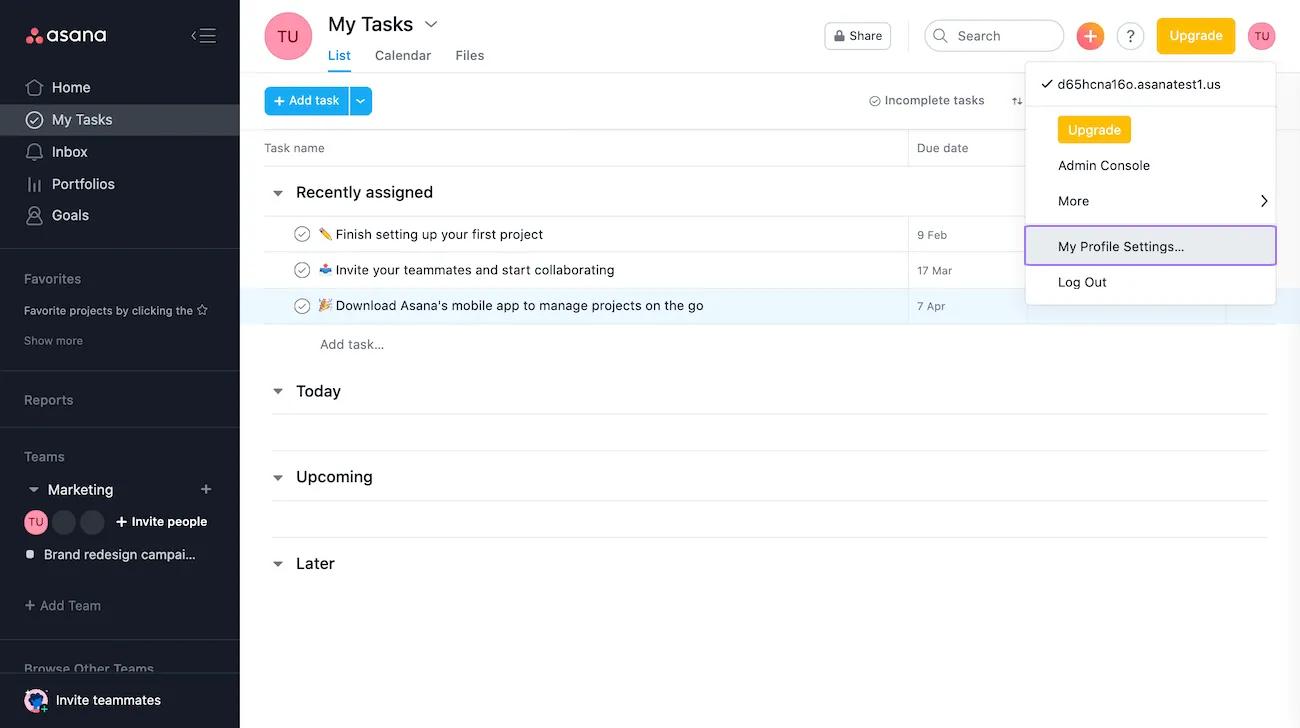
To access your 2FA settings, navigate to My Settings.
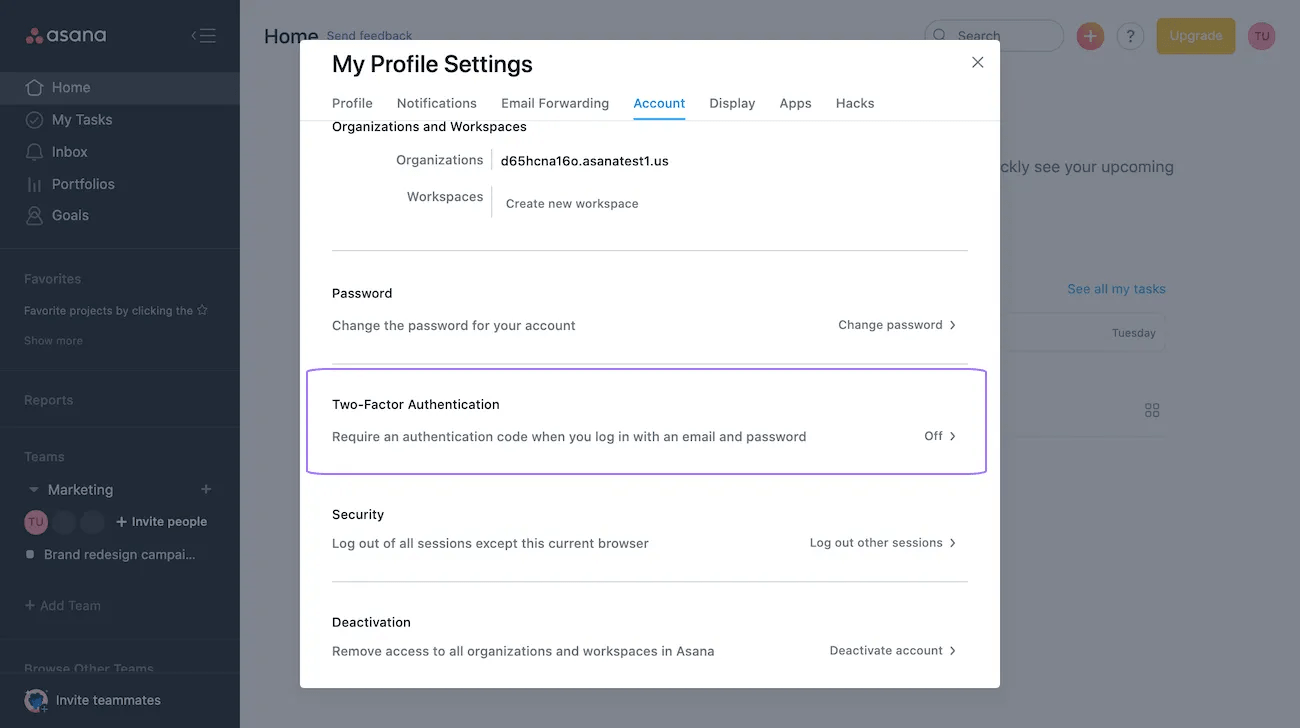
From the Account tab, click on Two-Factor Authentication.
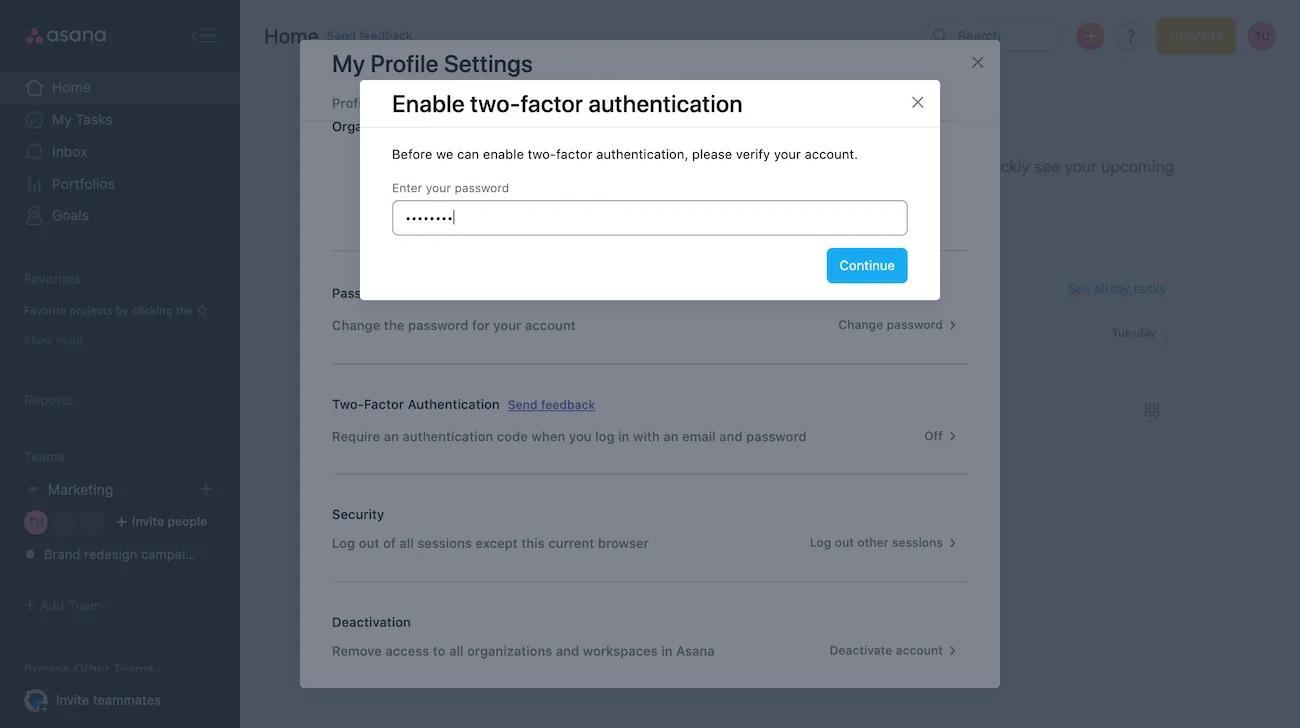
Next, you’ll be asked to verify your password.
Next, you’ll be prompted to scan a QR code.

Lastly, enter the code generated by your authentication app and click Enable.
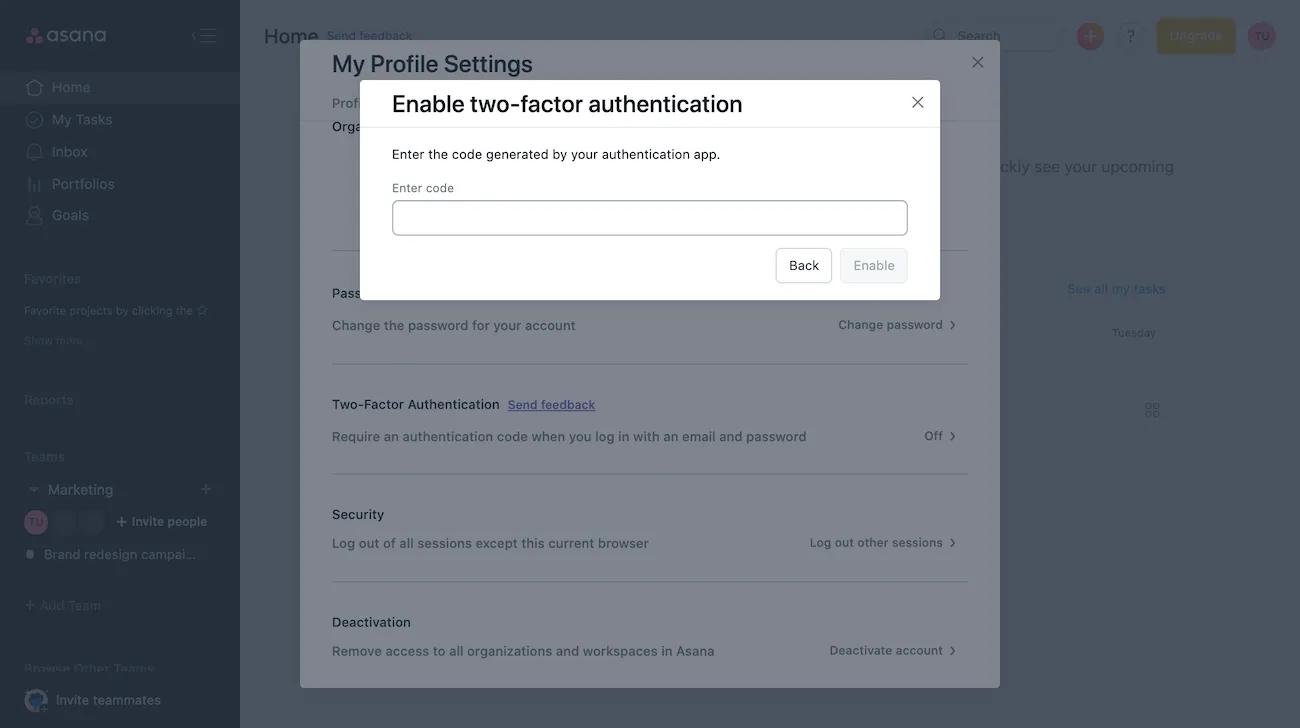
To disable 2FA, click on My Settings and navigate to the Account tab. Then click Two-Factor Authentication.
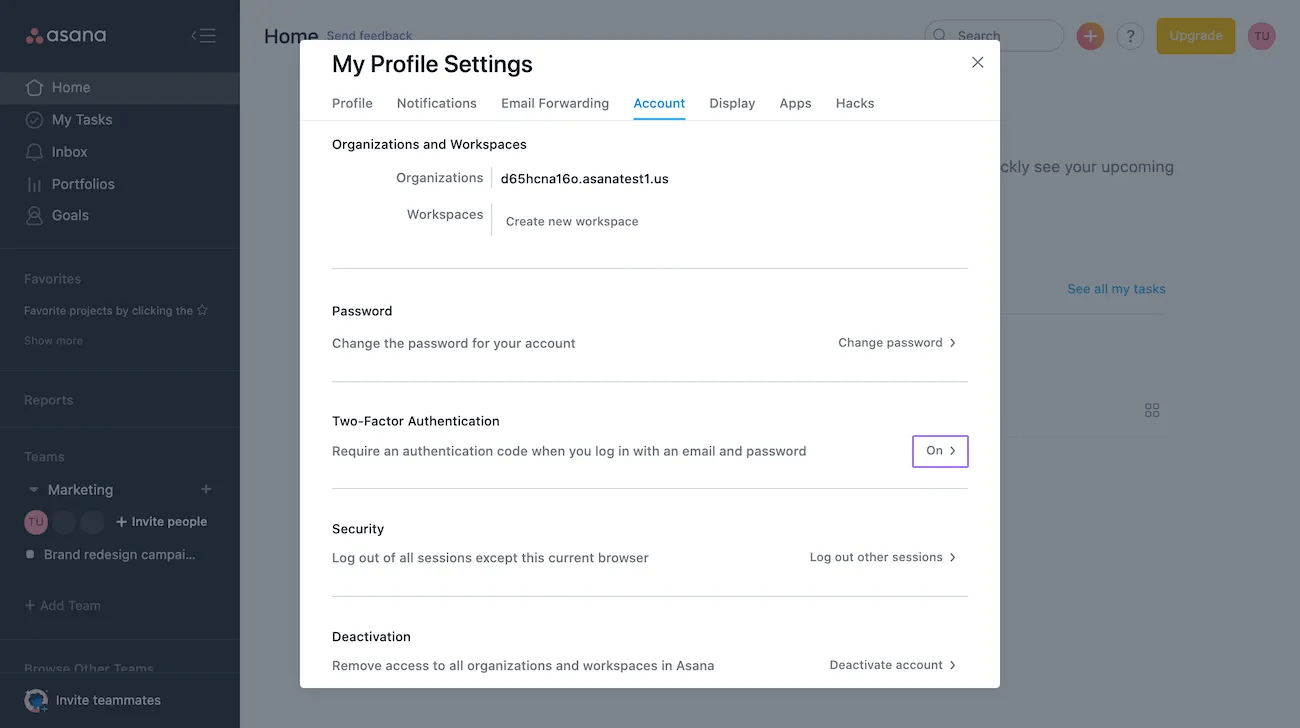
Next, enter your Asana password and click Disable.
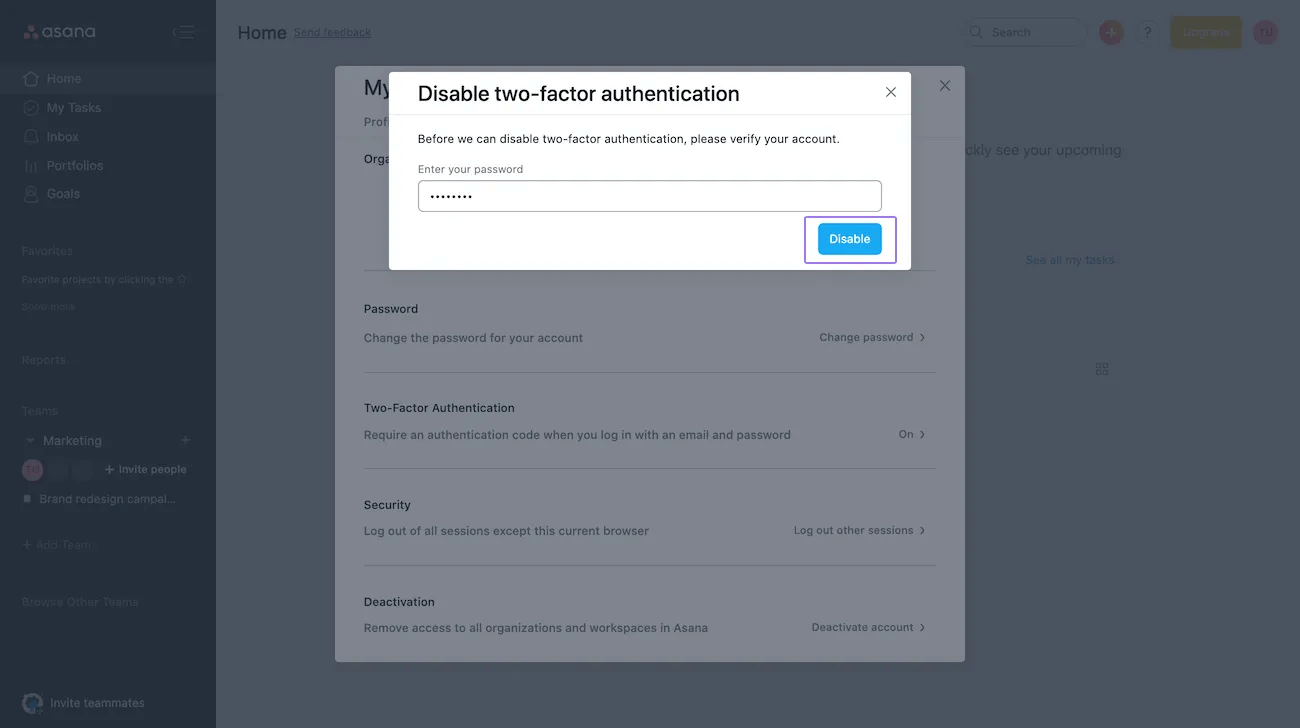
2FA will then be switched off.
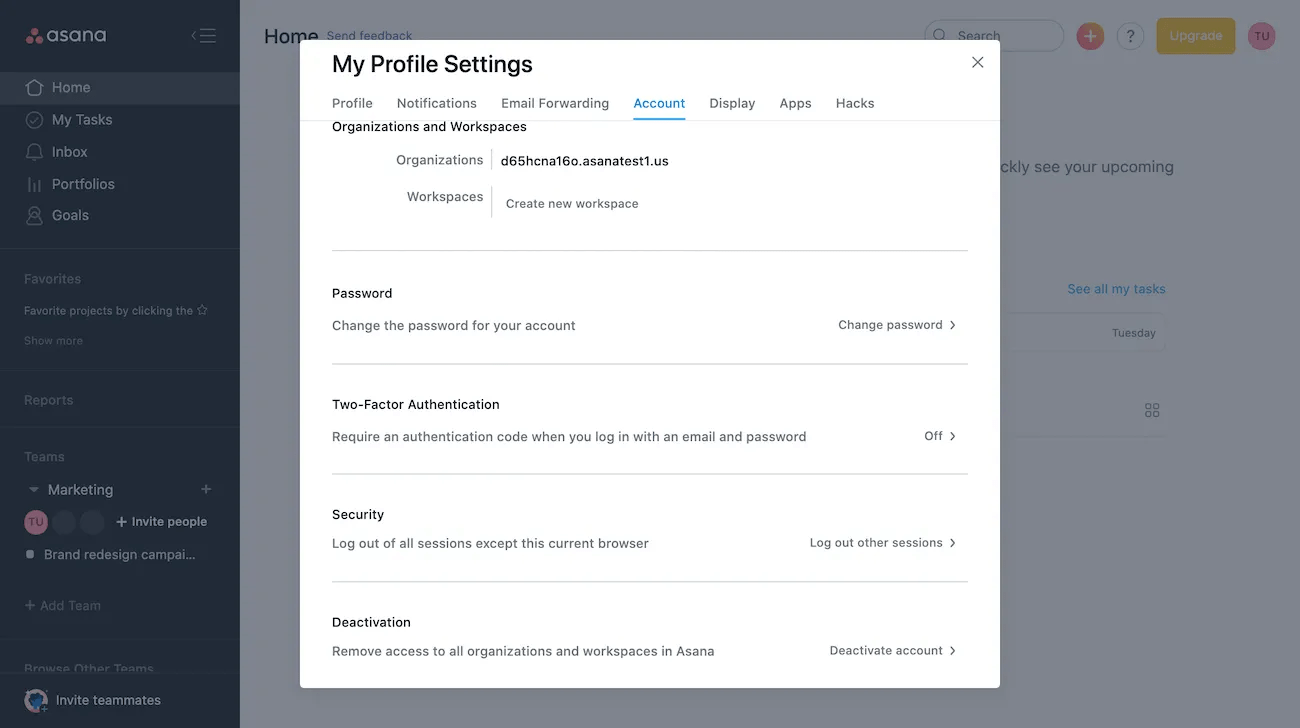
Once enabled, you will then be required to use 2FA when logging in to your account.
First, click Log in from the Asana homepage.
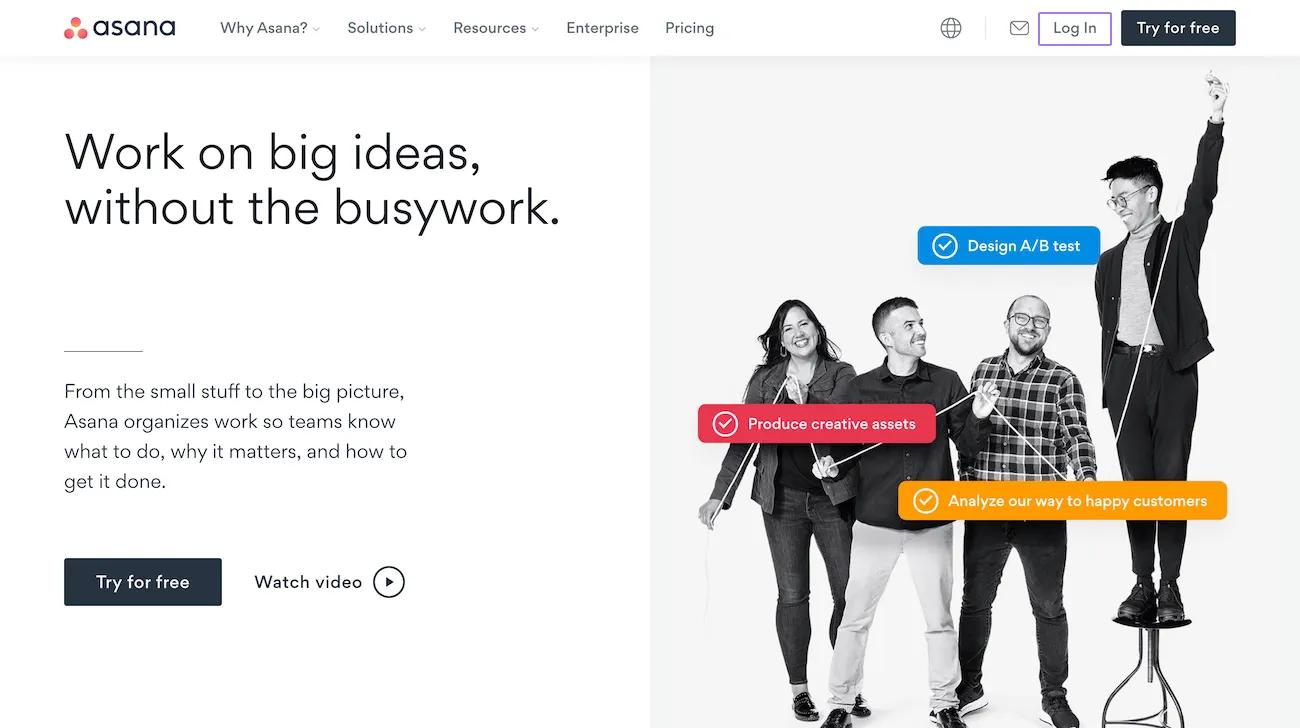
Next, enter your email address and password and click Log in.

Then, use your code generated by your authentication app and click Continue.
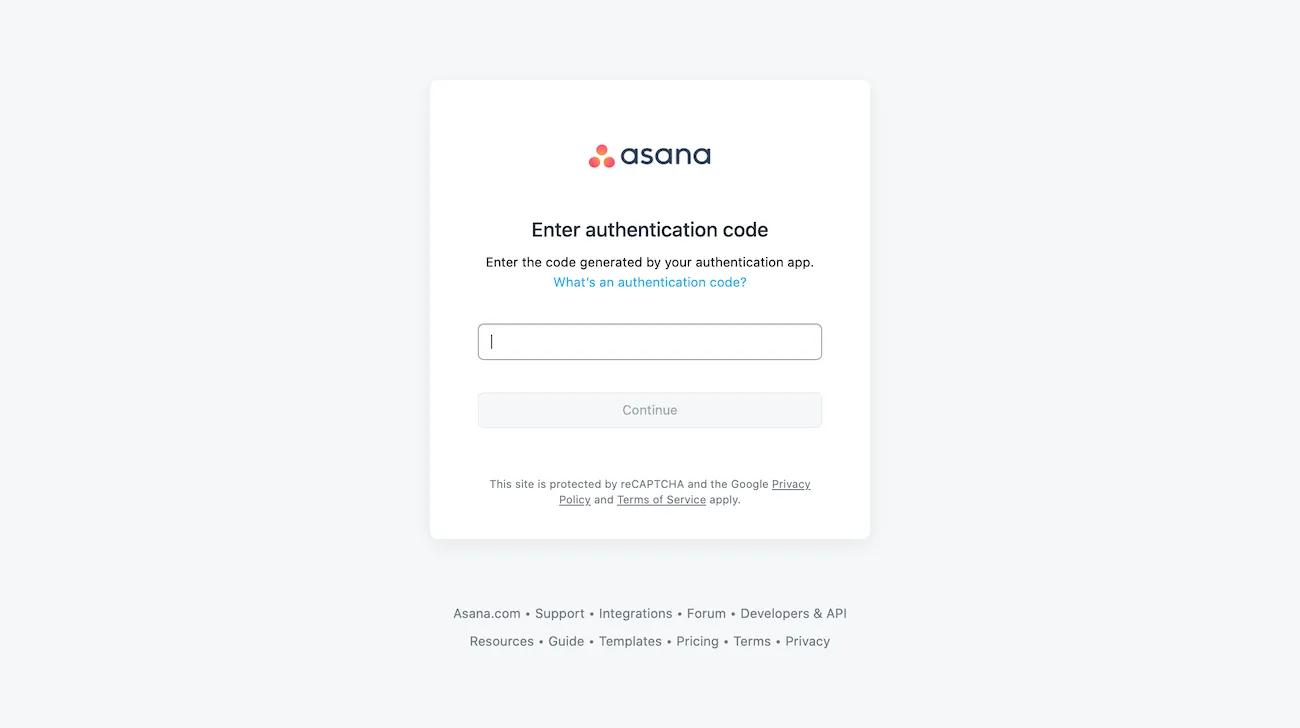
Once 2FA has been enabled, you will be required to use it when logging in through your mobile device.
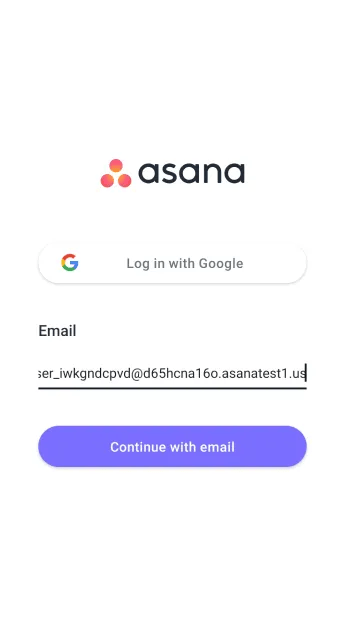
To log in, first enter your email address and click Continue with email.
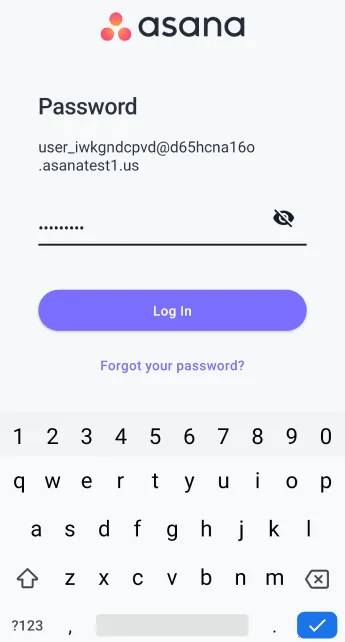
Then enter your password and click Log in.
Finally, use the code generated by your authentication app and click Continue.
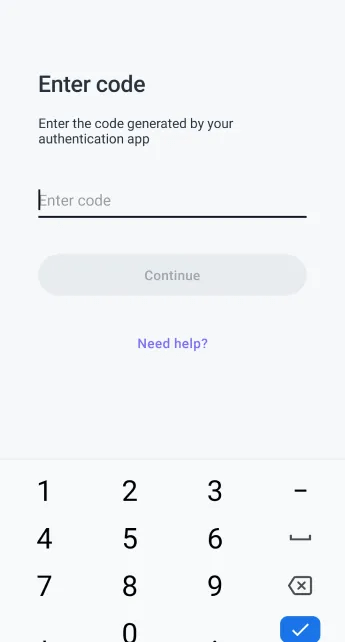
If you have any issues logging in with 2FA once it’s been enabled, please contact Support.
Available on Asana Enterprise and Enterprise+ tiers, as well as legacy tier Legacy Enterprise.
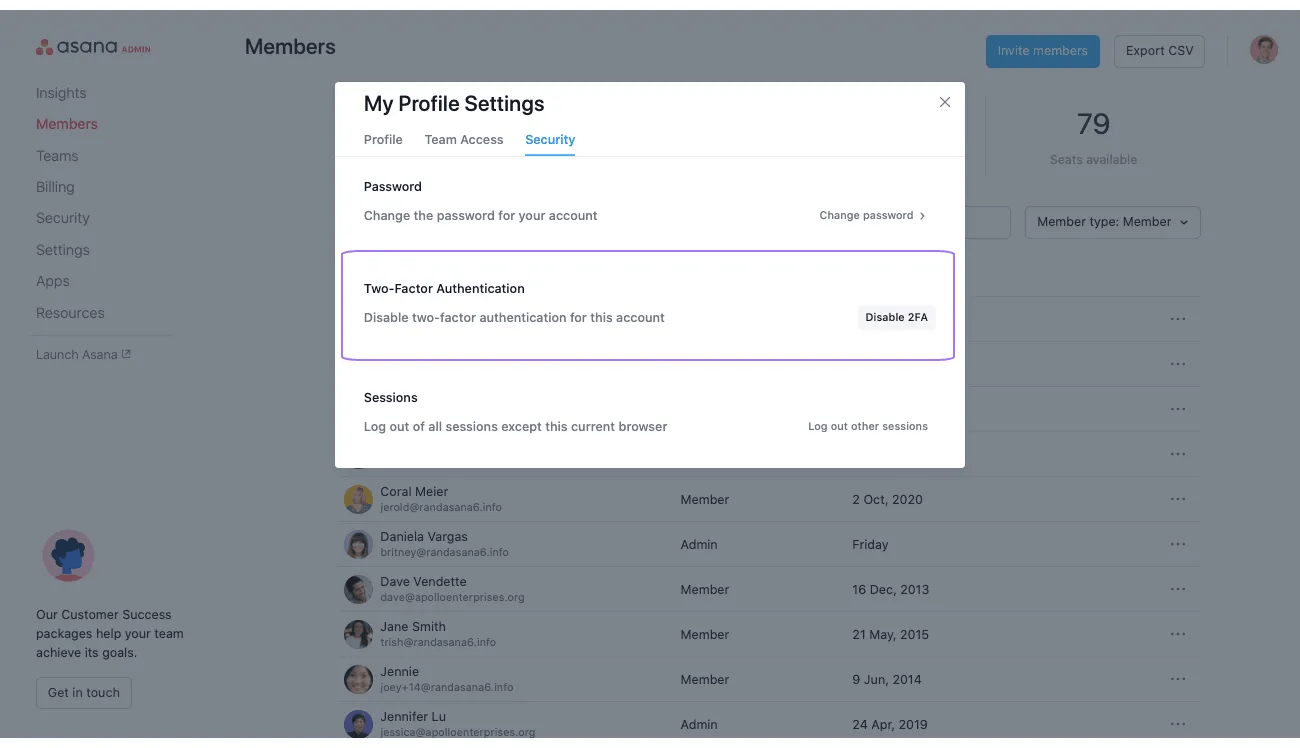
From the admin console, admins can view if 2FA is enabled for a member. They can also disable 2FA for a specific account. This is useful if a member has lost their 2FA device and needs to regain access.
For security reasons, admins are only allowed to reset 2FA if the member belongs to no other domain.
To view 2FA settings for a member, navigate to the members tab of the admin console. From there click Edit profile settings.
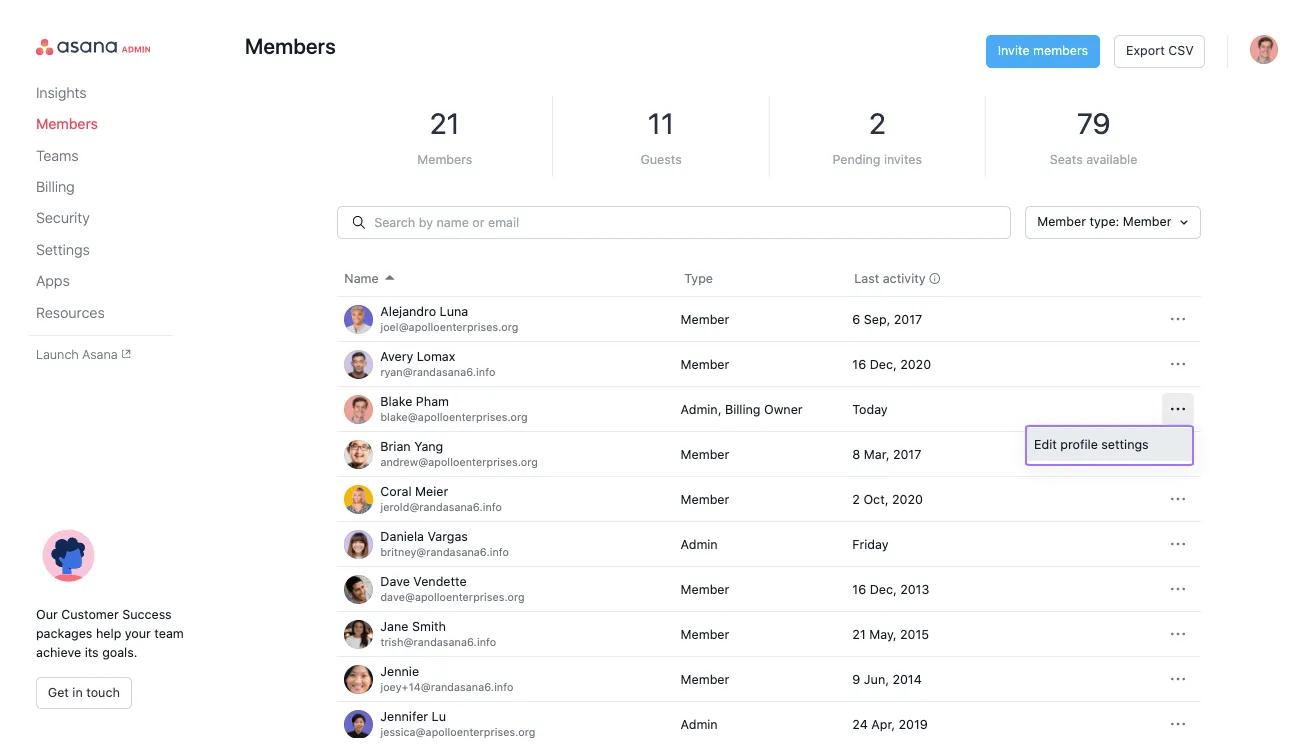
From the next window, navigate to Security tab and scroll down to Two-Factor Authentication.