Products





AI Platform


Asana Foundations
Company Type
No articles found for this topic.
No articles found for this topic.
Available on Asana Advanced, Enterprise, and Enterprise+ tiers. Visit our pricing page for more information.
Weighted goals allow you to specify the significance or impact of the items which automatically contribute to goal progress.
For instance, where three subgoals contribute to the progress of a parent goal, it's possible to assign different weights to each subgoal based on how important they are. With weighted goals you can dictate that one subgoal is twice as important as the others by assigning it a weight of 50%. The two remaining subgoals each receive a weight of 25%.
This means that completing the more significant subgoal has a greater impact on the progress of the parent goal than completing either of the subgoals weighted at 25%.
Weighted goals are available for goals whose update method is set to Automatic. Using the automatic update method instead of manual means that Progress source items such as subgoals, projects, or tasks, automatically influence the percentage completion of the parent goal when progress is made on these items.
Weights can be applied to automatically-updated goals in the following circumstances:
First, ensure that your subgoals, projects, and tasks are connected to the parent goal through automatic progress rollups. This setup is crucial for the weighted goals feature to function.
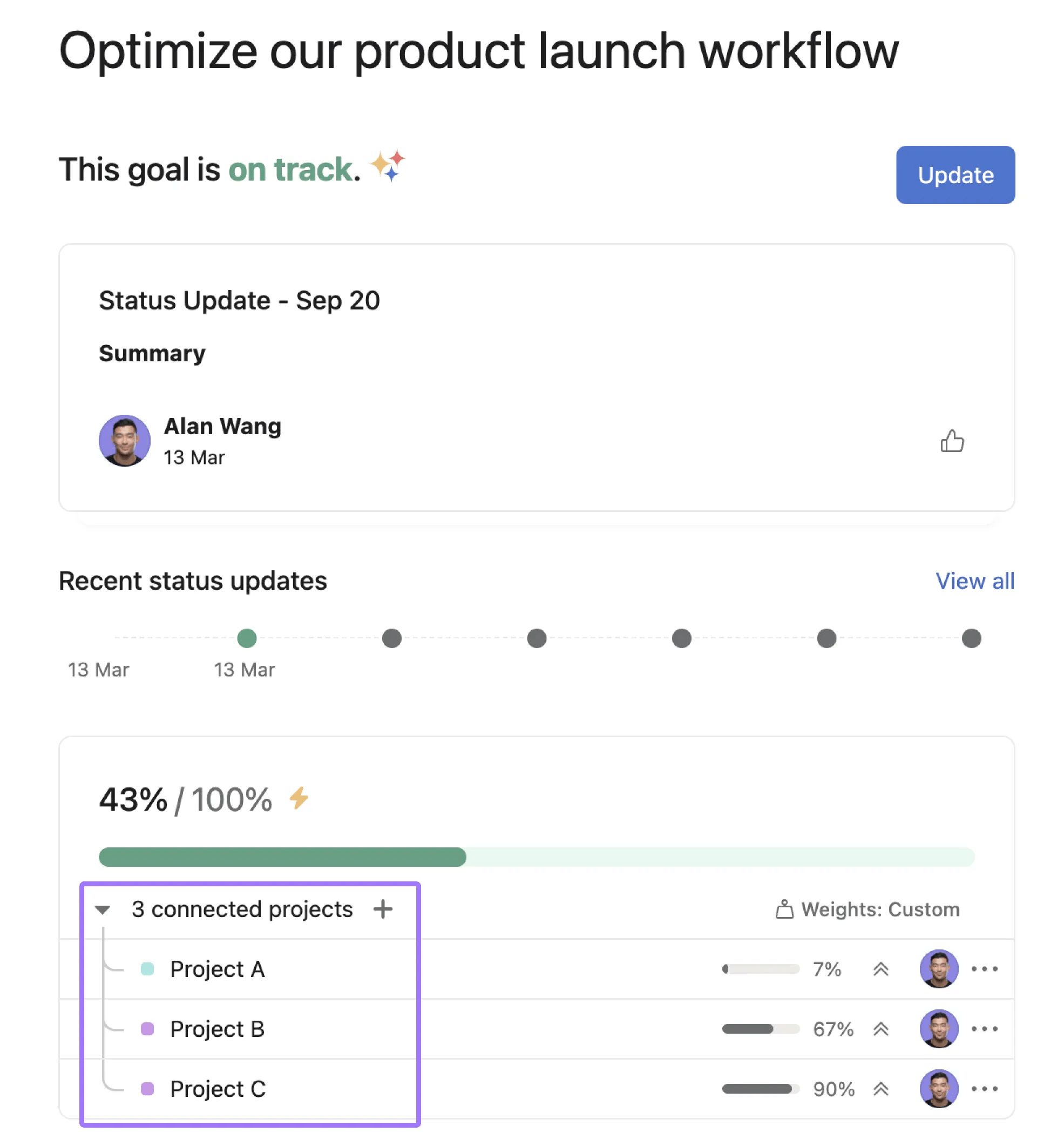
In this example, Project A and Project B act as the progress source for the goal. The lightning bolt next to the percentage progress indicates that the update method of the goal is set to Automatic.
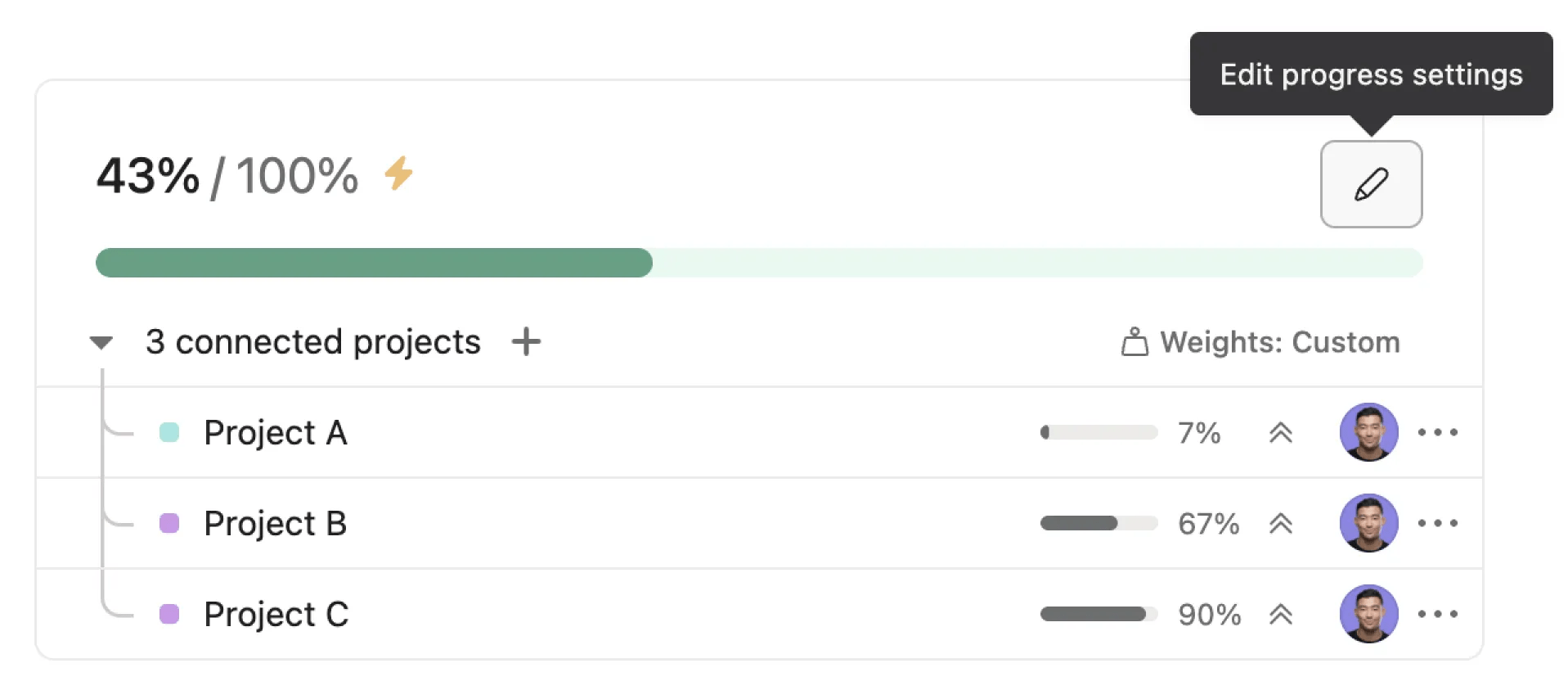
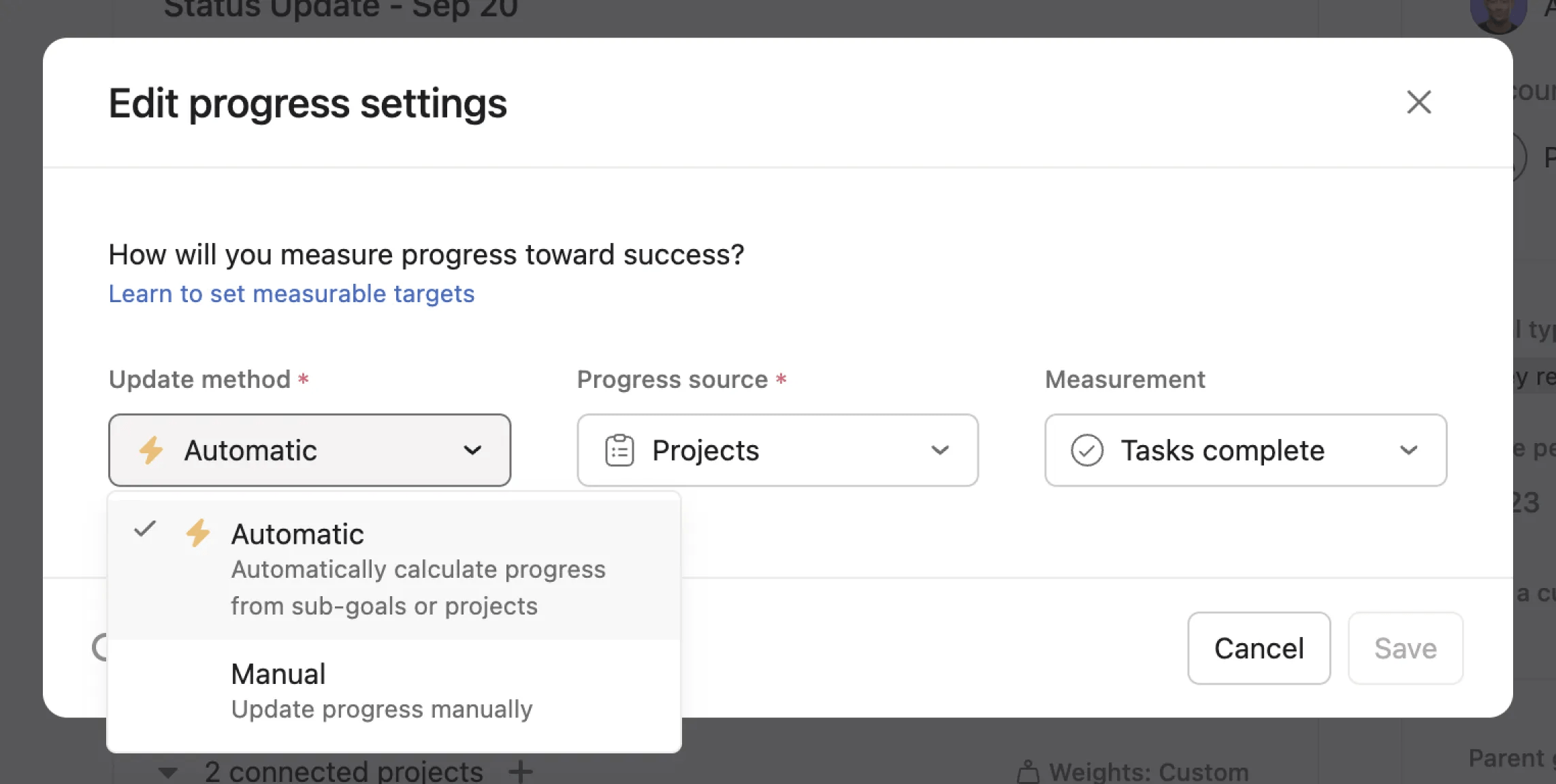
Click the pencil icon to view or edit the progress settings. You must choose Automatic before weighted goals can be used.
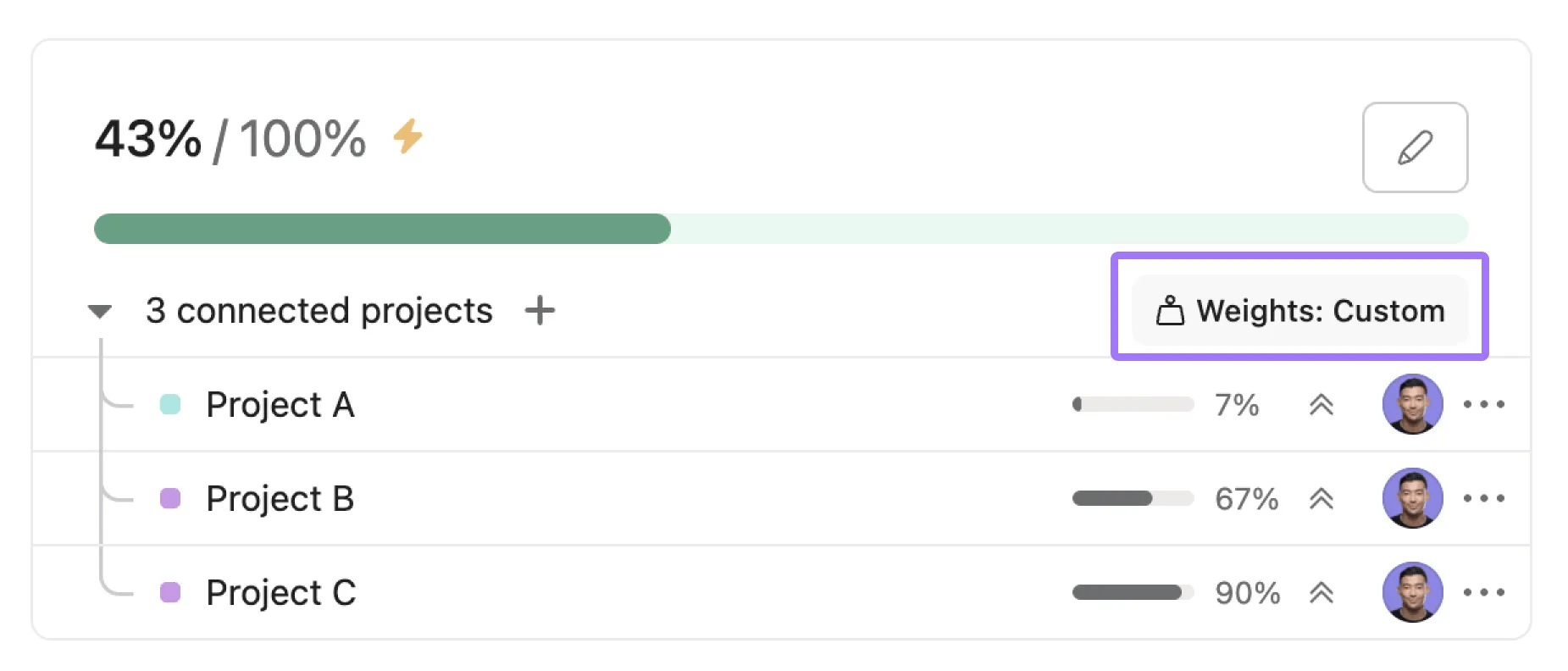
Once your items are connected, you can access the Weights popup by selecting the option to define weights for your items. The availability of items in this popup depends on the progress source you have chosen for your goal.
The weights popup displays two options for how subgoals are weighted: equal weights and custom weights.
Equal weights apply weight evenly to all connected subgoals and count towards the progress of their parent goal equally.
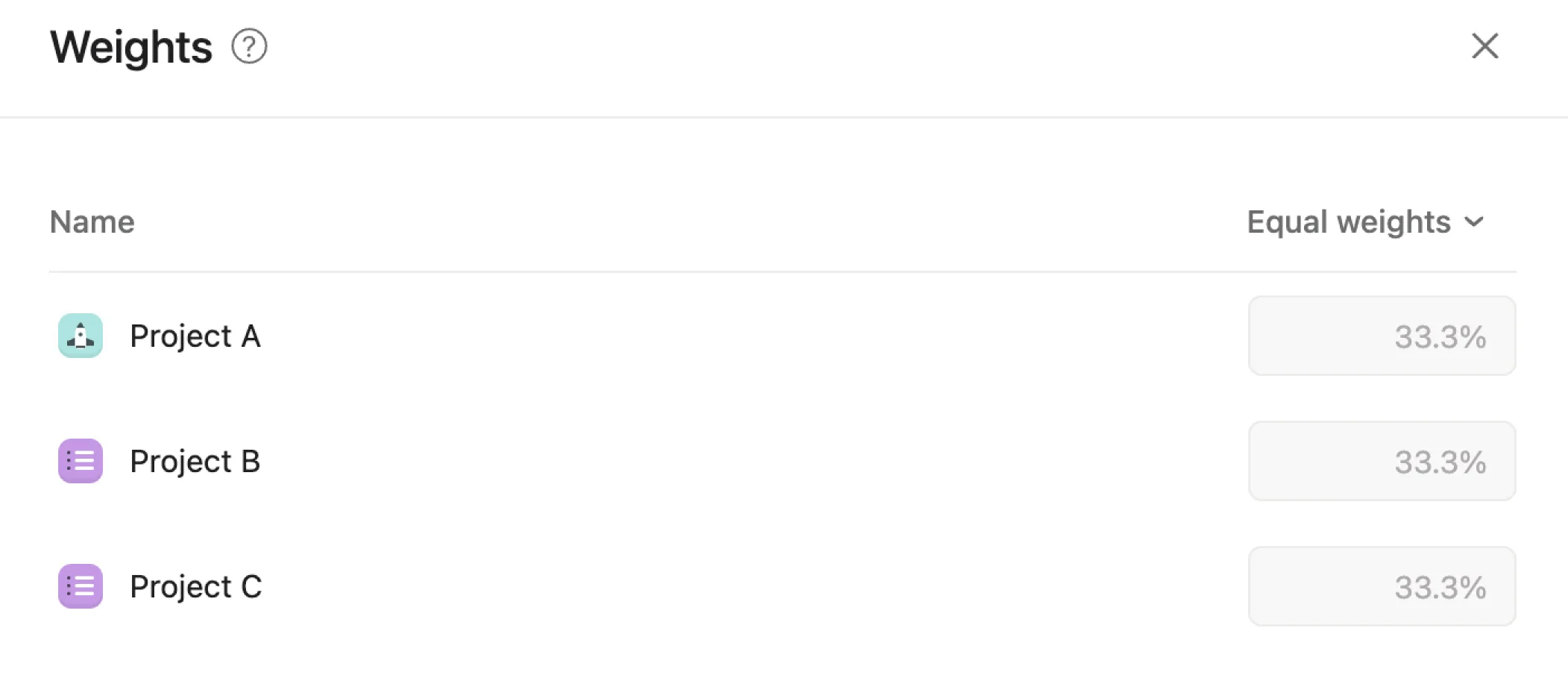
Custom weights allow editors to apply specific weights to connected subgoals. Subgoals with higher weights count towards the progress of their parent goal more.
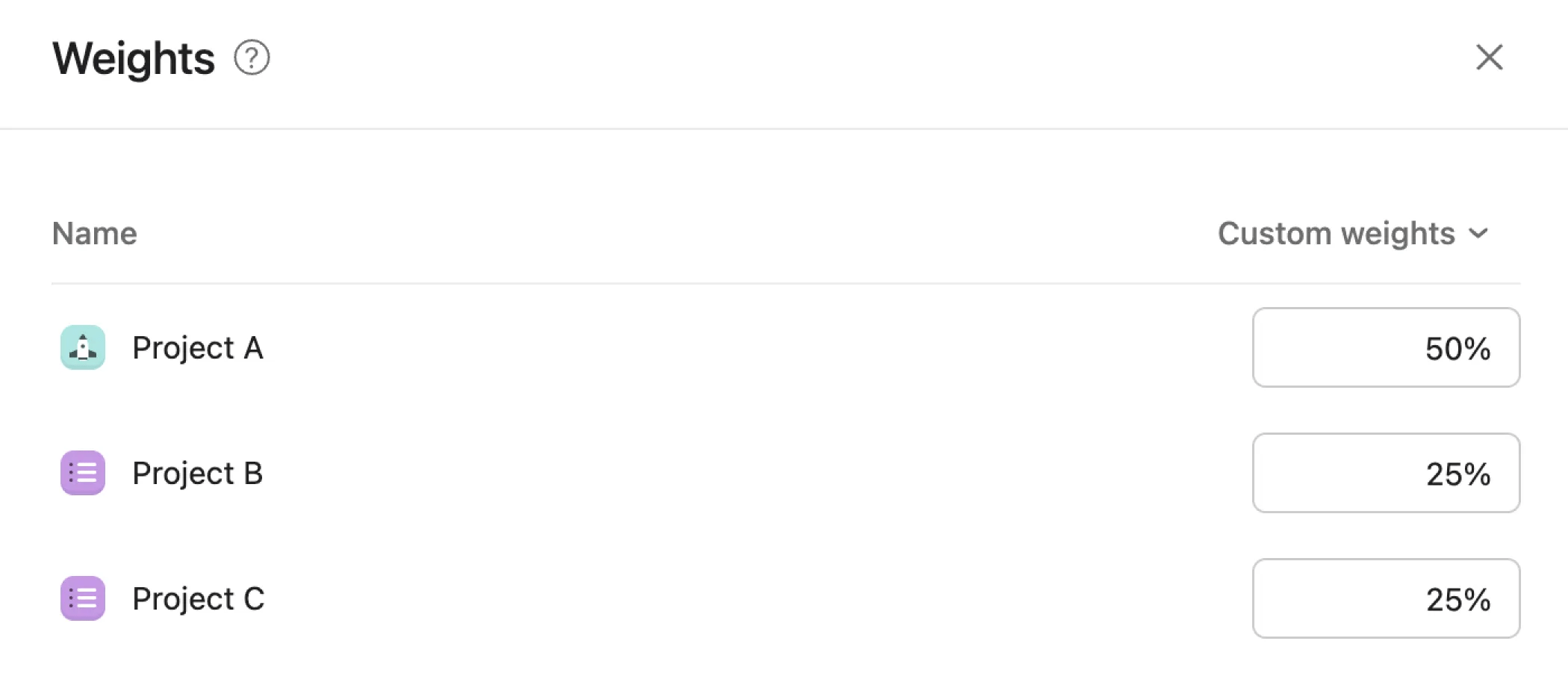
In the weights popup, assign the desired percentage weight to each item based on its importance to the parent goal. The total weight across all items must add up to 100%. For example, you can assign 50% weight to one subgoal and 25% each to two other projects.
After assigning weights, save your changes. The system will now automatically calculate the progress of your parent goal based on the completion of the connected items and their assigned weights.
The option to define weights is contingent on the progress source selected for your goal. Weighted goals are compatible with goals that use automatic progress rollups, as this feature relies on the dynamic calculation of progress based on the completion of connected items.
The weighted goals functionality does not work for goals that are updated manually. The feature is designed to automate progress calculation based on the predefined weights of connected items, which is incompatible with manual progress updates.


