Products


AI Platform


Asana Foundations
Company Type
No articles found for this topic.
No articles found for this topic.

Visit our pricing page for more information.
Inbox is your notification center for Asana. Your Inbox displays updates on all projects you're a member of and tasks that you collaborate on or are assigned within a given workspace or organization.
To get to your inbox, tap on the Inbox icon from your Home screen.
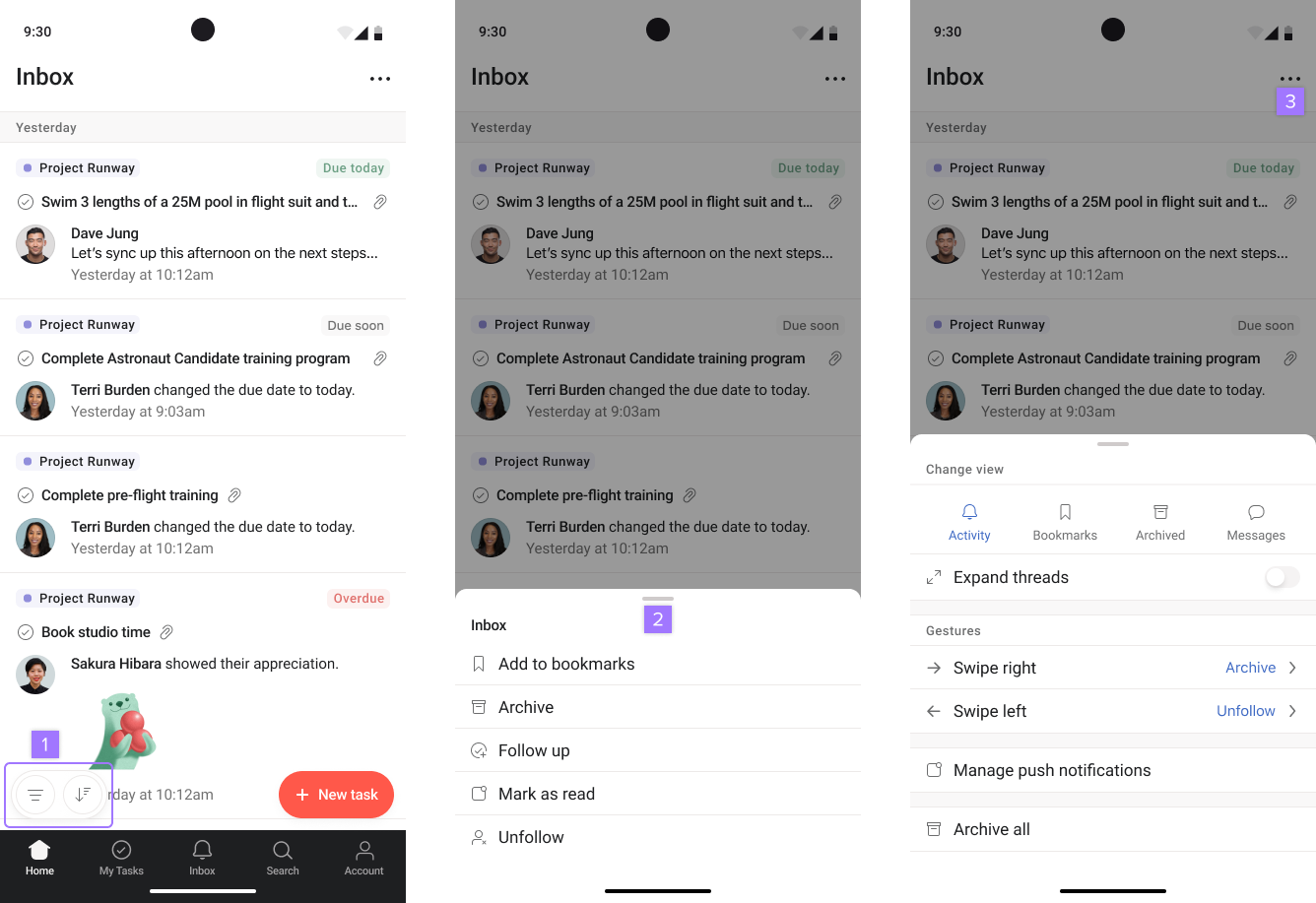
Inbox follow-up tasks allow users to get updates from their team and respond in real-time, straight from your inbox.
To create a follow-up task press and hold on the task. Click on Follow up.

