Products


AI Platform


Asana Foundations
Company Type
No articles found for this topic.
No articles found for this topic.

Visit our pricing page for more information.
If you experience any of the following issues, please try the suggested troubleshooting steps. If the issue is not resolved, contact Asana Support for assistance.
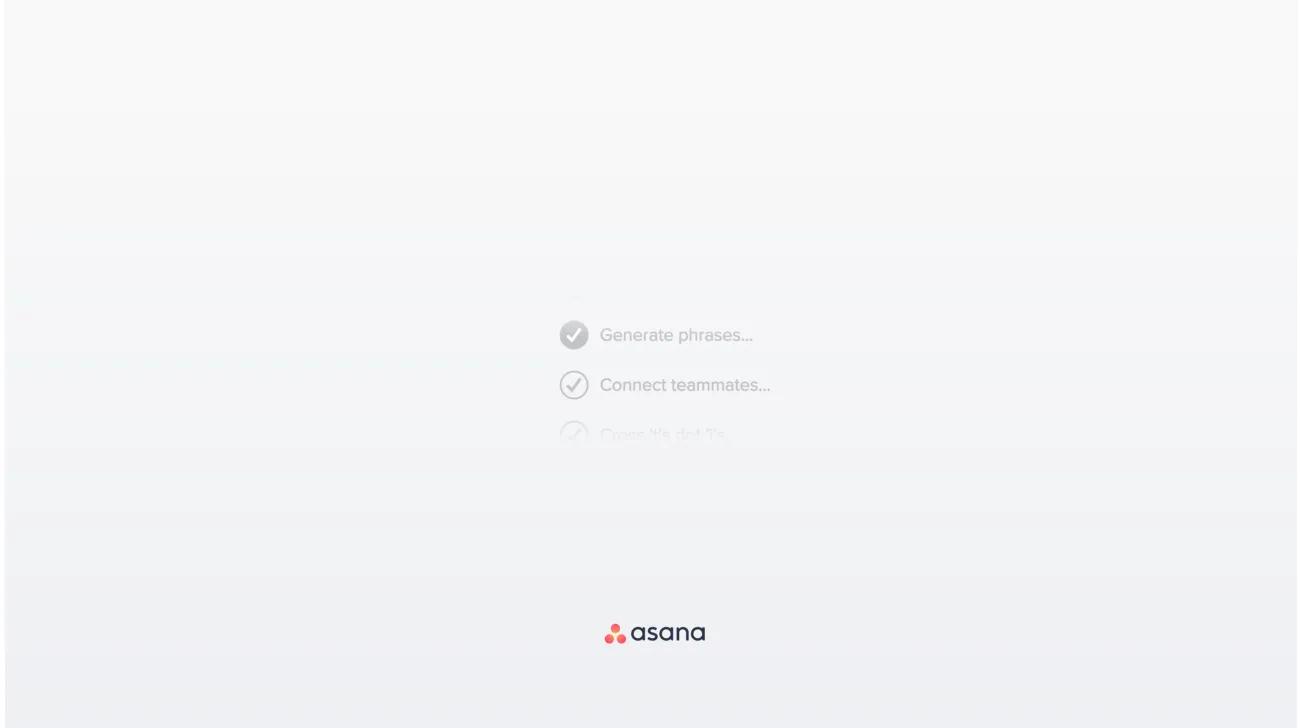
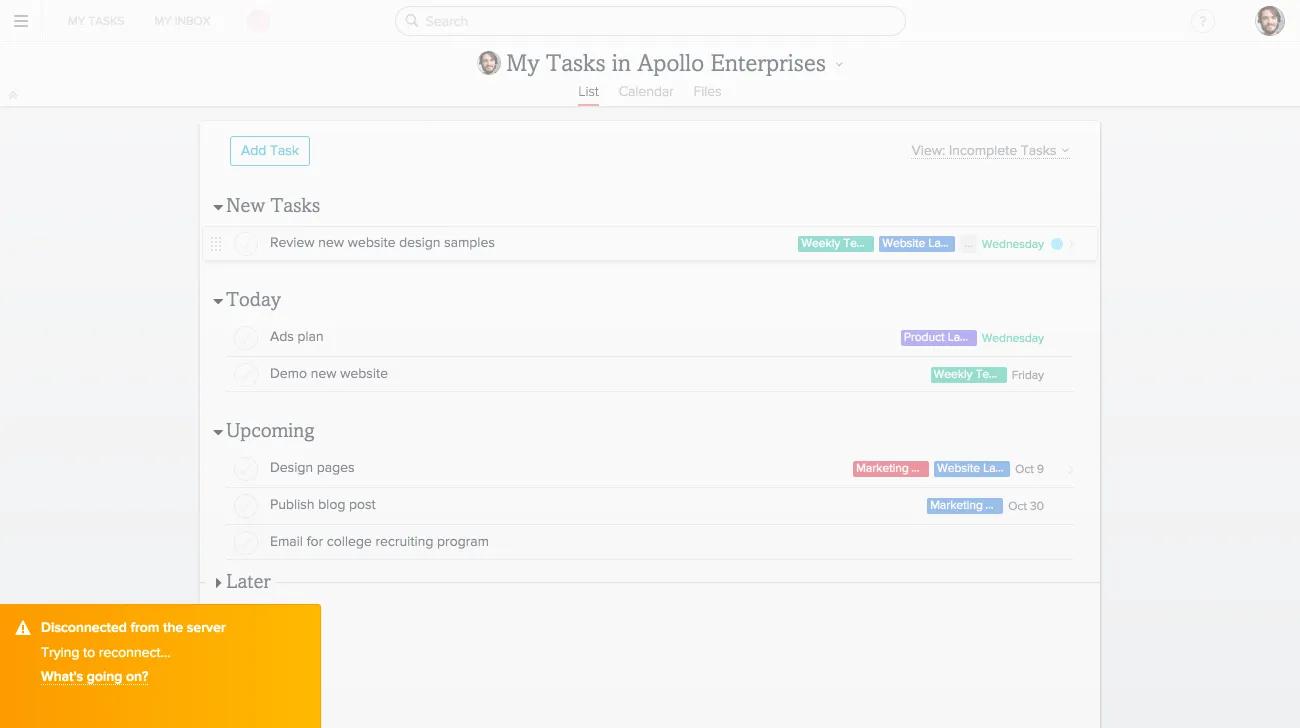
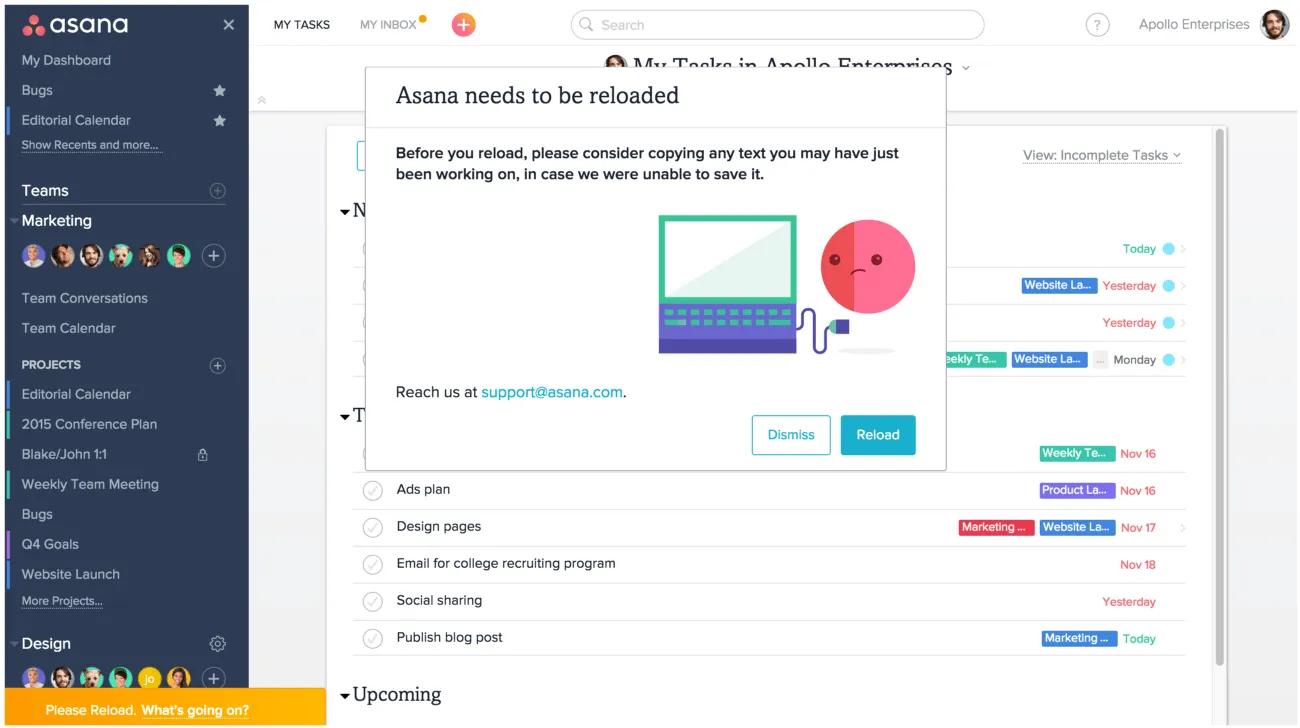
If you see a unique error phrase, be sure to note it down so that you can send it to our support team if the troubleshooting tips below do not resolve your issue.
If you are still experiencing issues after trying the steps above, please contact our Support team. Be sure to indicate exactly which steps you’ve already tried so that we can better assist you.
To disable browser extensions:
Note
If you're using Chrome, try using an Incognito window (which does not employ your installed extensions) to use Asana.
Asana only supports the most up-to-date, official browser version. You may run into issues with Asana if you are running an outdated version of a browser. Ensure you have the best possible experience with Asana by updating your browser to the latest version.
To update your browser:
To clear your history:
Uncheck the Passwords box when clearing your history if you want to retain any passwords you have saved in your browser.
Asana works with the latest versions of:
If you receive an unsupported browser message, make sure you are using the latest version of the above browsers. More on unsupported browsers below.
Asana does not work with:
Asana is a modern web application that uses some of the newest capabilities of HTML5, CSS3, and JavaScript. Different browsers still interpret these in different ways. These differences could potentially cause severe bugs - like data not saving, or data becoming corrupted and overwriting good data.
We test and develop for the list of compatible browsers and block access to Asana from those browsers listed as incompatible above. This is in order to protect your data.
Mobile browser access to Asana is not supported. Instead you will need to utilise the Asana mobile app to use Asana on the go.
At Asana, security is our top priority. Your web browser may be using an older encryption protocol, TLS 1.1, which has security flaws. To ensure the highest security standards, we are making improvements and retiring older encryption protocols in line with other software providers. This means that we no longer support TLS 1.1, and recommend that you update to version 1.2 or above.
More technical details can be found at our developers site.
Some older versions of browsers support TLS 1.1 by default, but you can manually enable TLS 1.2 by updating your browser to its most current version. If your company's IT team does not allow for browser updating, you will need to enable TLS 1.2 manually to ensure that you can continue to use Asana without any issues. All up-to-date browsers support TLS 1.2.
| Browser: | No TLS 1.2 support: | TLS 1.2 support but not by default: | TLS 1.2 support by default: |
|---|---|---|---|
| Google Chrome | v1-v21 | v22-37 | v38+ |
| Mozilla Firefox | v1-v22 | v23-v26 | v27+ |
| Apple Safari | v1-v6 | v7+ |
If you are using any browsers that do not support TLS 1.2 at all, you will have to update your browser to a version that does support TLS 1.2 in order to use Asana.
If you are using any browser that supports TLS 1.2 but not by default, we encourage you to update your browser to a newer version that does support TLS 1.2 by default. If your network IT does not allow you to update your browser, you'll have to enable TLS 1.2 from your browser's settings.
If you believe your browser is up-to-date and you're experiencing issues, you can verify the security of the TLS your browser uses here.
If the page above shows that you are on TLS 1.1, you'll have to work with your company's IT team to update your connection to TLS 1.2.
You are required to use WebSockets in order to use Asana and ensure that our latest version of the product works properly. Some Asana users may experience issues connecting over WebSockets when behind strict corporate firewalls or when using aged antivirus software.
If you're having trouble establishing a connection to Asana, we recommend the following steps:

