Products


AI Platform


Asana Foundations
Company Type

Visit our pricing page for more information.
Google Docs, Sheets, and Slides are part of the Google Workspace productivity suite. Teams can collaborate seamlessly and connect with other Google apps online. Add context and critical information right into the flow of your work using Google Smart Chips powered by Asana for Google Workspace Add-on.
The Google Docs, Sheets, and Slides + Asana integration helps teams stay aligned with contextual information, strategic objectives, and ongoing project execution as they do their work. Using Google smart chips, teams can mention Asana tasks directly into a Google Doc to surface relevant data from Asana and maintain visibility on workflow progress.
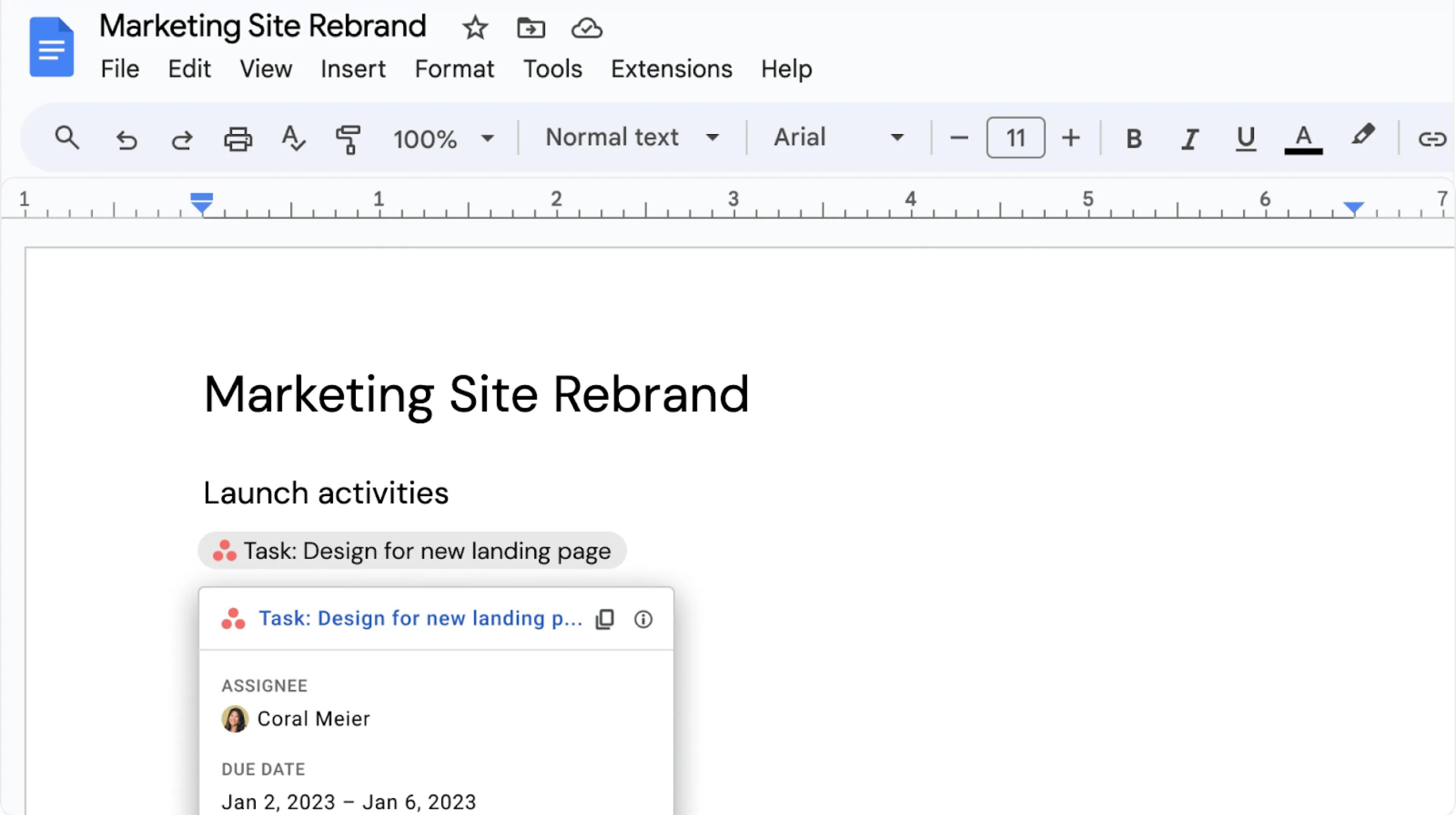
This example shows how an Asana task can be referenced in a Google Doc with a smart chip. Smart chips are also available in Sheets and Slides.
In addition to Asana tasks, smart chips also support projects, portfolios, status updates, and goals.
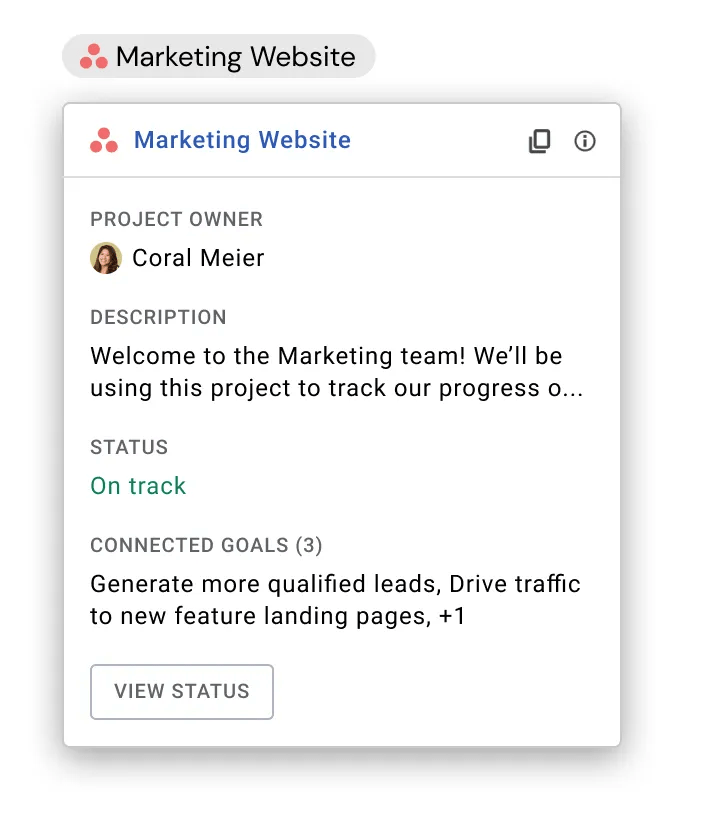
Here’s how to set up the Asana for Google smart chips:
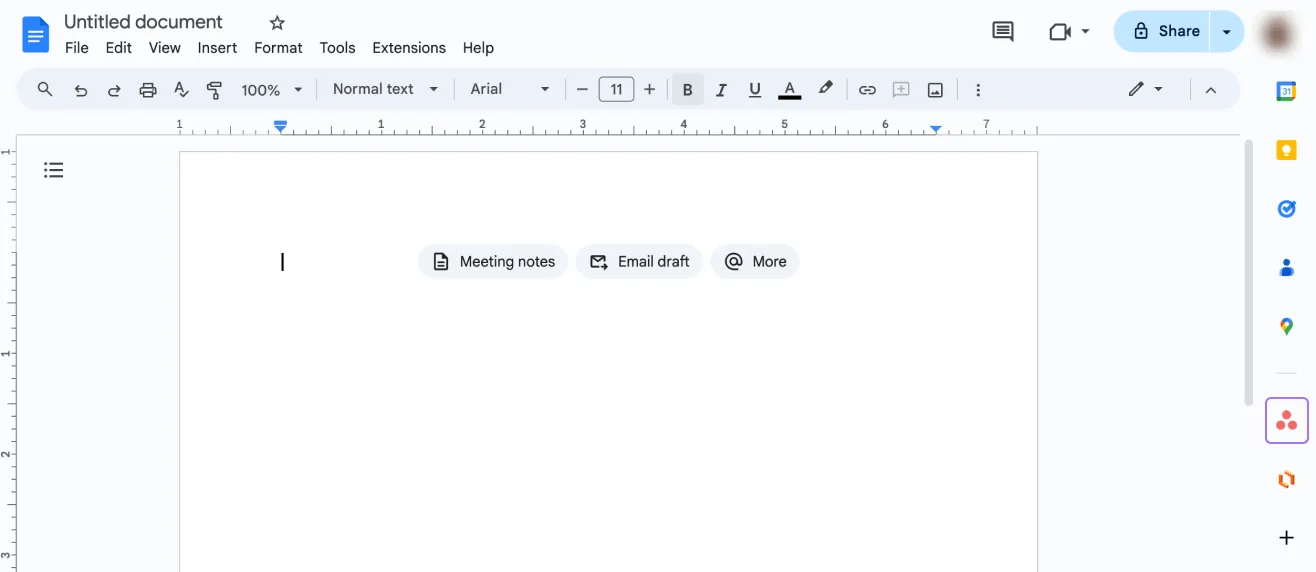
To replace an Asana URL with a smart chip, paste the URL in a Google Doc and click the Tab button.
In Google Sheets or Google Slides, you need to add the hyperlink and hover over the hyperlink to convert the URL to a smart chip.

