Products
AI Platform
Asana Foundations
Company Type
In This Article
Available on Asana Starter, Advanced, Enterprise, and Enterprise+ tiers, as well as legacy tiers Premium, Business, and Legacy Enterprise.
Write clearer, more compelling responses with smart editor. The Edit writing and Improve format features help you strike the right tone, adjust the length of your writing, and improve the structure of your responses.
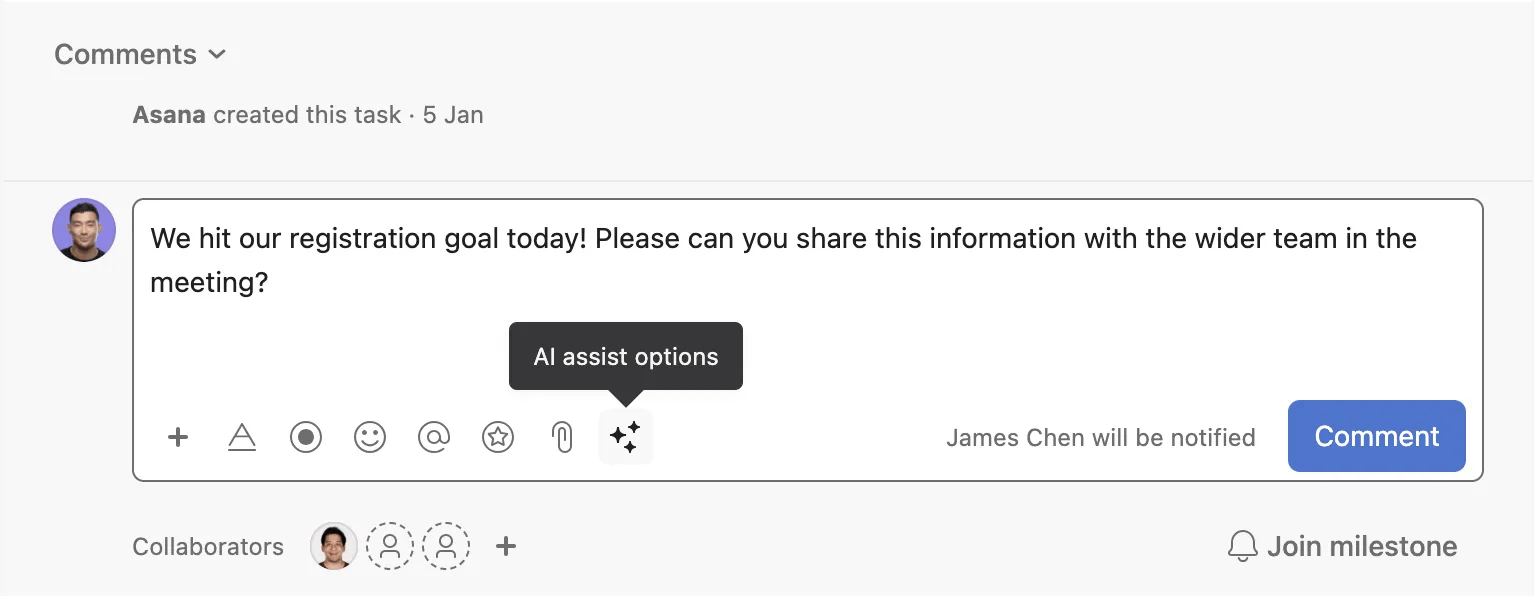
Smart editor can be used within task descriptions, comments, and status editor. Simply click the AI assist options button in the rich text toolbar to get started.
Use Recommend edits to quickly perfect your text’s grammar and spelling, as well as tone and length. Tone adjustment options include: Direct, Polite, Professional, Casual, and Friendly. You can also adjust the length of your text to make it shorter or longer, depending on your need.
Using Format allows you to focus on quickly capturing your thoughts, without getting bogged down in tedious formatting work.

