Products


AI Platform


Asana Foundations
Company Type

Visit our pricing page for more information.
Standardize how new work gets in the door—so requests are complete, triaged quickly, and routed to the right owners. This revamped guide walks through setting up a work-intake project step-by-step, with practical tips.
Start a new project and choose board view to visualize requests moving through stages. Boards make handoffs obvious and reduce status pings. Create sections such as New, Triage, In review, Accepted, Scheduled, Closed/Declined (rename to match your process). Sections represent workflow stages and can trigger rules when tasks move between them.
Add custom fields your team will use to sort and prioritize—e.g., Request type, Priority, Impact, Effort/Complexity, Requester team. This structured approach makes prioritization easy and ensures that high-impact projects move forward swiftly.
To collect project requests, use forms which collect information from the requester in a task. The form gathers all the necessary details from the outset, allowing you to prioritize and assign the resulting tasks.
By multi-homing the task into other relevant projects, visibility is maintained across different phases and across different teams. Multi-homing places the same task into multiple projects simultaneously, meaning changes made to the task from anywhere automatically sync across the other projects it lives in.
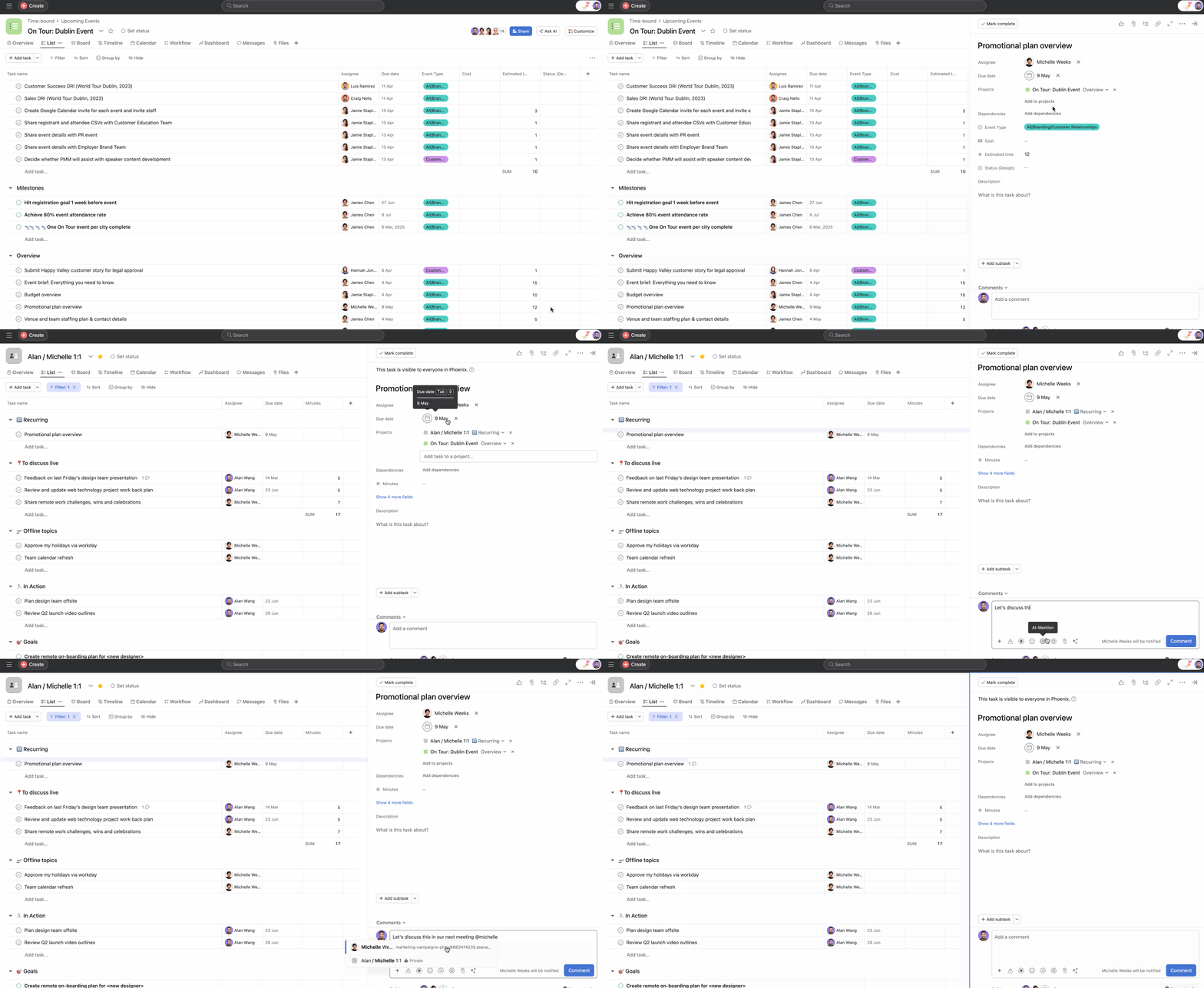
Cross-functional teams can set up their projects and processes in their preferred manner, but can still rely on a single task multi-homed in their respective projects to act as the source of truth.
Use rules to automate your workflow further, automatically assigning tasks for initial review and notifying teams when their project request has been approved—without any manual intervention.
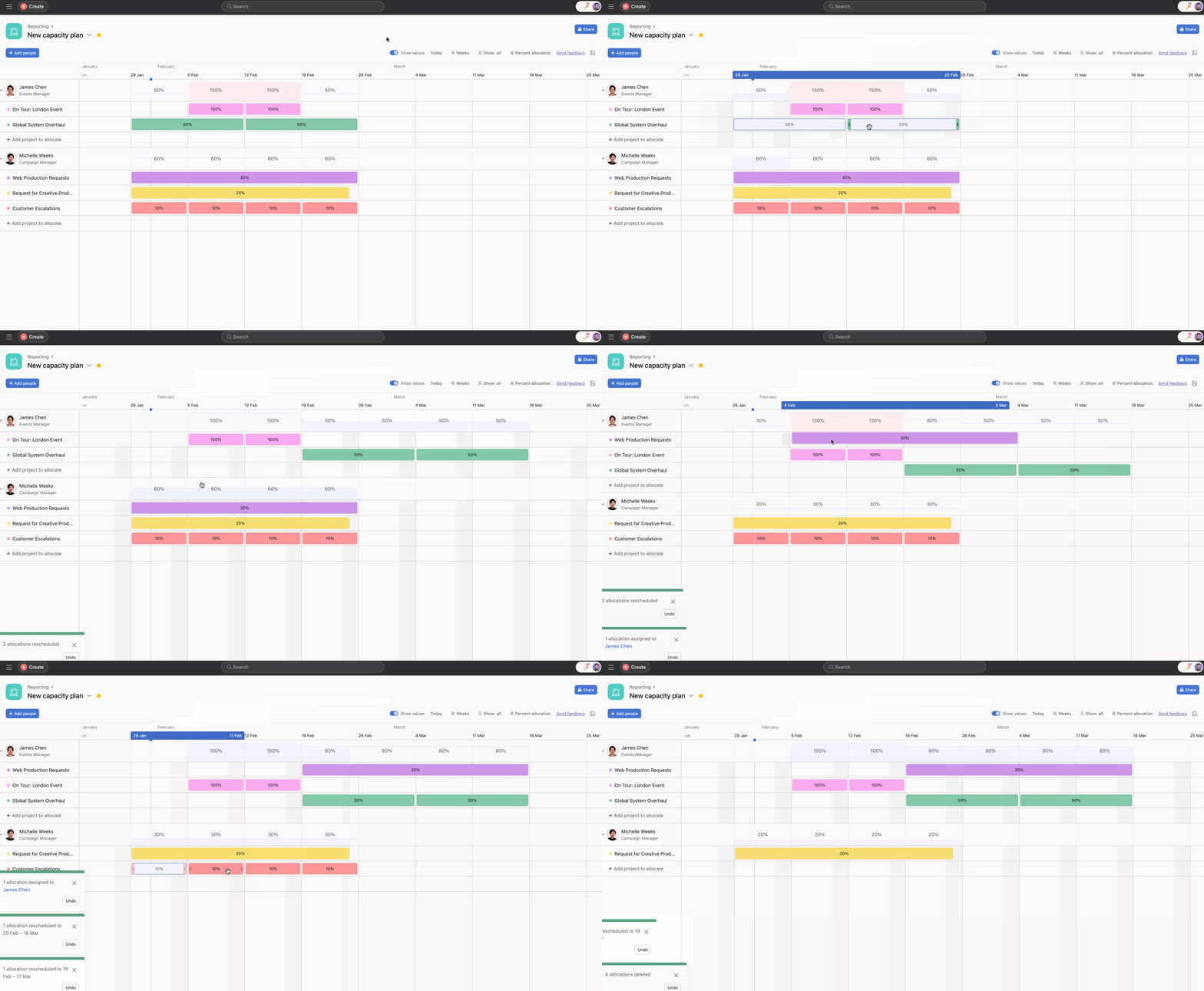
To manage the PMO team’s workload effectively, you can leverage the capacity planning feature. Capacity planning provides a comprehensive view of team bandwidth at the project level, allowing for strategic assignment of projects based on availability and expertise.